How to Cast AI Avatars for Your Ads
You should use AI avatars in ads only when you can lock brand inputs up front, test in controlled batches, and iterate scene by scene instead of re-rendering full videos. That is how you scale UGC-style output without drifting off-brand or tanking trust.
Here’s what matters most right now:
- Start from a product URL so brand facts and approved claims are pulled in.
- Lock Brand DNA before generating anything to prevent off-brand drift at scale.
- Approve a storyboard first so structure is set before pixels get expensive.
- Generate 5-10 hook variations while holding the rest of the ad constant.
- Read early signal in 48-72 hours, then swap only the weak scenes.
- Reuse one consistent avatar to build recognition and reduce creative noise.
- Keep exports shippable for Meta, TikTok, and YouTube with format-specific versions.
- Do not use avatars when a founder or real customer is the trust signal.
We built Advertisable AI Studio for this exact production bottleneck: you paste in one product link, our Brand DNA Extractor locks your guardrails, our Storyboard Generator gets structure approved, and our Scene-Level Editor lets you regenerate only the scenes that underperform instead of wasting credits on full re-renders.
The fastest way to hurt performance with AI-generated ads is treating avatars like a visual effect you sprinkle on top. The fastest way to improve it is treating avatars like casting, where fit, trust, and repeatability matter more than novelty.
Treat AI avatars as casting, not decoration
In performance creative, the avatar is not a visual garnish. It is a casting choice that changes who your ad feels like it is for, and whether the claim sounds credible.
What are the two buyer objections you must plan for?
Buyers usually have two objections to avatar-led ads: they feel less connected than real human videos, and they can be the wrong move for long-term branding.
You cannot “design” your way out of those concerns with cleaner lighting or smoother motion. In our experience, the fix starts by treating the avatar as talent selection with acceptance criteria, then testing it like any other variable with a 48-72 hour readout before you scale spend.
- Connection objection: “This feels synthetic, so I do not trust it or I do not want to engage.”
- Brand objection: “Even if it performs, it may train the market to see you as generic or inconsistent.”
The face sets the audience signal
The avatar’s face sets the audience signal in the first 1-2 seconds. It quietly tells the viewer who the message is for and what “kind” of brand is speaking, before they process your hook or product.
Operationally, this means casting is a control lever, not a preference. Hold your script and structure constant, then swap only the face and run a small batch (5-10 hook variations) so you can isolate whether the signal is helping or hurting.
Use objective QA checks before you ship: does the face match your buyer’s expected context, does it fit your packaging and site visuals, and does it align with your Brand DNA so repeated impressions build familiarity instead of drift.
If you want this to be repeatable at volume, Advertisable AI Studio is built for locking Brand DNA from your product URL so your casting choices stay consistent across shippable variations.
- Acceptance criteria: viewer can infer the intended audience in under 2 seconds without needing audio
- Mismatch flag: strong offer, but comments or DM replies cluster around “creepy,” “fake,” or “who is this for?” within 48-72 hours
Define casting fit: match avatar to buyer and brand
Who Does Your Buyer Trust on Camera?
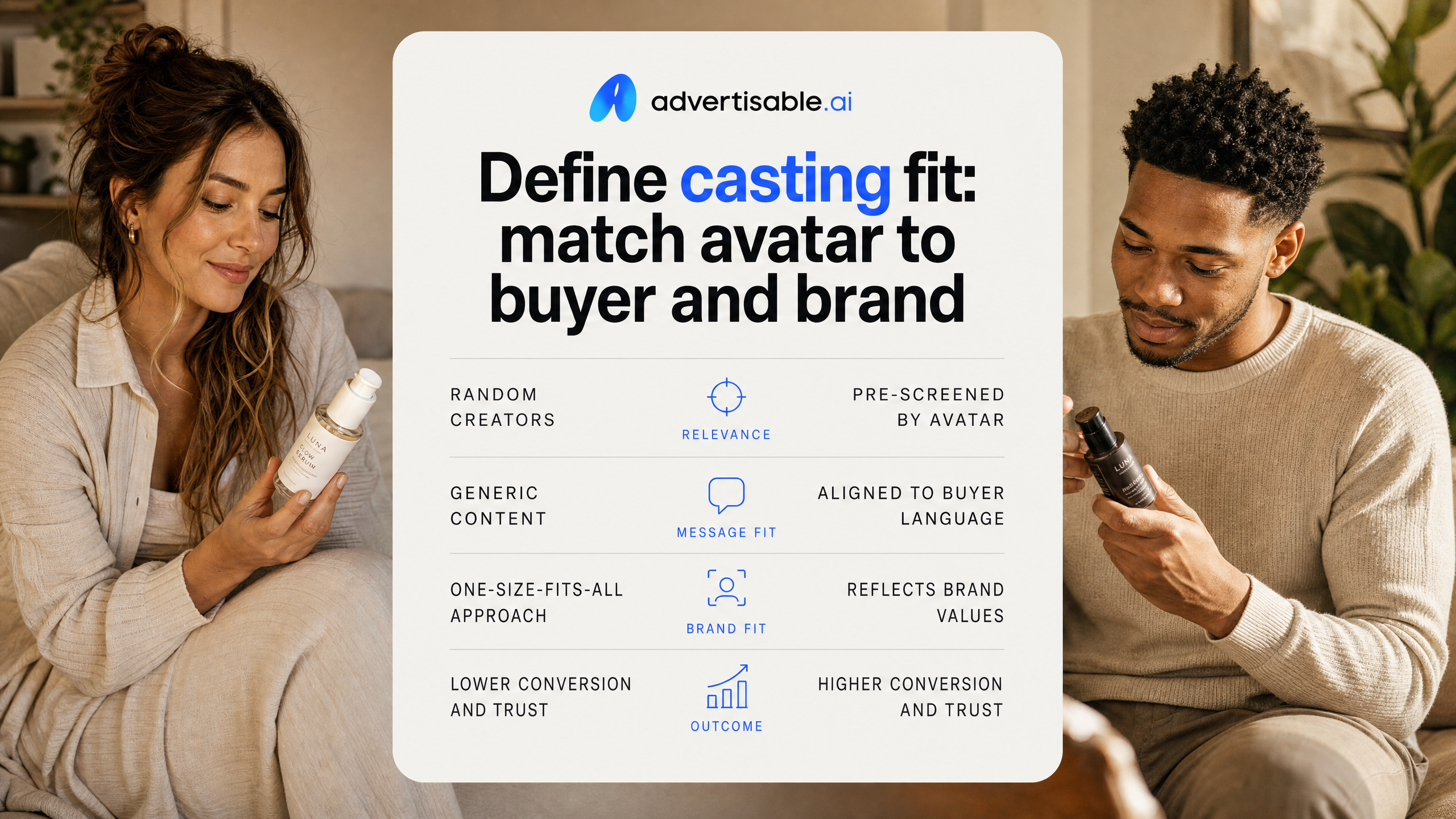
Casting fit starts with trust, not aesthetics. Your avatar should match the type of person your buyer already accepts advice from in your category, on the channel you are buying.
Use this as an objective pre-check before you generate 5 to 10 hook variations: can this face credibly deliver your first 5 seconds without triggering skepticism? This matters even more in older-skewing segments. In facial trustworthiness research, a sample of 92 younger and 83 older adults viewed ads while eye movements were tracked, and older adults perceived trustworthy salesperson faces as more credible, which changed how they processed the message.
Operationally, you are selecting a messenger archetype, then holding it constant while you test the hook copy and opening scene.
- Define the buyer trust anchor: peer user, practitioner vibe, technical operator, or friendly guide
- Match channel norms: TikTok can tolerate casual; YouTube skippable often needs clearer authority in 0 to 5 seconds
- Acceptance criteria before you render: the avatar’s age range and styling do not conflict with your buyer’s expectation of “who should be saying this”
- QA check: watch the hook muted for 3 seconds. If the face alone feels off, do not blame the script
This keeps “casting” a controlled variable, so your early readout reflects the hook, not a trust mismatch.
Translate Brand DNA Into a Face
Your avatar is a brand asset. The goal is not to look “real,” it is to look like your brand would look if it had a consistent on-camera representative.
Treat Brand DNA as non-negotiable guardrails and the face as the visual expression of those rules. In Advertisable AI Studio, we start from your product URL so the Brand DNA Extractor can pull brand visuals and approved claims, then you cast an avatar that fits that tone.
Acceptance criteria is simple: if you swap this avatar into three different ads, the brand still feels like the same brand, and your compliance and claim boundaries do not get fuzzier.
- Hold constant: brand colors, logo use, on-screen typography, and claim language
- Choose face cues that match your Brand DNA: premium vs value, clinical vs playful, minimalist vs loud
- Define “off-brand drift” triggers upfront (for example: too polished for a gritty brand, too casual for a regulated category)
- Next-test decision: if performance is solid but brand fit is borderline, change only the avatar in the next batch and keep the storyboard structure the same
Use AI Avatars filters to shortlist like a casting director
How Do You Narrow the Avatar Library Without Guesswork?
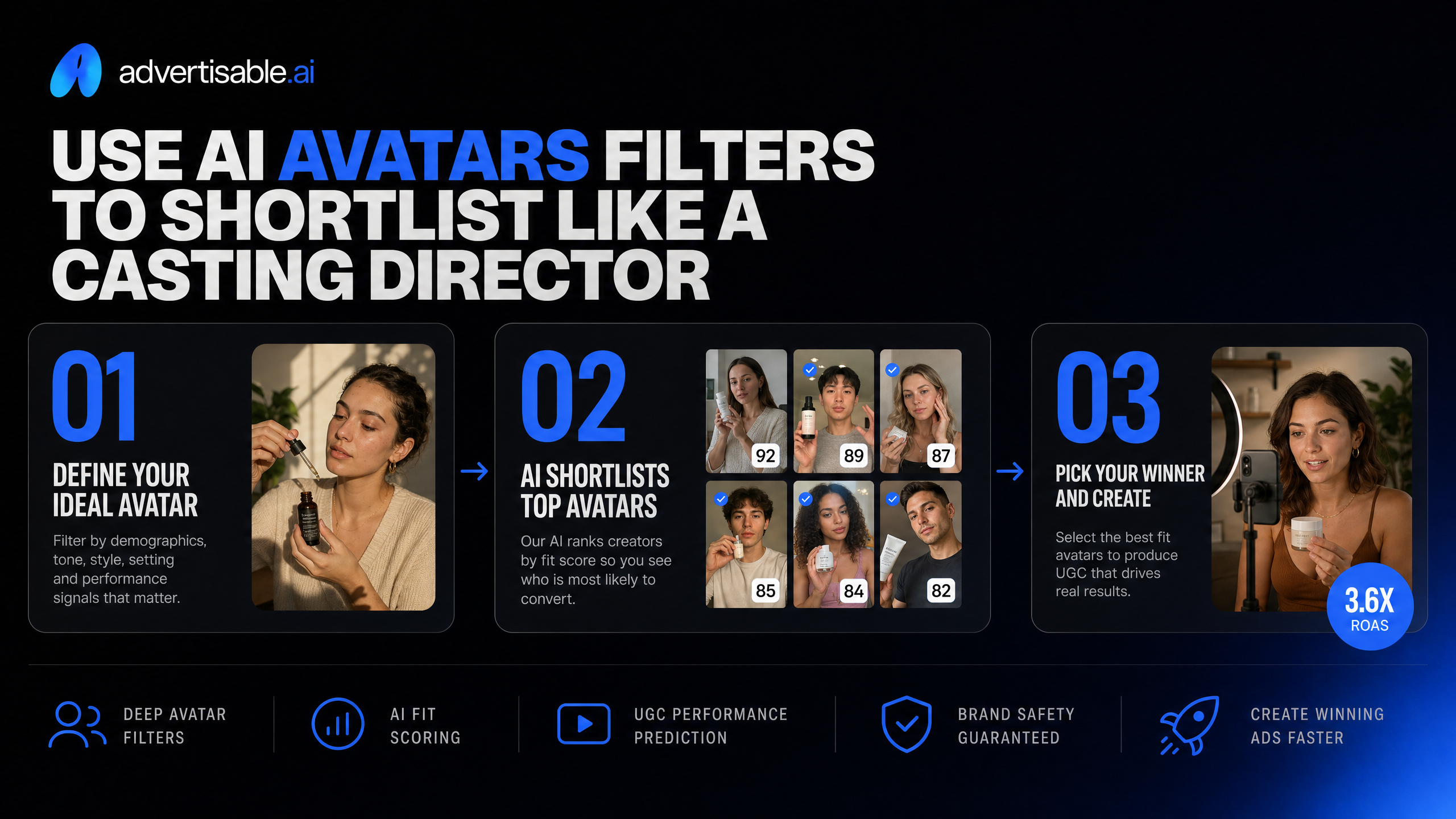
Filter the library before you write scripts or render anything. Your objective is to get from hundreds to a tight set of 6 to 12 candidates you can test in controlled batches.
In our workflows, you start with non-negotiables that protect brand fit, then you narrow for the audience context of the ad (age range, tone, and on-camera energy). This keeps you from “auditioning” avatars by burning credits on full generations.
When you are using Advertisable AI Studio, keep Brand DNA locked first, then cast within that guardrail so your visual identity stays consistent while you change only the on-screen talent variable.
- Age range and gender presentation aligned to the buyer you are speaking to
- Wardrobe and background that do not fight your brand palette or product visuals
- Delivery style (calm, direct, upbeat) that fits the hook you are testing
- Framing and crop compatibility with 9:16 placements so you are not forced into a re-compose later
You are aiming for a shortlist that is “good enough to test” so performance data, not personal taste, makes the final call.
Shortlist Checks to Run Before You Generate
Before you render, run a quick QA pass on your shortlist so you only generate ads that can ship. Treat this like pre-flight: you are preventing predictable failures, not trying to perfect performance.
Hold everything constant except the avatar. That means the same storyboard, the same scenes after the hook, and the same offer language so your 48-72 hour readout is attributable to the casting choice.
- Brand safety: does the avatar’s look and setting align with your Brand DNA (colors, tone, overall vibe)?
- Claim safety: can your script be expressed without adding implied promises you cannot support?
- Product truth: will the avatar visuals allow clear product shots or overlays without covering key details?
- Editability: if scene 1 underperforms, can you swap only the hook while keeping scenes 2+ constant?
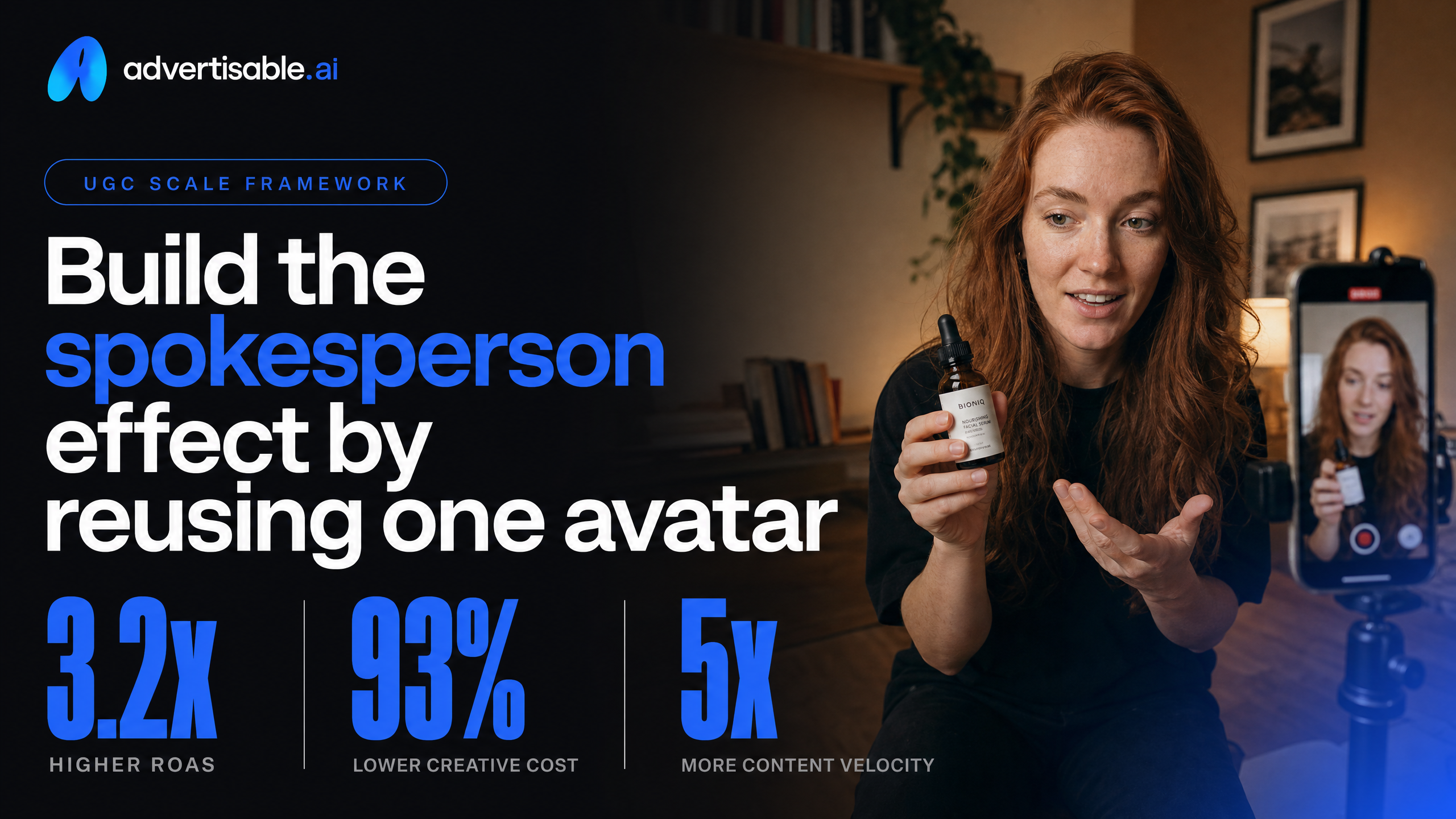
Build the spokesperson effect by reusing one avatar
Why does one face beat many faces in performance ads?
One consistent avatar beats a rotating cast because you are training recognition, not auditioning talent. In paid-social, you often get 48-72 hours of signal per batch, and a stable “face” removes a variable so you can attribute lift to the hook, offer, or proof.
This is the same production-control logic as locking Brand DNA before you scale variations. The IPA creative consistency study ties consistent execution to stronger brand and business effects, and in practice we see it reduce QA churn because you stop re-litigating tone and styling every time you ship a new concept.
- Hold constant: avatar, wardrobe, background, audio bed, on-screen typography, and brand colors
- Change one variable per batch: hook (scene 1), then proof scene, then offer/CTA scene
- Acceptance criteria before you scale: the avatar reads as “the brand” in the first 2 seconds, product name is said once, and all claims match your approved claims doc
- QA checks: pronunciation of brand/product, any regulated terms, and visual match to your actual product photography/specs
Once the face is stable, your test results become comparable week over week instead of being reset by casting changes.
When should you add a second avatar?
Add a second avatar only when you have a clear measurement reason, not because your library is large. The most common trigger is audience segmentation where one character cannot credibly cover both contexts without lowering relevance.
Use it as a controlled experiment: keep the storyboard structure and scenes 2+ identical, swap only the avatar in scene 1, and read results after 48-72 hours. In Advertisable AI Studio, that is a scene-level edit, so you do not burn credits regenerating the whole ad.
- You are running distinct personas (for example: beginner vs power user) and each needs different objections addressed
- You need a clear “role split” (example: a user voice in hook, a product-demo narrator in the proof scene) while keeping the message architecture fixed
- You have creative fatigue in the opening 0-5 seconds, and your current hook structure still wins when tested with a new face
Run a controlled testing loop that commits to a winner
How Do You Go From a Product URL to an Approved Storyboard?
Your fastest path to a controlled test is: product URL in, storyboard out, then render only after structure is approved. This prevents you from spending cycles on videos that fail because the message architecture was wrong.
In Advertisable AI Studio, we start with the Brand DNA Extractor to pull product facts, visual assets, and brand rules from the page, then lock them as guardrails. Next, use the Storyboard Generator to produce a scene-by-scene plan you can review like a script, not a finished edit.
Acceptance criteria before any rendering: the hook is clear in the first 5 seconds, every claim is checkable against your approved claims doc, and each scene has a single job (hook, proof, demo, offer, close).
- QA check: brand elements match the locked Brand DNA (logo, colors, fonts, voice)
- QA check: product mechanism and key specs match the page copy, not improvised lines
- QA check: storyboard has clean scene boundaries so you can regenerate one scene without breaking continuity
Batch Hooks While Holding Scenes Constant
To identify what actually drives lift, you batch variations where only the hook changes and the rest of the ad stays the same. This isolates the variable you are paying to learn.
We typically generate 5 to 10 hook variations for one storyboard, then hold scenes 2+ constant: same product demo, same proof asset, same offer, same CTA. That way, your readout is about the opening message, not a different mid-roll visual or a shifted claim.
Operationally, keep the scenes modular and label them by function so your team can compare like-for-like and avoid off-brand drift across a batch.
- Same storyboard structure across the batch
- Same scene timing for scenes 2+ (no hidden pacing changes)
- One hook angle per batch (pain-point, outcome, objection, or use case), not mixed
What Should You Do After a 48-72 Hour Readout?
At 48 to 72 hours, you should either commit budget to a clear winner or commit edits to a clear loser, based on a pre-set objective metric. Waiting for "more data" while rotating concepts usually blends signals and slows iteration.
Actions need to be scene-specific. If the hook is weak, regenerate scene 1 only and keep the winning body intact. If the hook is winning but drop-off spikes in the proof or demo, you regenerate that single scene instead of triggering a full re-render.
Define your next-test decision before launch so the team executes quickly when the data comes in.
- Winner: keep the storyboard, scale spend, and generate 5 to 10 new hooks on the same structure
- Hook fails: swap only scene 1 with a new hook batch; do not change scenes 2+
- Mid-ad fails: keep hook and offer; regenerate the single weak proof or demo scene
- QA gate before relaunch: claims still match your approved claims documentation and Brand DNA guardrails are unchanged
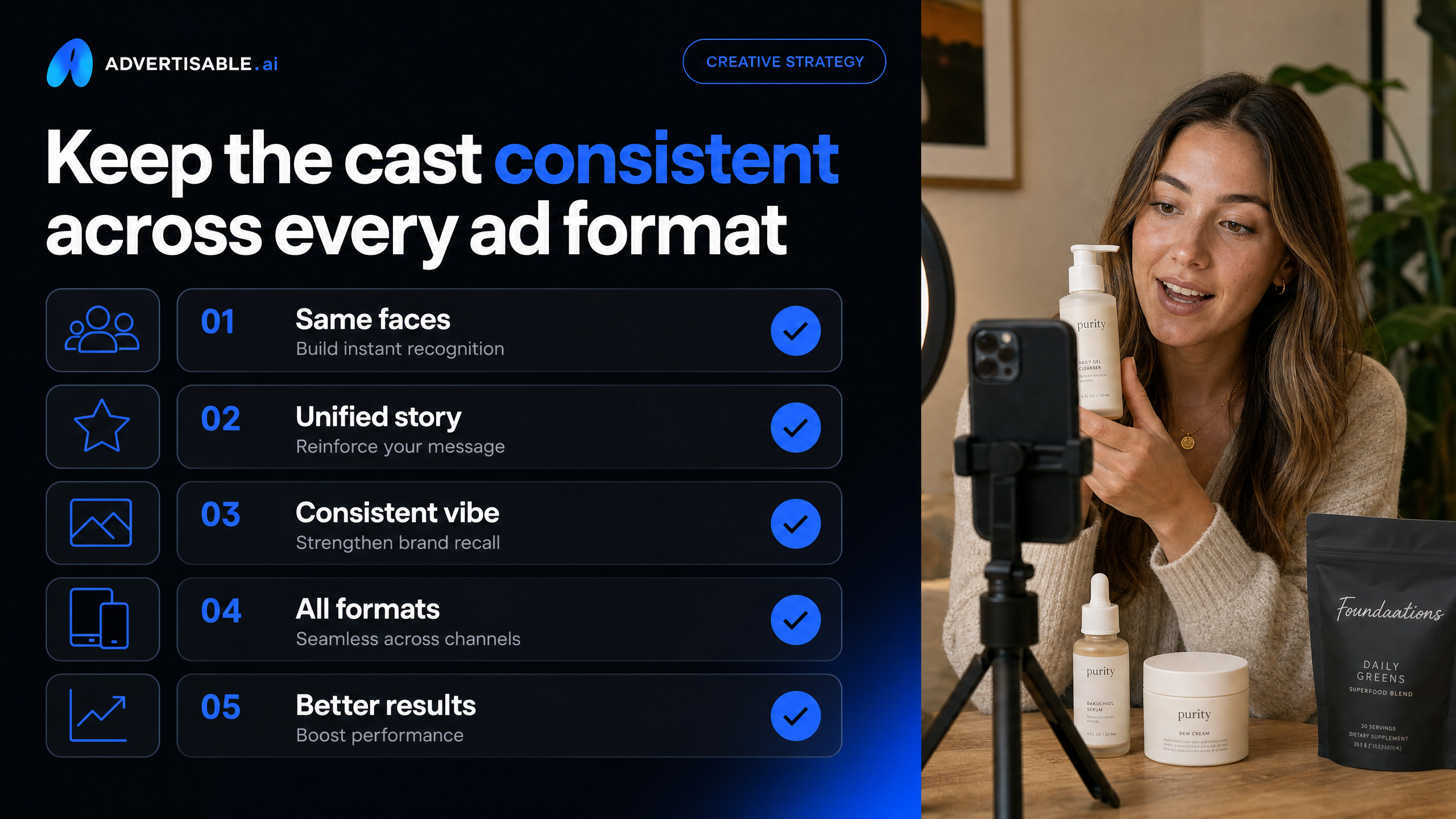
Keep the cast consistent across every ad format
How do you keep one avatar consistent across every output mode?
Use one primary avatar as a fixed brand asset across every placement, then adapt everything around them. When you swap faces per format, you introduce a new variable, and your readouts get noisy inside a 48-72 hour test window.
In production terms, the avatar is “held constant,” and you change only what the platform requires: framing, pace, text safe zones, and CTA placement. This keeps performance differences attributable to format, not to a different on-screen identity.
This matters for brand memory too. Think about how a signature color works for a brand: seeing it repeatedly across every channel is what turns it into a shortcut your audience recognizes without reading a word. Treat your avatar the same way - consistent enough to become a visual shortcut for your brand.
- Lock one “primary cast” avatar for all formats and angles for at least 1 full test cycle (48-72 hours)
- Keep wardrobe, background, and tone aligned to your Brand DNA guardrails, even when you crop or resize
- Do format-specific edits without changing the cast: 9:16 for TikTok, 4:5 or 1:1 for Meta, 16:9 for YouTube where needed
- QA check before export: the avatar appears in the first 3 seconds, matches your approved voice, and no scene contradicts approved claims
This is how you get comparable results across channels while still shipping platform-native versions.
When should you not use avatars?
Do not use avatars when the creative’s job is identity-level trust, not performance testing. If the audience needs to believe a real founder, practitioner, or customer is accountable for the message, an avatar changes the contract.
Skip avatar-led output for: brand campaigns meant to build long-term distinctiveness, sensitive categories where credibility is the product, and any ad that hinges on a verifiable personal story.
Operational rule: if your acceptance criteria includes “real-person proof” (for example, an authentic testimonial, founder commitment, or behind-the-scenes accountability), keep humans on camera and test other variables instead.
- Founder-led messaging where the founder’s identity is the differentiator
- Customer-story creative where the specific person and context are the proof
- PR moments, partnerships, or announcements where misattribution risk is high
- High-scrutiny claims where you need extra conservative QA and clear sourcing
Turn casting into a controlled testing engine
If your two concerns are connection and long-term brand perception, your next move is not a full re-render cycle. It is a controlled workflow with brand guardrails and scene-level iteration. That is exactly what we built Advertisable AI Studio for.
Start by pasting in one product URL. We extract and lock your Brand DNA, so your claims, visuals, and voice stay consistent across every variation. Approve the storyboard first, then generate 5 to 10 hook variations while holding the rest of the structure constant.
Run a 48 to 72 hour readout, then regenerate only the weak scenes, not the whole video. Ship export-ready versions for Meta, TikTok, and YouTube, and roll the winning structure into the next test batch.
Start the $5 3-day trial, paste one product URL, and cast your first avatar.
Frequently Asked Questions
### Why does my AI ad look generic even though it's polished?
Because polish does not fix sameness. If your hooks are interchangeable and your scenes lack specific product truth and brand cues, the output reads as generic. Lock Brand DNA, write hooks around concrete use cases and constraints, then iterate scene by scene until the weak moments are fixed.
### What's the difference between Advertisable AI and HeyGen?
If your deliverable is a presenter clip, that is a different category than performance product ads. Advertisable AI is built to generate product-locked, production-ready ads from a URL, with storyboard-first approval and Frame-by-frame control for controlled testing. We break the two down properly in HeyGen vs Advertisable AI.
### What's the difference between Advertisable AI and Arcads?
One approach prioritizes talent performance. Our approach prioritizes production control for paid-social testing at volume. With Advertisable AI, you lock Brand DNA and use Frame-by-frame control to regenerate only the scenes that underperform, so you can scale variations without brand drift. Full breakdown: Arcads vs Advertisable AI.