Arcads vs Advertisable AI: Realism or Production Control
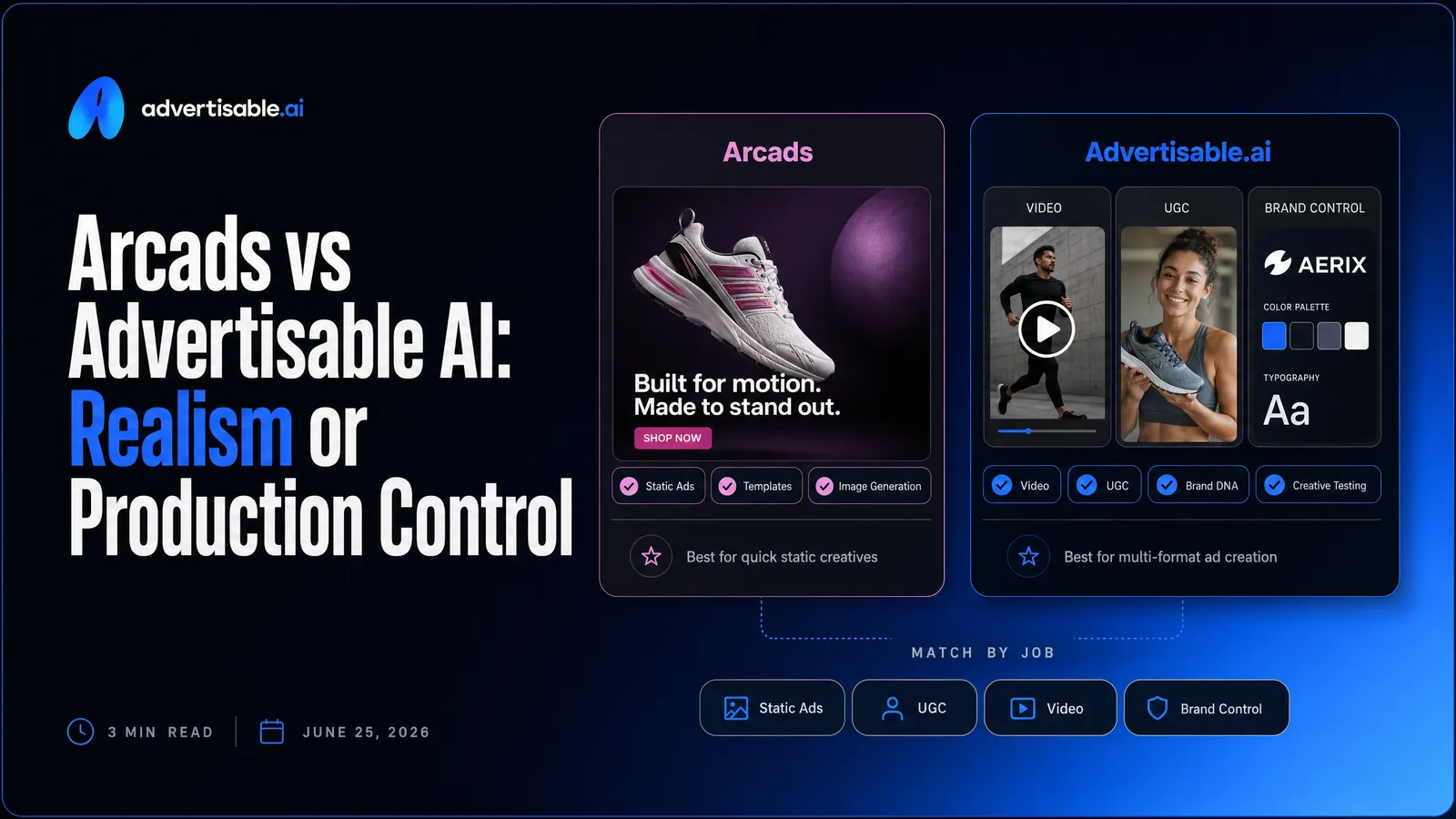
If your workflow depends on the most believable on-camera AI actor, Arcads is usually the better fit. If your workflow depends on shipping 50 to 100 performance variations without brand drift, Advertisable AI is usually the better fit because you can build, lock, and iterate ads scene by scene.
Here’s what matters most when you scale performance creative:
- Arcads wins when talent realism is the whole job and editing is handled elsewhere.
- Advertisable wins when you need production-ready creative, not just a talking-head clip.
- Scene-by-scene regeneration matters because you can fix one scene without rebuilding everything.
- Brand DNA locking matters because it prevents off-brand visuals, specs, and claims from drifting.
- Storyboard control matters because you can iterate hooks and offers without resetting structure.
- Credit economics matter because hidden overages compound when you generate at volume.
We built Advertisable AI for performance teams who are tired of losing weeks to rework. Our Brand DNA + ICP analysis locks your colors, fonts, logos, product specs, and claims, and our Storyboard editor lets you regenerate individual scenes so you can keep control while you scale.
Now let’s make the decision fast by mapping each tool to the workflow it actually supports, starting with a quick verdict on who Arcads is for and who Advertisable AI is for.
Quick verdict: who each tool is for
This decision is mostly about your bottleneck: believable on-camera talent versus controllable, brand-safe production you can iterate without rebuilding from scratch.
Arcads is for talent-first teams
Arcads fits you when the most important output is a realistic AI actor delivering a script, fast. Your workflow is talent-first when the “sell” lives in face, voice, and delivery more than in tightly managed scene structure.
It is a strong match if you already have an editing pipeline or a teammate who can turn a raw talking-head clip into a finished ad. That matters because Arcads outputs the actor clip and you typically handle captions, graphics, b-roll style cut-ins, and final formatting elsewhere.
- You want to audition lots of creator faces quickly (Arcads has 1,000+ AI actors)
- You plan to test hook and CTA variants by swapping scripts, actors, backgrounds, or voice
- You are fine paying a subscription before you fully evaluate it (no free trial)
Advertisable AI is for production-control teams
Advertisable AI fits you when your job is building controllable, on-brand ads you can iterate scene by scene. Your workflow is production-control when consistency, approvals, and repeatable structure matter as much as the on-camera talent.
This is the better fit when you need the system to keep your brand elements and product facts locked, then let you regenerate only the weak part of an ad. In practice, that means you can tweak the hook, proof, or offer without scrapping the whole video and starting over.
It is also the more natural choice when you are pushing volume across platforms and you want exports that are already formatted for Meta, TikTok, and YouTube, not a clip you still have to assemble into a full ad.
- You need Brand DNA locked so outputs stay consistent across dozens of variations
- You want storyboard-level, scene-by-scene control instead of one-shot generation
- You are managing creative fatigue with weekly batches and clean A/B testing
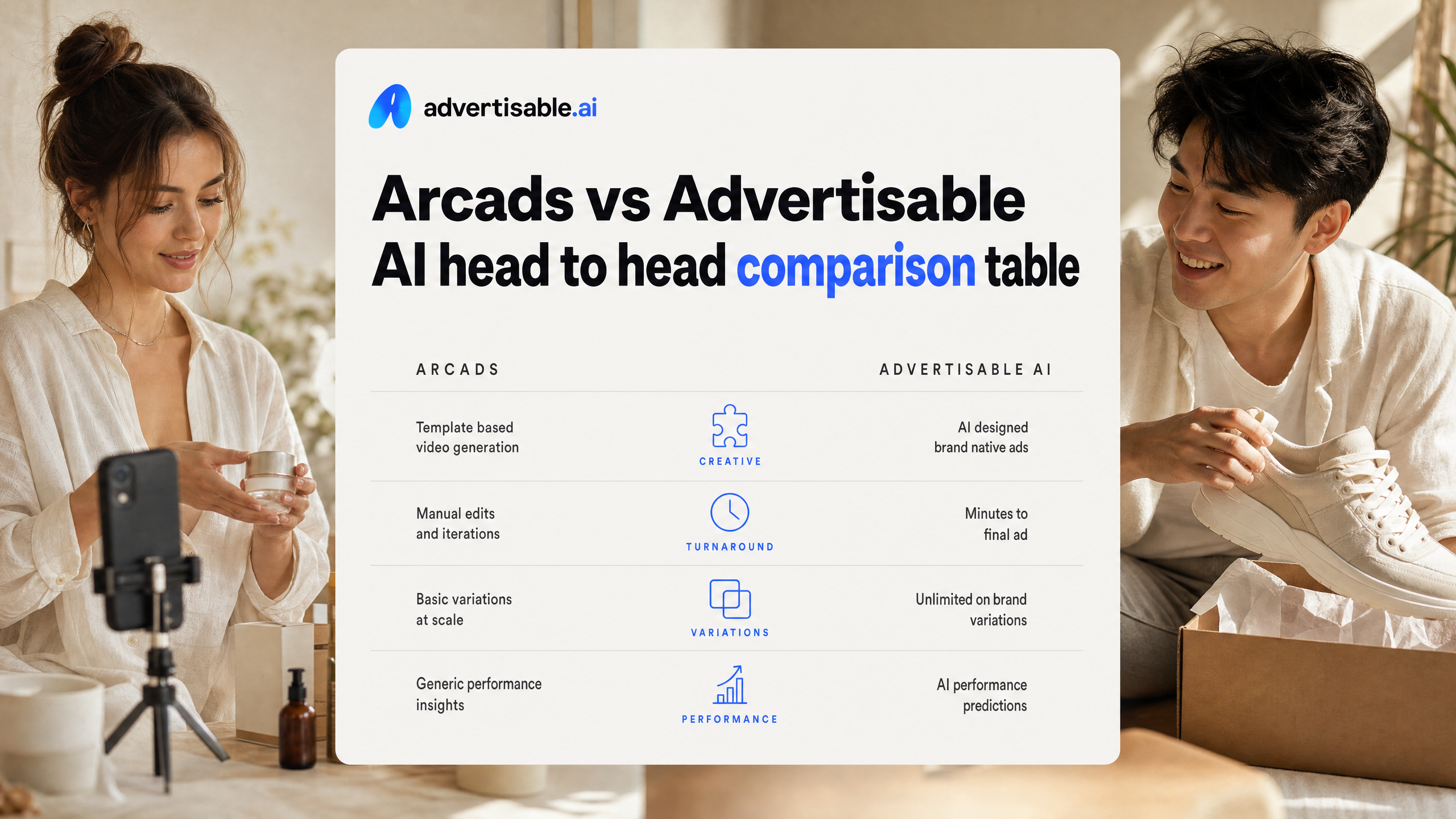
Arcads vs Advertisable AI head to head comparison table
Comparison table: outputs, control, economics
Arcads and Advertisable can both produce AI video ads, but they optimize for different deliverables and different bottlenecks in your pipeline. Arcads is strongest when you need the most believable talking-head actor quickly. Advertisable is strongest when you need a complete, brand-controlled ad you can iterate scene by scene without starting over.
- Primary output: Arcads = raw talking-head clip; Advertisable = production-ready creative built as a structured ad (hook, problem, proof, offer) with platform-ready exports.
- Best at: Arcads = on-camera AI actor realism and a large actor library (1,000+); Advertisable = Brand DNA locking, storyboard editor, and regenerating individual scenes without rebuilding the full video.
- Post-production needs: Arcads = you typically add captions, graphics, and b-roll in external tools; Advertisable = you produce and revise those elements inside the ad-building workflow.
- Economics (how you pay): Arcads = $110/month Starter (10 videos) or $220/month Creator (20 videos), effectively 1 credit per finished video; Advertisable = low-cost $5 3-day trial and credit-based subscriptions (starting at $25/$49 monthly), with top-ups available and no annual lock-in.
What each row means in practice
The “output” row decides whether your team is buying a clip or buying a finished ad. If your workflow already includes an editor and you mainly need talent on camera, a raw talking-head can be the fastest input to that system. If you need creatives that are ready to ship across Meta, TikTok, and YouTube without a separate assembly step, you will care more about structured outputs and exports.
The “control” row shows up when performance data tells you one piece is failing. With scene-by-scene control and Brand DNA, you can swap a hook, tighten a claim, or adjust the proof scene while keeping everything else stable, which makes A/B testing cleaner because you are changing one variable at a time.
The “economics” row is about waste rate, not just price. Per-video models reward you when most outputs are publishable as-is; they get expensive when you have to regenerate whole videos to fix one weak moment. In a credits-plus-control workflow, you aim to spend credits on targeted iterations, not full rebuilds.
Where Arcads genuinely leads
Best-in-class talking-head realism
Arcads’ clearest edge is how believable the on-camera actor looks and feels when it is just a face delivering a script. If your ad concept lives or dies on a single person speaking directly to camera, that realism matters more than almost any other feature.
In performance creative, viewers forgive a lot, but they rarely forgive “uncanny” facial cues. The strongest systems get the micro-signals right: head motion that matches conversational emphasis, eye movement that is not a fixed stare, and facial expression changes that track the emotional contour of the line. Those micro-signals are exactly where realism is won or lost - they are the difference between a clip that passes as human and one that breaks trust mid-hook.
A large motion-capture actor library
Arcads also wins on casting range. You are not stuck forcing one or two avatars to fit every offer, tone, and audience segment.
With 1,000+ AI actors available, you can rotate faces to avoid creative fatigue while keeping the same script structure, or you can run the same angle across multiple “creator” types to see which one earns the first two seconds of attention.
- Use-case fit: rapid testing of different “spokesperson” archetypes without reshoots
- Practical benefit: easier to match the actor to the product category and desired trust signal (expert, peer, founder-style)
- Iteration mode: swap actor while holding the hook and CTA constant to isolate what is actually moving CTR
Easy handoff into your edit stack
Arcads is built to give you the core asset: a strong talking-head clip. That is a strength when your workflow already runs through an editor, because you can treat the output like a “talent plate” and finish the ad your usual way.
The handoff is straightforward because the expectation is clear: you will add the performance layers outside Arcads, like captions, graphics, b-roll, and platform-native framing. If your team is already fast in CapCut or Premiere Pro, the extra step is not friction, it is control.
- Drop the clip into your existing project templates
- Add brand typography, product overlays, and on-screen proof
- Cut in b-roll and end cards per platform
Where Advertisable AI leads for performance teams
Brand DNA plus ICP analysis reduces drift
At scale, the problem is not generating more ads. It is keeping 50 variations aligned to the same brand and the same buyer.
With Advertisable AI, you start from Brand DNA plus ICP analysis pulled from a product URL or set manually. That locks your core ingredients (visual identity, product specs, approved claims, and voice) while aligning the angle to who you are targeting, so outputs do not wander into inconsistent positioning or unsupported claims as you increase volume.
In practice, this means you can move faster without asking a designer or copy lead to re-police every iteration. You are constraining the creative space on purpose, then testing within it.
- Use Brand DNA to pin colors, fonts, logos, product specs, and claim language before you generate anything
- Use ICP inputs to keep hooks, objections, and offers speaking to one buyer segment at a time
- Update Brand DNA only when the product or compliance rules change, not mid-campaign
Storyboard editor builds complete ad structure
Performance teams win with structure: hook, problem, proof, offer. A single talking-head clip is rarely a finished ad.
The storyboard editor is where you build the entire unit so your iterations stay comparable. You are not just swapping actors or rephrasing lines. You are controlling scenes and the role each scene plays in the conversion path.
This is the practical edge of building structure first: you establish control in the storyboard before motion and rendering, which reduces the random visual and messaging changes that break brand consistency.
Scene level regeneration saves credits
When one scene misses, regenerating the whole video is the fastest way to burn budget. Scene-level regeneration lets you fix the weak link without rebuilding everything.
You can iterate the hook while keeping the proof and offer constant, or adjust a CTA scene without touching the opening. That keeps tests clean and cuts wasted outputs because you are not re-rolling parts of the ad that were already working.
- Regenerate only the hook to fight creative fatigue while holding the body steady
- Regenerate only the offer scene when pricing, bundles, or promos change
- Keep the same avatar and brand lock while swapping a single scene to maintain continuity
Raw talking head clip vs complete structured ad
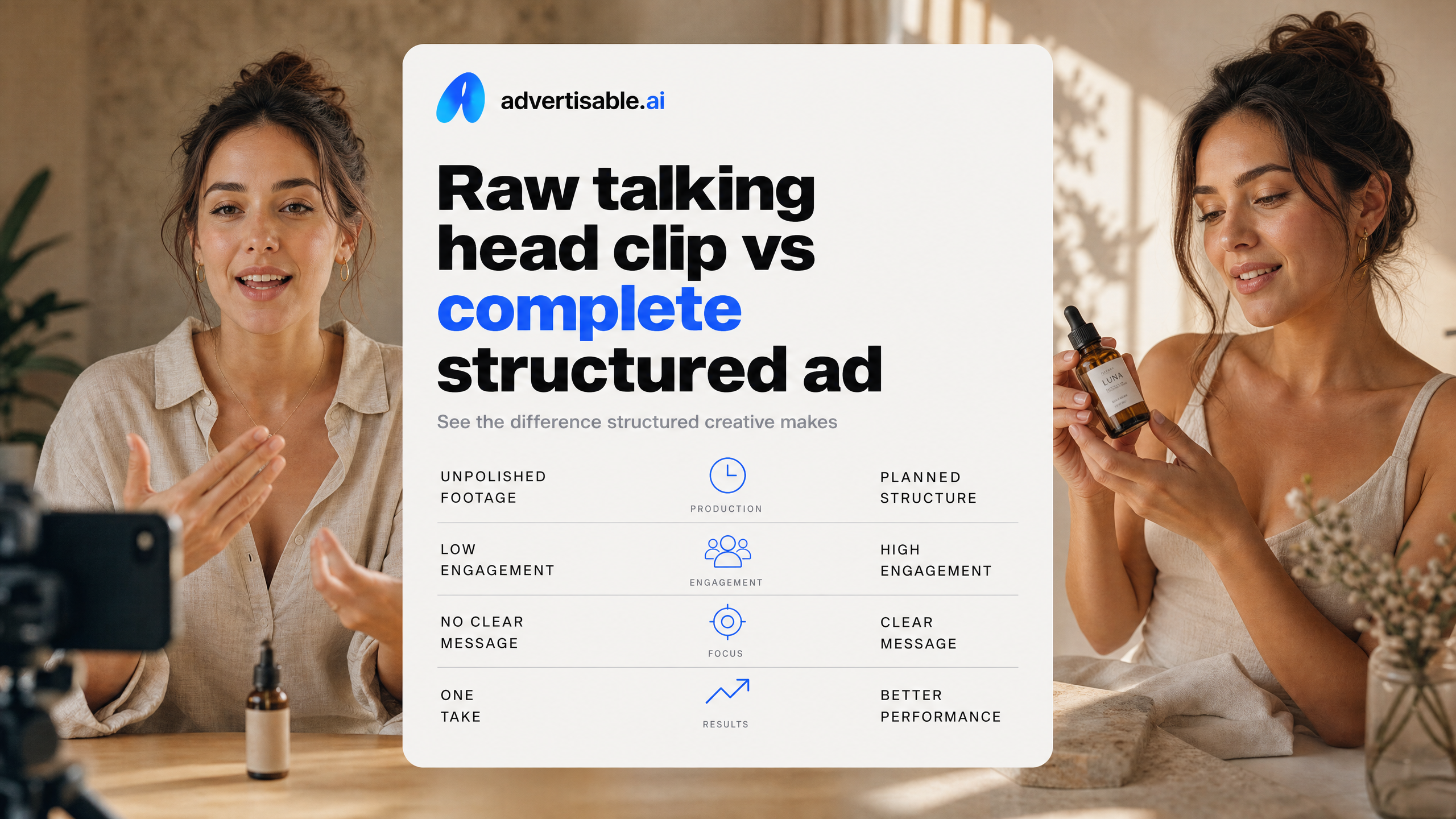
Arcads gives you a clip, not a finished ad
Arcads typically outputs a realistic talking-head video clip. You then assemble that clip into a complete ad using a separate editing workflow.
In practice, the Arcads file is the “talent on camera” layer. That is valuable when your bottleneck is a believable face delivering a script, but it shifts the rest of the job to you: turning a monologue into a structured performance ad that matches the platform and your brand.
- Add captions in your preferred style and safe-area layout
- Build the visual structure around the clip (hook framing, proof moments, offer, CTA)
- Layer supporting elements like graphics, product callouts, and b-roll style inserts
- Export in the right placements and aspect ratios for your media plan
Advertisable exports platform-ready ads
Advertisable AI is designed to export complete ads you can launch on Meta, TikTok, and YouTube without needing a separate editing stack.
The workflow is structured by default: you generate and control the ad scene by scene in the Storyboard editor, then export in platform-specific formats. That means the output is already a full creative, not just an on-camera performance.
This matters most when you are shipping volume. When you are testing hooks and offers weekly, the difference between “a clip you still need to build around” and “an ad you can publish” shows up directly in throughput and iteration speed.
- Brand DNA locking so colors, logos, fonts, and claims stay consistent across variations
- Scene-by-scene regeneration so you can swap only the hook or offer without rebuilding the whole video
- Platform-ready exports in common ad aspect ratios (9:16, 1:1, 16:9)
Choose Arcads if you want realism, choose Advertisable if you want control
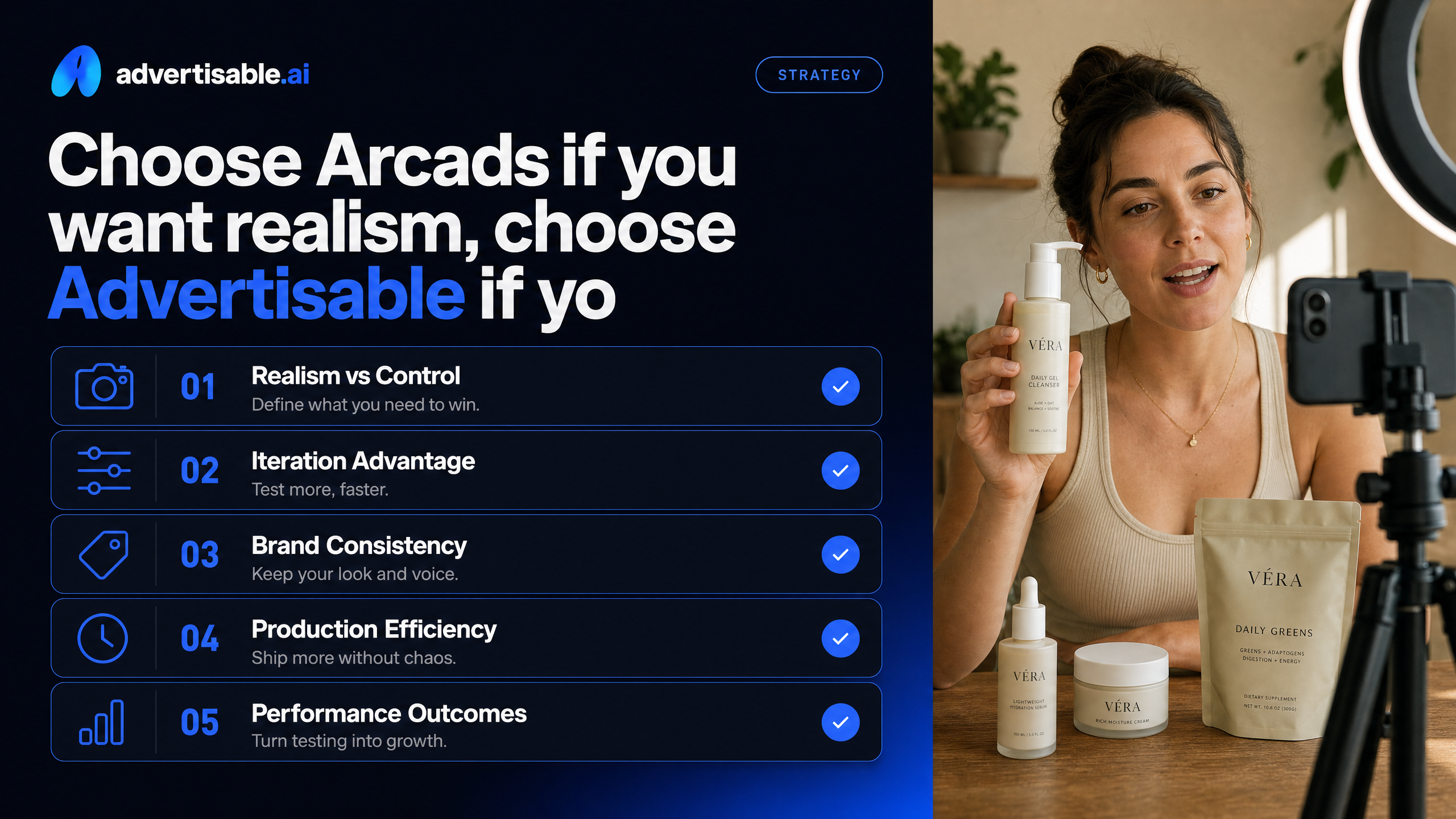
This decision gets easy when you name the job. One tool is built to win on-camera believability. The other is built to win repeatable iteration without losing your brand.
Choose Arcads when believable talent is the deliverable
Pick Arcads when your success hinges on how real the person feels on screen. If the ad lives or dies on a single talking-head performance, realism is the bottleneck to solve first.
In that workflow, you are effectively buying the actor. Arcads is strongest when you want a fast, realistic UGC style clip you can drop into your existing editing process, especially if your team already has a post-production stack and a clear pattern for turning a raw clip into a full ad.
Arcads is also a clean fit when you want lots of casting options quickly. Their library is positioned around breadth of actors and speed to a finished talking-head output, then you do the rest.
- You need the most believable AI actor for a direct-to-camera script
- Your team is comfortable adding captions, b-roll, and graphics outside the platform
- You are optimizing the ad around performance delivery more than brand system control
Choose Advertisable when iteration is the deliverable
Pick Advertisable AI when your job is to produce controlled variations, week after week, without brand drift. The bottleneck is not getting one clip. It is building an ad you can iterate scene by scene as performance data comes in.
This is where Brand DNA plus a storyboarded workflow matters. You lock the brand once, generate a structured ad, then surgically swap the one weak part instead of rebuilding everything.
Use this path when you want to run clean tests: one variable at a time, at scale, with exports ready for Meta, TikTok, and YouTube. That is what reduces wasted renders and keeps your creative pipeline moving.
- Regenerate only the hook (or offer/proof) while keeping the rest of the ad stable
- Reuse the same AI avatar across a campaign for consistent casting
- Batch hook variations to stay ahead of creative fatigue without restarting from zero
If control is your bottleneck, prove it in one week
If you are choosing between realism and production control, the fastest way to decide is to run one clean test in your real workflow. We built Advertisable AI for performance teams who need brand-controlled creative they can iterate scene by scene, not a one-shot output you have to rebuild from scratch.
Start with the $5 trial. Paste your product URL, lock your Brand DNA, and generate one structured storyboard. Then regenerate only the hook to create 5 to 10 variations while keeping the rest stable.
Export platform-ready sizes for Meta, TikTok, and YouTube, launch a small split test, and judge on wasted-credit rate, speed to publish, and CPA impact.
Frequently Asked Questions
Q: Is this real user-generated content (UGC)?
A: No. We generate UGC style ads using AI avatars, designed to feel native in-feed while staying consistent with your brand. You get the creator style without relying on real creator production timelines.
Q: How does Brand DNA prevent off-brand outputs?
A: Brand DNA locks the rules that matter, including your visual identity and your approved product facts and claims. Once it is set, your outputs stay aligned so you are not fixing brand drift after the video is generated.
Q: Can I change one scene without regenerating the entire video?
A: Yes. Our storyboard editor lets you regenerate a single scene, like the hook or offer, while keeping everything else unchanged. That is how you iterate faster and avoid burning credits on full rebuilds.