AdCreative.ai vs Advertisable AI: Which Tool Matches Your Job
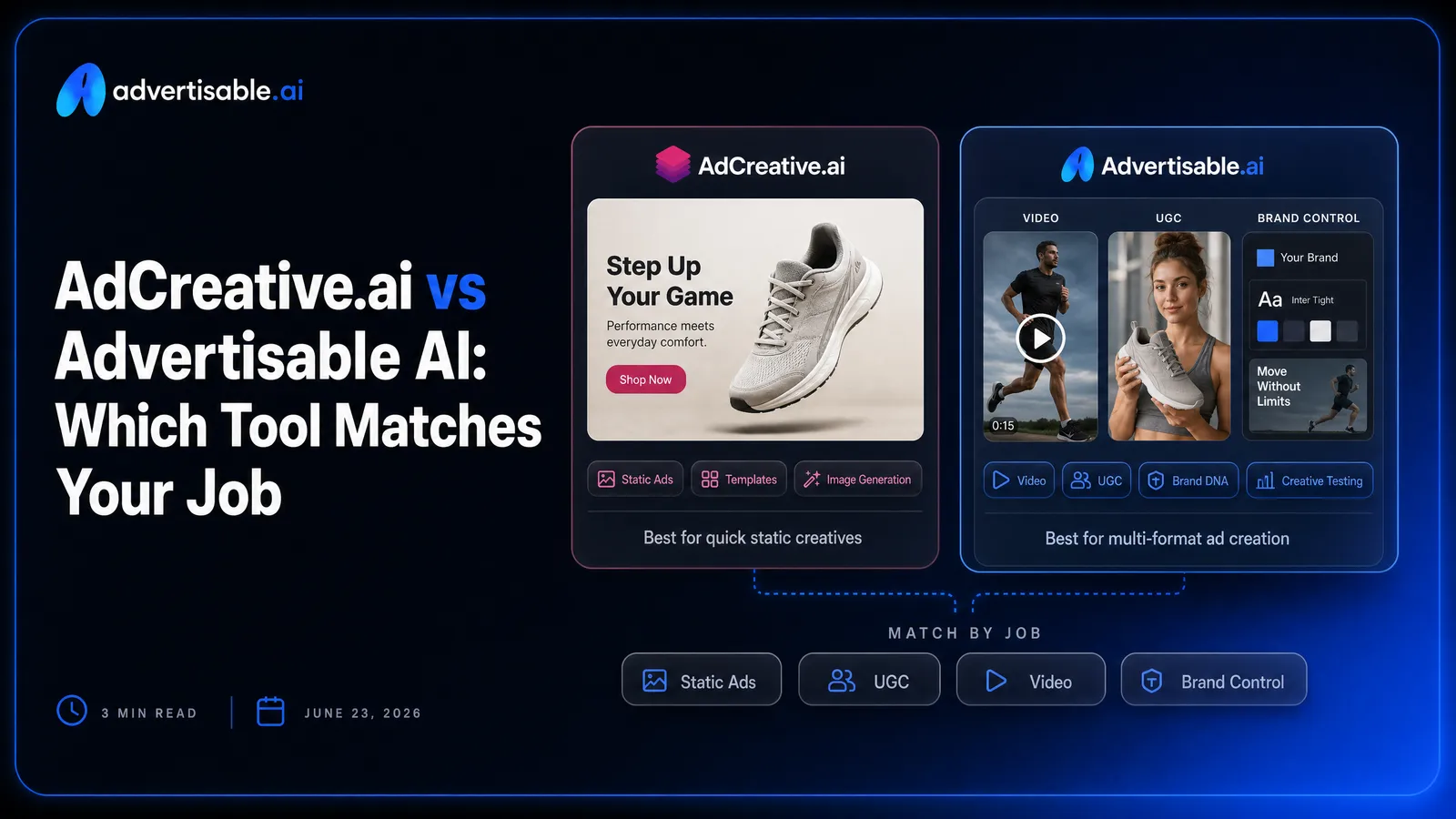
Advertisable AI can be better than AdCreative.ai for your use case, but only if your job is on-brand video and UGC style ads at scale, not high-volume static production.
Here’s the decision in plain terms:
- Choose AdCreative.ai if you mainly need high-volume static ad production fast.
- Choose Advertisable AI if you need brand-consistent video and UGC style ads at scale.
- Billing risk matters when you are committing a card, not after you export.
- If one bad scene forces a full rebuild, you will waste credits and time.
- Brand DNA locking is how you prevent off-brand outputs and invented product details.
- Video capability matters if you are testing 50-100 ad variations across Meta, TikTok, YouTube.
We built Advertisable AI around controllable, production-ready creative: Brand DNA Module for on-brand accuracy, a Storyboard Editor for scene-by-scene planning, and a Scene Regenerator so you can fix a hook or offer without rebuilding the whole video. You can start from a prompt or a product URL, export platform-ready formats, and run A/B hook testing without turning every iteration into a new project.
Next, we will give you the quick verdict by job title so you can decide in under a minute who each tool is actually built for.
Quick Verdict: Who Each Tool Is Built For
These tools win in different workflows. Your best choice depends on whether you need static volume fast, or repeatable, on-brand video output you can scale.
AdCreative.ai = High-Volume Static Output
AdCreative.ai is built for teams that need lots of static ads quickly, then want help picking which ones to test first. It is a fit when your creative engine is image-led and your performance loop depends on rapid A/B testing.
You will get the most value when your workflow is: generate many image variants, score or prioritize them, and push winners into spend without spending days on manual design iterations.
- You run frequent static refreshes for Meta, Google, or LinkedIn and need dozens of variations per product or offer
- You care about conversion optimization signals and creative scoring more than deep editing control
- Your bottleneck is throughput for images and copy, not producing UGC style video
Advertisable AI = Brand-Consistent Video at Scale
Advertisable AI is built for performance teams that need video and UGC style ads at scale, with tight brand consistency across every variation. It is the right fit when inconsistent outputs cost you time, approvals, and wasted spend.
You get leverage from Brand DNA locking and a Storyboard workflow that keeps structure consistent while you iterate what actually moves results. The key is scene-by-scene control: you can regenerate a hook or a single scene without rebuilding the entire video.
This is how you keep pace with creative fatigue while staying on-brand across dozens of angles, avatars, and formats.
- You need production-ready video exports for Meta, TikTok, and YouTube in 9:16, 1:1, and 16:9
- You want to run A/B hook testing by swapping only the opening scene, not remaking the full ad
- You have multiple products or campaigns and need consistent brand voice, colors, and specs in every output
Head-to-Head: What Each Platform Actually Does
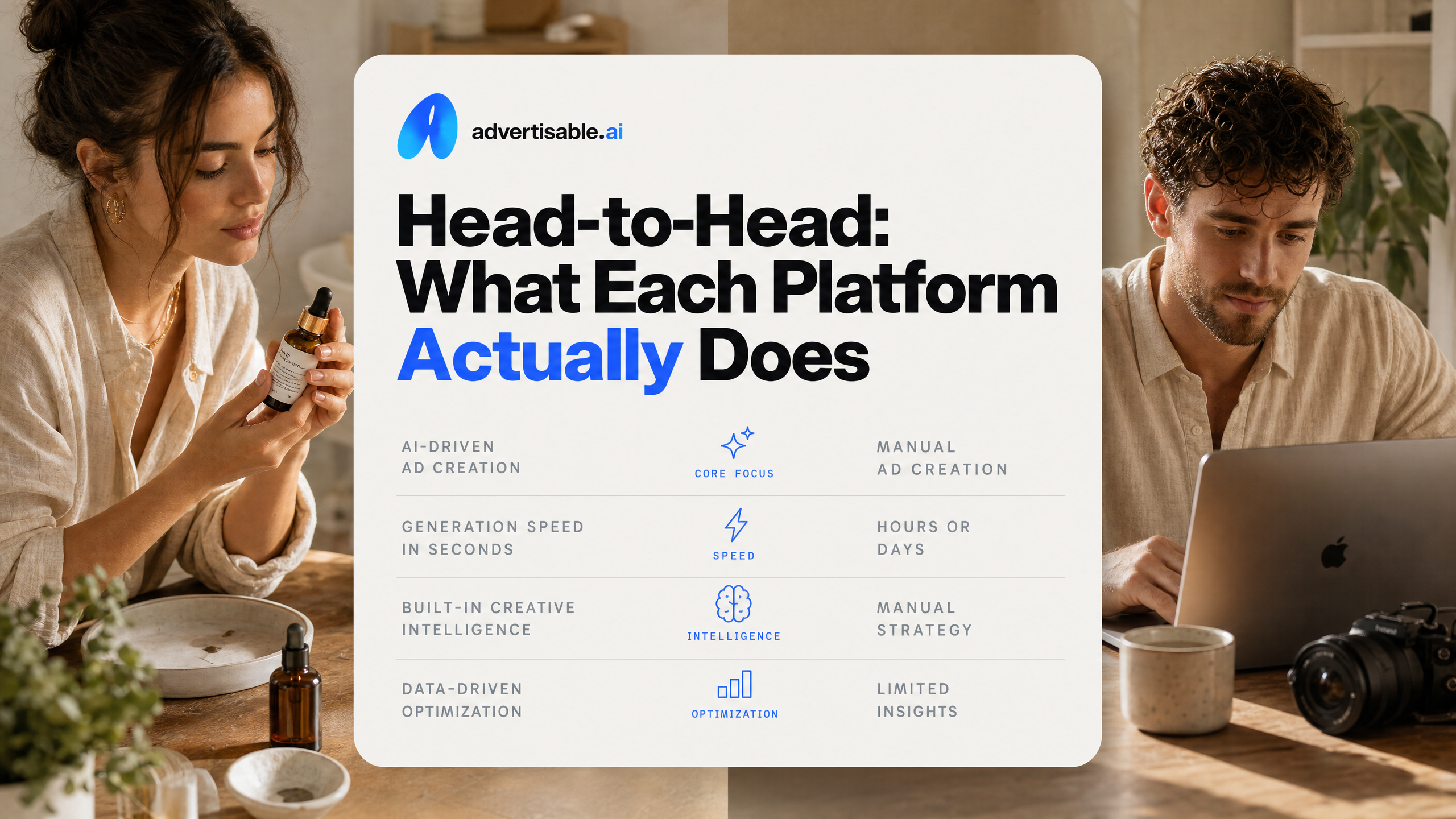
Head-to-Head: What You Get and Who It Fits
These two tools are optimized for different deliverables. AdCreative.ai is strongest when you want lots of static ads fast with performance-oriented scoring, while we built Advertisable AI around producing on-brand video and UGC style ads you can iterate scene by scene without restarting.
- Primary output type: AdCreative.ai = static image ads and ad copy variations; Advertisable AI = production-ready video ads (UGC style), plus statics, b-roll, and animations
- Core workflow: AdCreative.ai = generate many variants, pick winners via scoring; Advertisable AI = generate a storyboard, then regenerate individual scenes (especially hooks) to iterate cleanly
- Brand control: AdCreative.ai = stores brand guidelines (colors, fonts, logos) for consistency; Advertisable AI = Brand DNA locks brand voice, colors, fonts, logos, product specs and claims into every output
- Performance guidance: AdCreative.ai = Creative Scoring AI with claimed 90%+ accuracy and ad-account connections; Advertisable AI = testing is driven through controllable variations like hook regeneration and batch exports
- Editing and iteration: AdCreative.ai = generate-and-score model with less granular scene editing; Advertisable AI = storyboard Editor plus scene-level regeneration for changes without rebuilding the full ad.
- Video capability: AdCreative.ai = video features require the $249/month Professional plan; Advertisable AI = video-first by default
- Pricing model: AdCreative.ai = credit-based where downloads consume credits, plans from $39/mo; Advertisable AI = credit-based subscription with a $5 3-day trial, monthly plans at $25/$49 with scalable tiers, cancel any time and credits roll over
- Exports and placements: AdCreative.ai = supports multiple platforms with one-click deployment; Advertisable AI = Export Engine outputs 9:16, 1:1, and 16:9 for Meta, TikTok, and YouTube
- Learning curve: AdCreative.ai = faster if you only need static volume; Advertisable AI = faster if you need repeatable video structure and controlled iteration across angles
- Ideal user: AdCreative.ai = performance marketers running high-volume static tests; Advertisable AI = DTC teams and agencies fighting creative fatigue with frequent video refreshes and brand consistency requirements
Reading the Table: Where Each Tool Pulls Ahead
AdCreative.ai pulls ahead when your job is high-throughput static production and you want algorithmic prioritization. The Creative Scoring accuracy data matters most if you are picking which images to deploy first and you value ad-account-connected guidance.
It also has an established workflow for teams living inside static A/B testing cycles, and it can be the faster choice when you do not need scene-level control or UGC style structure.
We pull ahead when the bottleneck is video output quality plus control. Brand DNA is designed to prevent the two most expensive failure modes in scaled generation: off-brand creative and inaccurate product claims making it into exports.
The other advantage is iteration speed that stays focused. Scene regeneration means you can test 3 to 5 hook variations while keeping problem, proof, and offer consistent, instead of re-generating full videos and hoping the model cooperates.
Where AdCreative.ai Genuinely Leads
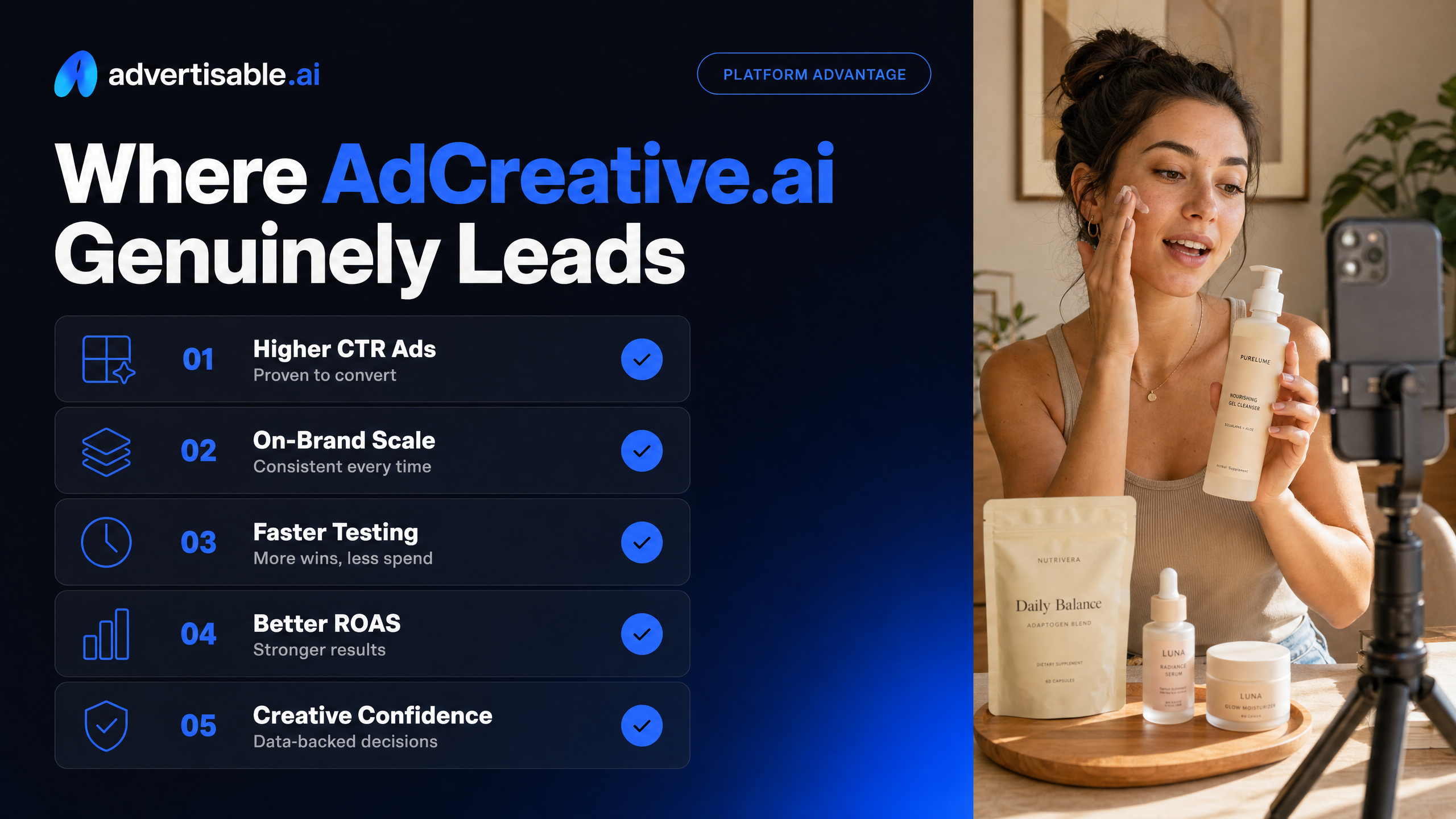
Static Volume, Fast
AdCreative.ai is built to push out a lot of static ads quickly, and that is where it earns its place. When your workflow is “we need dozens of image variations for offers, audiences, and placements,” the time-to-output is the advantage.
In practice, this matters most when you are running steady creative refresh cycles and you want breadth, not perfection, on the first pass. You can generate many layouts and copy angles, pick the winners, and keep your testing cadence moving without waiting on a designer queue.
- Batch output for static images and copy variations, so you can feed A/B tests without manual design cycles
- Built-in brand elements (colors, fonts, logos) so iterations stay directionally consistent across a high number of exports
- A credit model that aligns with “download what you actually deploy” workflows
Scoring That Uses Your Ad-Account Reality
The Creative Scoring is the most differentiated part of AdCreative.ai for performance marketers who live in numbers. Instead of guessing what looks “good,” you get a predicted performance score you can use to prioritize what to test first.
This is specifically valuable when you have too many variations to launch at once and you need a triage mechanism. AdCreative.ai's scoring technology ties into ad-account data from major platforms, which makes the recommendations more grounded than a standalone generator. Creative Scoring accuracy data cites 90%+ accuracy in predicting ad performance.
Mature Integrations and Fewer Workflow Gaps
AdCreative.ai is also ahead on platform maturity: it is not just a generator, it is wired into the ad platforms you already use. That reduces the “download, rename, upload, set specs” friction that slows teams down.
If you are managing multi-channel paid social and search, this integration depth shows up in the boring places that matter: predictable formatting, deployment paths, and a tool that is clearly designed around the day-to-day of an ad operator.
The practical check: if your main bottleneck is static production throughput and test prioritization, AdCreative.ai is optimized for that job.
- Meta and Google Ads integrations with one-click deployment support
- Broad platform coverage for where static ads commonly run (Meta, Google, LinkedIn, Instagram)
- A longer-lived product surface area (brand setup, copy frameworks, exports) that supports repeatable team processes
Where Advertisable AI Leads
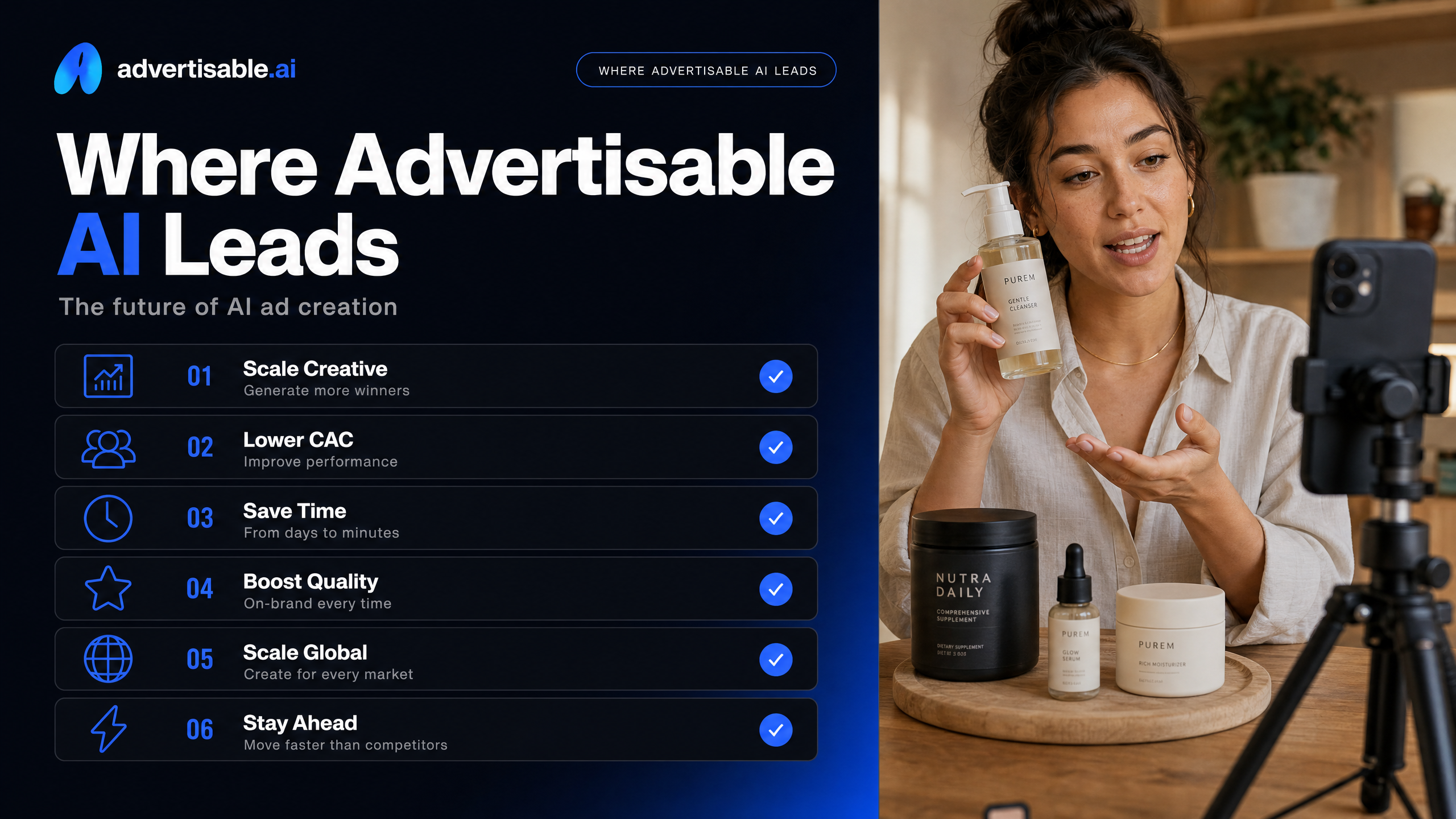
Video and UGC Output Without Hiring Creators
Advertisable AI is strongest when your output needs to be video-first: UGC style ads, product storytelling, and performance-ready variations you can ship to Meta, TikTok, or YouTube without waiting on creator timelines.
In practice, this matters most when you are fighting creative fatigue and you need fresh angles weekly, not quarterly. Instead of briefing, sourcing, scheduling, and revising with human talent, you generate from a prompt or a product link and keep moving.
You still own the performance marketer’s job: selecting angles, reviewing claims, and choosing what goes live. The tool removes the production bottleneck so your team can spend time on testing and iteration instead of coordination.
- UGC style ads with AI avatars for creator-style delivery
- B-roll style segments for product-focused shots without filming
- Platform-ready exports in 9:16, 1:1, and 16:9 so you are not rebuilding per placement
- Batch ad variations so you can run parallel tests instead of serial production
Brand DNA Locking Across Every Output
Brand DNA is the control layer that keeps outputs consistent when you scale variations. It is designed to reduce the risk of off-brand visuals and inaccurate product details slipping into ads and damaging trust.
The Brand DNA Module locks your brand voice, colors, fonts, logo rules, and product specifications and claims into generation. That means your variations can change the hook or angle without drifting into a different “brand” every time.
A mistake we see is teams skipping setup to save time, then spending more time rejecting outputs. Treat Brand DNA setup as campaign infrastructure, then update it quarterly as your brand evolves.
- Brand voice and messaging guidelines
- Logo usage rules
- Primary and secondary colors
- Font families and hierarchy
- Product specs and approved claims to keep outputs accurate
Scene-Level Regeneration Without Rebuilding
Scene-level regeneration is where you save the most time and credits. When one scene misses, you do not need to scrap the whole ad and start over.
With the Storyboard Editor and Scene Regenerator, you can keep the structure that works (problem, proof, offer) and only regenerate the part you are testing, like the hook or the closing CTA moment.
This is also how you run cleaner experiments. When you change only one scene, you can attribute performance differences to that change instead of guessing what moved the metric.
- Regenerate just the hook to run A/B hook testing while keeping the body identical
- Swap an AI avatar or voiceover in a single scene without touching the rest of the video
- Adjust product framing in a proof scene while preserving your offer and pacing
Creative Control and Iteration: How Each Handles a Wrong Output
The iteration loop is where most AI creative tools either save you time or burn it. The practical difference here is simple: do you tweak and rerun whole outputs, or can you repair only the part that missed?
AdCreative's Output-and-Score Iteration Model
AdCreative’s workflow is built around generating complete variants, then using scoring to decide what you should test or remake. When an output is wrong, your iteration is mostly a new full generation plus another scoring pass.
That model makes sense when your priority is volume in static ads and you want quick directional guidance on which concepts look most promising before you spend. It is less about fine-grained creative control and more about producing many options, selecting the best candidates, and moving on.
- Generate a set of full creatives for one concept
- Use the platform’s scoring to prioritize which ones deserve testing
- Revise your inputs (copy, product emphasis, brand settings) and regenerate another batch when the result is off
- Download consumes credits, so teams often filter hard before exporting
Advertisable's Scene-Level Regeneration Workflow
Advertisable is optimized for video, where “almost right” is common: the hook lands, but the proof scene is weak, or the offer scene needs a different cadence. The iteration lever is scene-level regeneration, so you fix the miss without rebuilding the whole ad.
In our experience, this is the difference between creating one video you tolerate and building a library of variations you can actually test. You keep the working parts stable and change one variable at a time, which is how performance teams learn fast without wasting credits.
Practically, you start with a Storyboard, then regenerate only the scene that is wrong: hook, problem, proof, or offer. Brand DNA helps keep the outputs aligned to your colors, fonts, voice, and product claims while you iterate.
- Lock Brand DNA so iteration does not drift off-brand
- Generate the full storyboard once, then diagnose the failing scene
- Regenerate only the hook when you are running A/B hook testing
- Swap just the offer scene to test pricing, bundles, or urgency without touching the rest
- Export platform-ready sizes after you like the sequence
Choose AdCreative.ai If... or Choose Advertisable AI If...
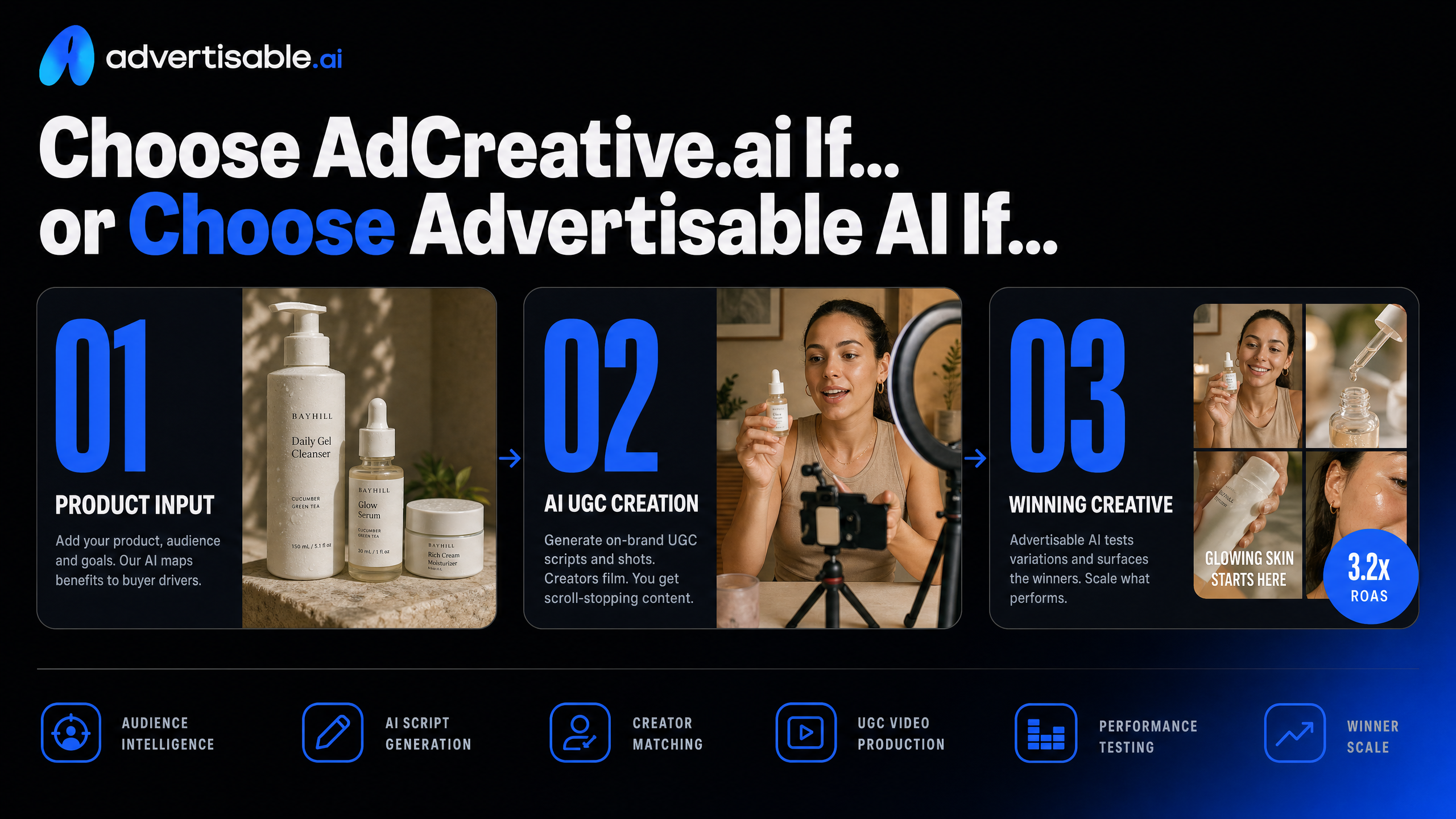
Choose AdCreative.ai for Static Volume and Scoring
Pick AdCreative.ai when your job is pumping out high volumes of static ads and prioritizing them with scoring before you spend budget. It is built for performance marketers who want lots of image variations fast, plus a way to rank which ones look most promising.
You will get the most value when your workflow is centered on image ads, rapid A/B testing, and a data-guided “what do we try first?” loop, and you are comfortable operating inside a credit and download-based model.
- Your account still wins on static placements (feeds, display-style units, carousels) and you need quantity
- You want creative scoring as a triage layer to decide which concepts to launch first
- You already have a repeatable process for iterating images and copy, and video is secondary
Choose Advertisable AI for On-Brand Video at Scale
Choose Advertisable AI when your bottleneck is producing video that stays on-brand while you iterate fast. Static volume is not the hard part for you, consistent video output is.
In our experience, the make-or-break difference is control: you need to adjust a hook, swap proof, or tighten an offer without rebuilding the entire asset. That is exactly why we built Brand DNA locking, a Storyboard editor, and scene regeneration, so your variations stay consistent while you move at performance speed.
- You are running UGC style ads or product-led video and need weekly creative rotation to beat fatigue
- You care about brand consistency across many variations (voice, colors, logo rules, product claims)
- You want scene-by-scene control and hook regeneration to iterate without starting over
How to Test Advertisable Before Committing
Use the $5 trial to pressure-test output quality and control, not to “generate everything.” You are validating that the workflow fits your team and the exports are usable for Meta, TikTok, or YouTube.
Run a tight test that mirrors your real production loop:
- Paste your product URL and confirm Brand DNA captured the right brand voice, colors, fonts, and allowed claims
- Generate one storyboard (hook, problem, proof, offer) before you spend effort on batches
- Regenerate only the hook scene into 3 to 5 variations so you can compare angles cleanly
- Export in 9:16 and launch those hooks in parallel, then keep the winner and iterate the next scene
If Your Job Is On-Brand Video at Scale, Prove It This Week
If you are trying to win with UGC style ads and video-first testing, the deciding factor is not how many assets you can generate. It is whether you can keep everything on-brand, fix the one scene that is wrong, and ship iterations fast enough to beat creative fatigue.
That is exactly what we built Advertisable AI for. You start from your product link, lock in Brand DNA, build a Storyboard, then regenerate only the hook or offer using the Scene Regenerator until it is right. No full rebuilds.
No guessing.
Start with the $5 trial, generate one storyboard, export 3 to 5 hook variations, and run them in Meta or TikTok this week. Compare the output to what you are getting now and decide from evidence.
Frequently Asked Questions
Q: How much does ad creative AI cost?
A: Pricing depends on whether you are buying static volume, video output, or a mix. With Advertisable AI, you can start with a $5 trial, then choose monthly plans starting at $25 or $49, with scalable Pro and Enterprise options for higher volume.
Q: What does 'Brand DNA' mean and why does it matter?
A: Brand DNA is your guardrail for scale. It locks your colors, fonts, logos, voice, and product specs so every variation stays consistent and reduces the risk of off-brand creative when you are producing at speed.
Q: Can I regenerate just one scene without redoing the whole video?
A: Yes. Advertisable AI lets you regenerate individual scenes, like the hook or the offer, while keeping the rest of the storyboard intact, so iteration stays fast and controlled.
Q: How is Advertisable AI different from hiring creators or a video editing service?
A: You are not waiting on creator timelines or managing back-and-forth edits. You generate production-ready creative in minutes, keep control with the Storyboard Editor, and iterate with scene-by-scene regeneration instead of restarting the whole asset.