Best AdCreative.ai Alternatives for Video, UGC, and Brand Control
The AdCreative.ai alternatives that actually produce quality, on-brand ads are the ones built for AI video ad generation with Brand-consistency guardrails and scene-level control, not tools that only regenerate whole outputs and hope your brand survives the batch.
Here’s what matters most when you are replacing AdCreative.ai:
- “Best” means your ads ship on-brand, not just generate quickly at volume.
- Scene-level control cuts wasted credits by fixing one scene, not restarting everything.
- Brand DNA extraction prevents scene drift when you scale to 50-plus variations weekly.
- The real cost is credits plus QA time divided by launchable variations.
- If you only need high-volume static generation, switching can be the wrong move.
We built Advertisable AI for teams who need production-ready video and image ads from a product URL, with Brand DNA Extractor guardrails, a Storyboard Generator, and a Scene-Level Editor so you can keep control while your variation engine scales.
Before we rank alternatives, it is worth being fair about what AdCreative.ai does well, because if your workflow is mostly static volume plus scoring and integrations, you may not need to switch yet.
What AdCreative.ai Does Well and Who Should Stay
High-Volume Static Generation at Scale
AdCreative.ai earns its keep when you need a lot of static concepts quickly, especially for fast-moving ecommerce testing. It is built to generate volume and keep your pipeline full without a designer in the loop for every iteration.
In practice, it works best when your goal is breadth: many headlines, many layouts, many product-led variations. When your paid social strategy is driven by high creative turnover, the ability to spin up a big batch of statics on demand can matter more than perfect art direction.
You will get the most value when you already have clear brand inputs and you are comfortable selecting, curating, and polishing winners rather than expecting every output to be launch-ready.
- Teams that run frequent static refreshes across multiple offers or SKUs
- Agencies that need quick first-pass options before deeper creative production
- Accounts where “more swings” is a rational strategy because you have enough spend to validate quickly
Creative Scoring and Ad-Account Integrations
Creative Scoring plus ad-account integrations are the other reason many teams stick with AdCreative.ai. The promise is simple: you are not just generating assets, you are tying creative to performance signals so selection is less guesswork.
Where this helps is prioritization. When you are producing high volume, your bottleneck becomes choosing what to deploy, what to pause, and what to iterate. Having scoring and account-connected workflows can tighten that loop and reduce the manual spreadsheet work.
- You want a centralized place to generate, evaluate, and organize static ads at speed
- You prefer creative decisions informed by account-level performance data rather than purely subjective reviews
- You need integrations to fit into an existing paid social operating cadence
Who Should Not Switch Right Now
Do not switch if your main output is still static and the system is already meeting your testing cadence. Switching tools mid-flight introduces operational drag, and that cost is real when you are trying to keep campaigns stable.
You should also stay put if your team relies on Creative Scoring and the current integrations are working reliably for your workflow.
Hold off on a move when your biggest constraint is not the tool, but the inputs: unclear positioning, weak offers, or inconsistent brand guidelines. A new generator will not fix a fuzzy brief.
- Your performance program is image-led and you rarely need video
- You have a repeatable process for reviewing and deploying static batches every week
- You are not prepared to rebuild templates, naming conventions, and QA steps during the transition
The Real Reasons Teams Leave AdCreative.ai
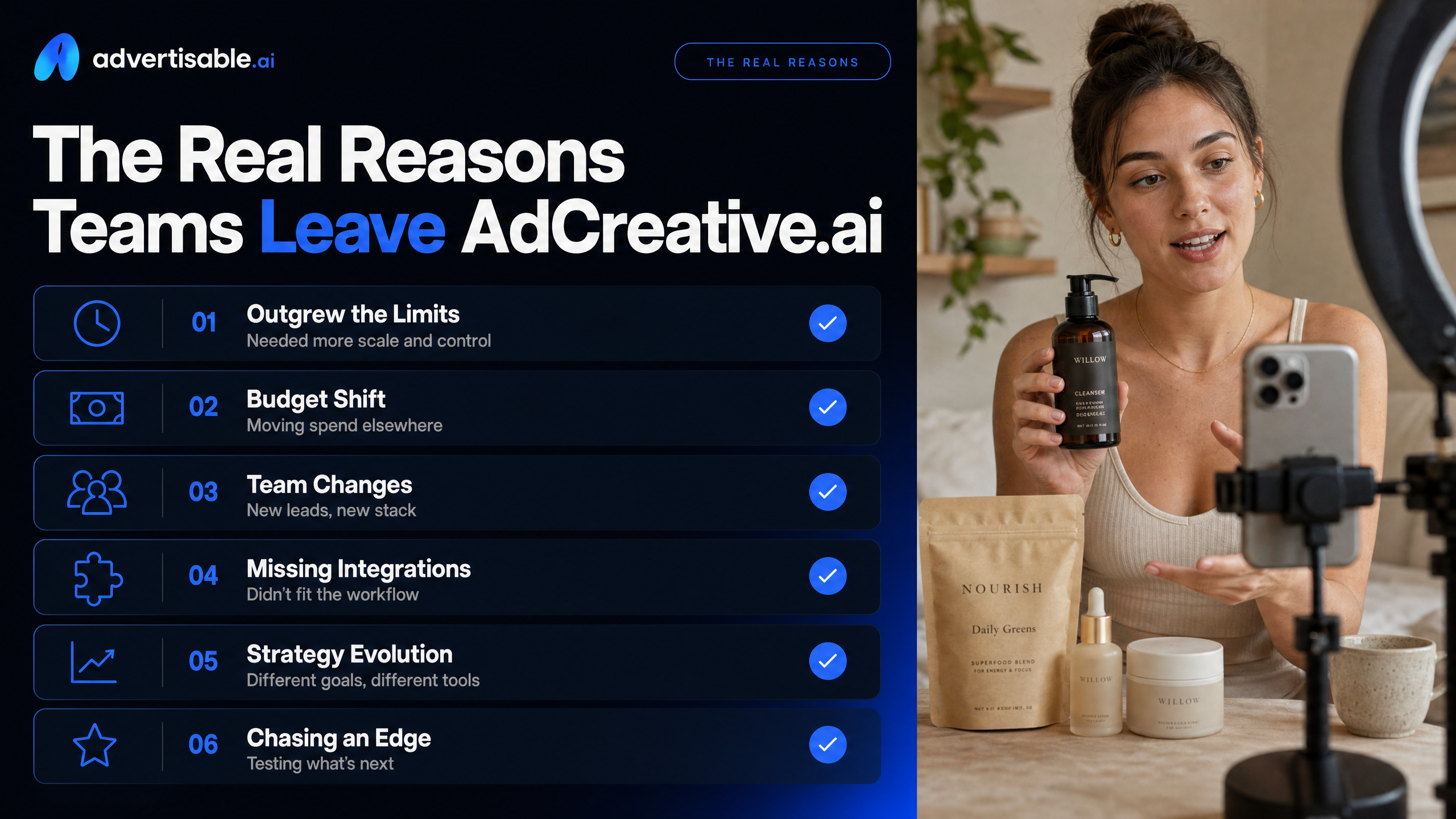
Static-First Output, Weak Video Path
Teams usually leave when their roadmap shifts from static volume to video-first creative testing, and their tool cannot follow. AdCreative.ai is strongest when you need lots of static ads quickly, but that becomes a ceiling the moment your account needs motion, hooks, and creator-style formats.
In paid social, you rarely scale on images alone for long. When you need AI video ad generation that can produce production-ready creative variations in platform-native formats, a static-first workflow forces workarounds: stitching assets in another tool, managing separate briefs, and accepting slower iteration.
The practical issue is throughput. Every extra handoff adds review time and increases the odds your “video version” stops matching what won on static.
- You can generate plenty of statics, but your creative testing cadence increasingly demands video variations per angle
- You end up rebuilding the same concept in a separate system, which breaks feedback loops
- You cannot treat UGC-style video as a first-class output, so scaling requires more manual steps
Credit Pricing That Ramps Up Quickly
The second churn trigger is cost unpredictability once you move from “testing a tool” to “feeding an ad account every week.” Credit models can work, but only when you can forecast how many credits turn into shippable ads.
With AdCreative.ai, credits are tied to downloads, so high-volume teams often discover that production pace and budget are linked in non-obvious ways. AdCreative.ai's credits are tied to downloads and don't roll over month-to-month, and its video features sit behind the higher-tier Professional plan.
What we see in practice: you stop budgeting for a subscription and start budgeting for uncertainty, including the internal QA cycle and rework when outputs miss the mark.
Brand Drift at Batch Scale
Brand drift is the silent killer when you generate at volume: the more variations you request, the more small inconsistencies slip in. That shows up as off-tone copy, mismatched colors, inconsistent product depiction, or layouts that feel like they came from different brands.
This is not a “design taste” complaint. It creates real operational drag because you end up building a manual review layer just to keep campaigns compliant and on-message.
In our experience, the break point is when you are producing dozens of variations per week and your reviewers start rejecting outputs for the same brand reasons over and over. At that stage, you need brand-consistency guardrails, not more generations.
- More time spent on QA than on testing new angles
- Higher re-generation volume just to get back to an approved look and tone
- Inconsistent creative makes it harder to learn what is actually driving performance
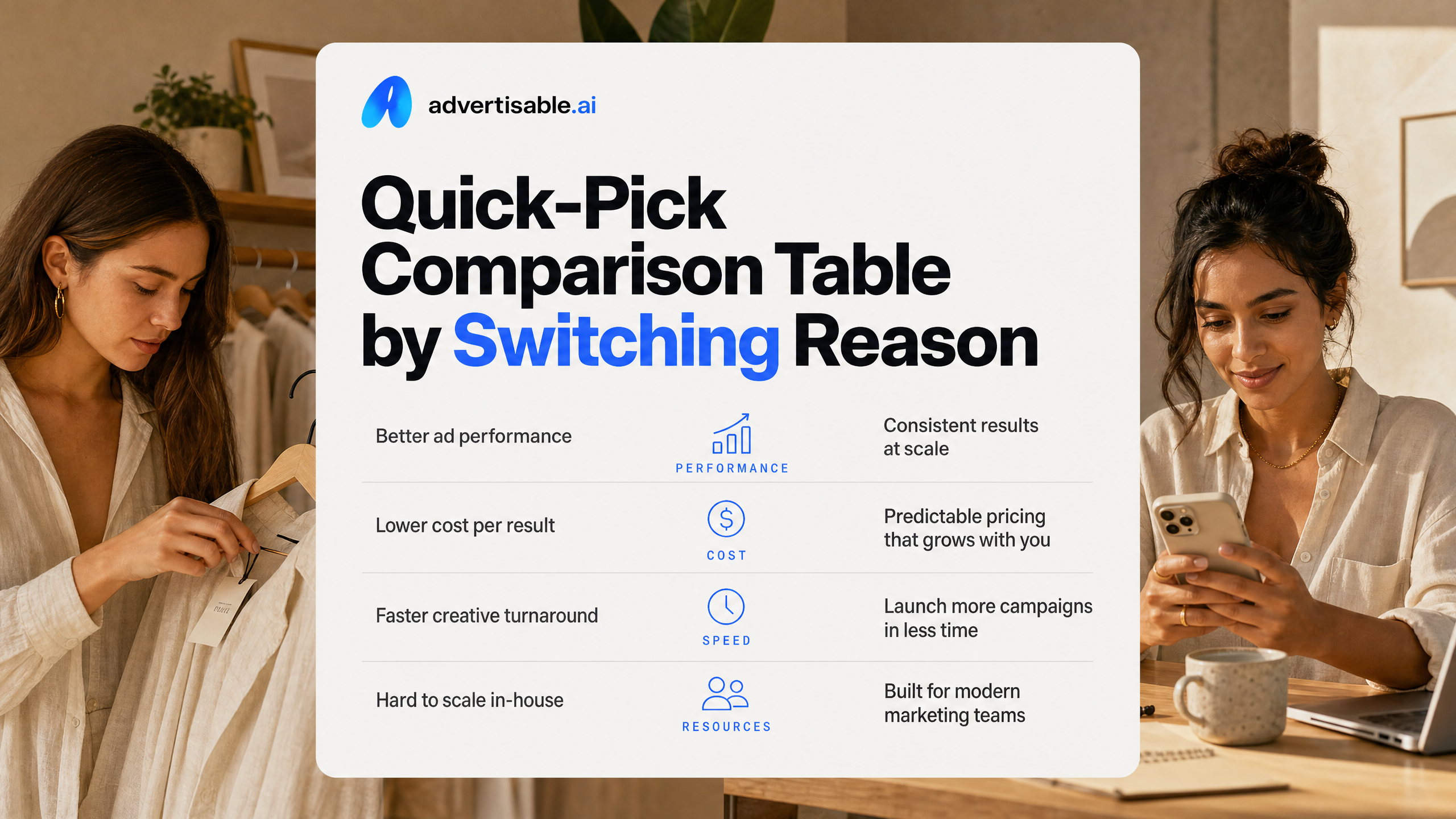
Quick-Pick Comparison Table by Switching Reason
How to Read This Table
Use the table to pick by constraint, not by brand name. You are matching your switching reason to the tool that removes that bottleneck with the least operational friction.
Read across each row in this order: (1) switching reason, (2) top pick, (3) runner-up, (4) what you gain, (5) what you trade off. The trade-off column matters because most teams underestimate the QA cycle, especially when brand accuracy and approvals are non-negotiable.
- Top Pick: Best fit for that single reason, assuming you need production-ready creative variations you can actually launch
- Runner-Up: Strong option when your budget, workflow, or output style makes the top pick less practical
- Hidden Cost Watch: Where credit models, re-generation, or review time tends to inflate your cost per shippable variation
- Control Level: Whether you can keep brand-consistency guardrails tight as you scale volume
Alternatives Ranked by Switching Reason
This is the fastest way to self-select an AdCreative.ai alternative: decide why you are switching, then choose the tool optimized for that outcome.
- Need video and AI UGC-style output with brand control: Advertisable AI (Top Pick), Arcads (Runner-Up)
- Want a URL-to-video workflow with lots of avatars and batch generation: Creatify (Top Pick), Advertisable AI (Runner-Up)
- Need the lowest entry price for multi-format ad generation: Quickads (Top Pick), Canva (Runner-Up)
- Primarily designing static assets plus light motion: Canva (Top Pick), Quickads (Runner-Up)
- Prioritizing realistic AI actors and a clear per-video mental model: Arcads (Top Pick), Creatify (Runner-Up)
When two tools look tied, choose the one that will produce fewer “almost usable” outputs, because that is where time, approvals, and budget quietly disappear.
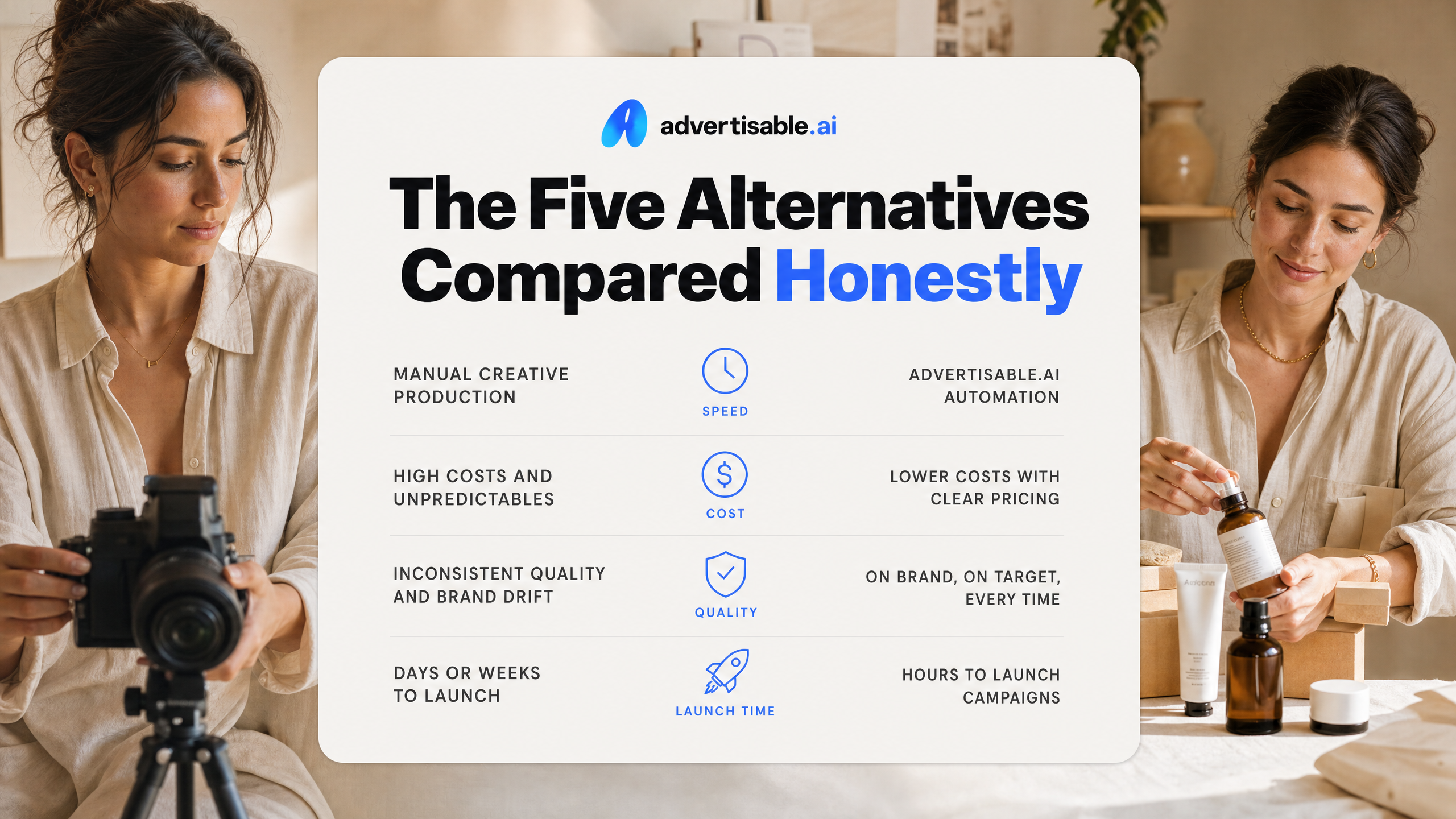
The Five Alternatives Compared Honestly
Creatify: Creator Avatars and URL-to-Video
Creatify is a strong pick when you want AI video ads built around creator avatars, especially if your workflow starts from a product link.
You get a large avatar library (including custom avatars), plus batch generation for variations. The tradeoff is you will want to watch your credit burn rate since credits map to finished outputs, and that can shape how aggressively you test.
- Pricing from $33/month (annual Starter), with higher tiers up to $299/month
- Free plan exists, but exports are watermarked
- Credit-based generation (10 credits creates around 2 video ads)
Arcads: Realistic AI Actors for UGC-Style Ads
Arcads is best when your priority is an authentic UGC-style performance ad where the “talent” sells the message.
It is priced like a per-video system, so it fits teams that value realism and controlled output volume more than unlimited iteration. The honest downside is cost-per-iteration can add up fast if your process requires many script and actor tests.
- Pricing from $110/month for 10 videos (about $11 per video)
- No free trial available
Canva: Static First, Light Motion Second
Canva is the budget-friendly option for static ads and simple motion, especially when you need fast resizing and templates more than a video ad generation pipeline.
It can handle straightforward video edits and captions, but it is not built around performance-focused variation engines or guardrails for scaling hundreds of launch-ready outputs.
- Free plan available
- Canva Pro from $15/month (or $119.99/year)
- Includes a monthly shared AI-usage allowance on Pro (one pool covering image generation, Magic Write, and other AI tools)
Quickads: Fast Multi-Format Output
Quickads is a fit when you need multi-format ad assets quickly and you do not want to rely on a designer for every size and layout.
It shines for speed and breadth of formats. Just be realistic: high velocity only helps if your outputs still clear your brand bar after QA.
- Pricing from $9/month
- All-Access $99/month includes unlimited generations with download caps
- Generates 15+ formats and many designs rapidly
Advertisable.ai: Brand-Consistent Video at Scale
Advertisable.ai is built for teams that need production-ready video variations while keeping brand consistency tight as volume ramps.
In our experience, the make-or-break is controlling QA time: brand drift and scene fixes are what quietly inflate your cost per shippable variation. That is why we focus on Brand DNA extraction from a product URL and scene-level control, so you can regenerate the one scene that failed instead of restarting the whole ad.
- Brand DNA Extractor to lock visual and messaging guardrails before generation
- Storyboard Generator plus Scene-Level Editor for controlled iteration
- Variation Engine designed for single-variable testing batches
Match Your Switching Reason to the Right Tool
Video and AI UGC Without Hiring Creators
When you need video volume fast, the right replacement is an AI video ad generation platform that outputs AI UGC style variations you can actually launch, not a static-first generator with video bolted on.
In practice, you want a workflow that starts from a product URL, builds a storyboard, then produces controlled batches for testing across Meta, TikTok, and YouTube without recruiting talent or waiting on revisions.
- URL-to-ad workflow so you do not rebuild product context for every variation
- Storyboard generator to lock the message before you scale output
- Variation engine that supports single-variable batches (hook, offer, angle) for clean A/B reads
- Scene-level editor so one drifting scene does not force a full regeneration
Authentic Creative That Does Not Look Templated
If your output is starting to feel samey, the fix is not more prompts. It is tighter control over the brief and more granular editing so each concept keeps its human rhythm while staying on-brand.
We look for tools that separate planning from generation: you approve the storyboard and claims first, then you vary only what you intend to test. That reduces scene drift and prevents the uncanny “everything has the same cadence” problem that tanks performance in-feed.
- Ability to pin a narrative structure and regenerate only the hook or one scene
- Multiple AI UGC formats (direct-to-camera, product demo, testimonial-style) without forcing one template
- Guardrails that block unsupported claims before you ship variants
Simpler Pricing Without Credit Escalation
Pricing gets painful when your cost is measured in opaque credits and reruns, not in ads you can ship. You should evaluate tools on cost per shippable variation, including QA time and regenerations.
A practical check: map your weekly testing cadence to how many finished exports you need, then confirm what happens when you miss a month. AdCreative.ai's credits don't roll over month-to-month, and its video features are gated behind the higher-tier Professional plan.
- Do unused credits roll over, or do they expire?
- Are key features gated behind higher tiers even if you only need more volume?
- Can you fix one scene without paying to regenerate the whole video?
- Is support available when you are shipping to a deadline?
Brand Consistency at 50-Plus Variations per Week
At 50-plus variations weekly, your biggest risk is not speed. It is brand drift across batches, accounts, and formats.
You want Brand DNA extraction and brand-consistency guardrails upstream, before generation, plus a QA workflow that makes review predictable. With Advertisable AI, we built this around Brand DNA extraction from a product URL, a storyboard-first flow, and scene-level control so you can correct the one part that goes off-brief without restarting the whole asset.
- Lock Brand DNA rules (visuals, tone, messaging constraints) once, then reuse across batches
- Run single-variable batches so performance insights are attributable
- Track failed outputs separately so you can spot where drift is coming from
- Standardize approval checkpoints at the storyboard stage, not after export
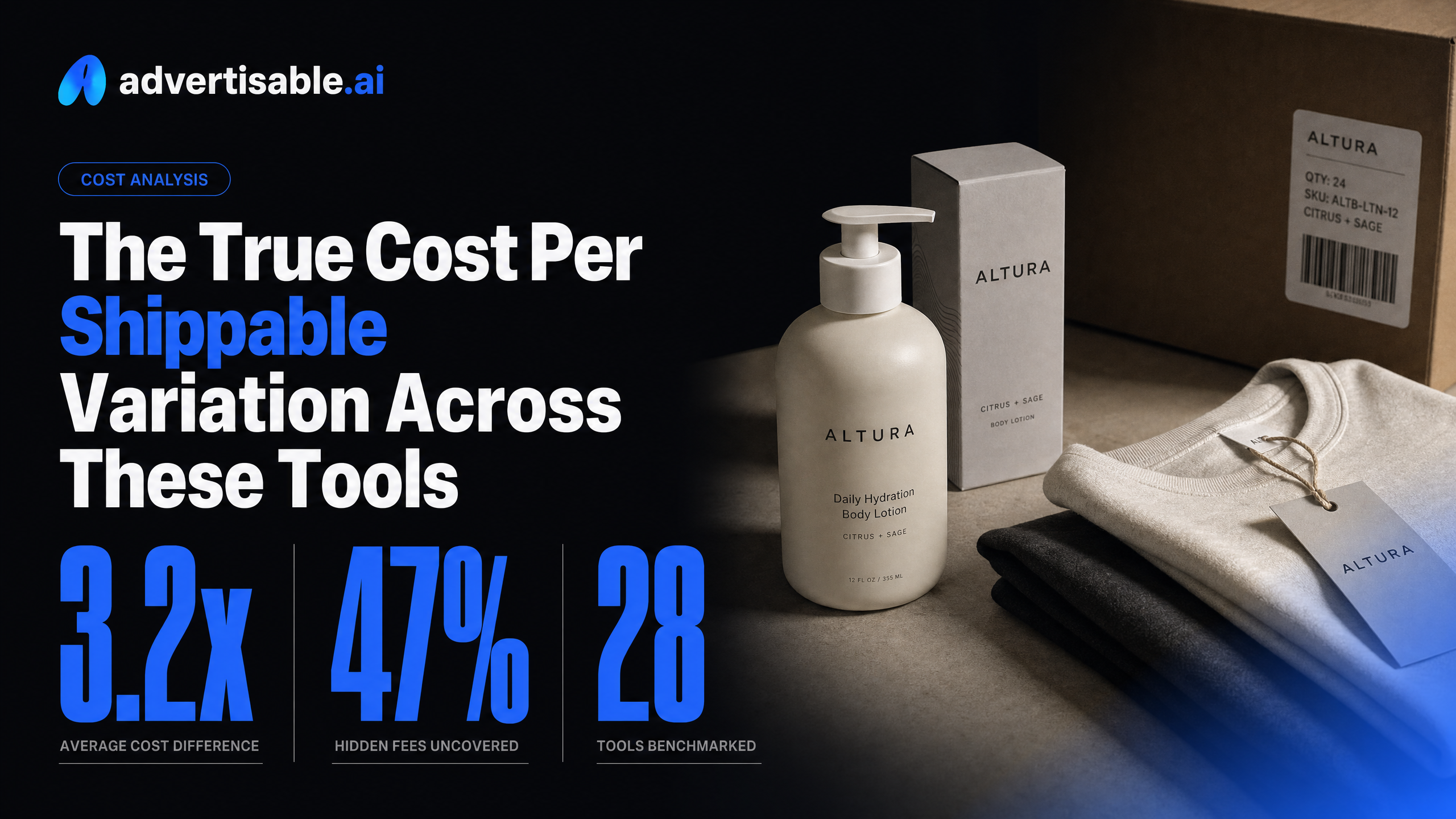
The True Cost Per Shippable Variation Across These Tools
Why Credit Pricing Masks Your Unit Economics
Per-credit pricing sounds measurable, but it usually tracks “generation events,” not what you actually need: a shippable variation that is on-brand, in spec, and approved. You can buy the same number of credits in two tools and end up with wildly different output you can launch.
The hidden cost shows up in three places: credits burned on retries, human time spent on QA, and workflow friction when you cannot fix one scene without regenerating the whole asset. That is why “cost per credit” is a distraction and “cost per shippable variation” is the metric that matches performance reality.
Credits also obscure effective price when plans gate capabilities. For example, AdCreative.ai offers unlimited static generations but consumes credits on downloads, and video features are locked behind higher tiers. A small credit pack can look efficient until you measure how many launchable exports you actually get.
- Failed outputs: scene drift, brand inconsistencies, product distortion, or unusable formats that still consumed credits
- Revision loops: credits spent regenerating, plus approval cycles that delay launches
- Editability: inability to regenerate a single weak scene forces full re-renders and extra QA
- Gated features: you pay for tier access before you pay for usable volume
Compute Your True Cost Per Launchable Ad
To compare tools fairly, you need one number: total monthly all-in cost divided by the count of ads you can launch today. That all-in cost includes subscription fees, top-ups, and the real labor cost of QA and revisions.
Use a simple tracking sheet for one week of production, then extrapolate. You are not estimating “how many videos the tool can make.” You are measuring how many pass your launch bar for Meta, TikTok, or YouTube without scrambling.
- Step 1: Track total monthly spend (subscription + top-ups) for each tool you test
- Step 2: Track credits consumed on initial generations and on regenerations
- Step 3: Log QA and revision time (product accuracy checks, brand checks, stakeholder approvals) and assign an hourly cost
- Step 4: Count only the variations that meet your quality threshold and platform specs as “launchable”
- Step 5: True cost per launchable ad = (tool spend + QA labor cost) / launchable variations
In our experience, tools with brand-consistency guardrails and scene-level control, like Advertisable AI, tend to reduce the denominator problem: fewer variations get stuck in QA purgatory.
If you are leaving for video, UGC, and brand control, prove it fast
You are not looking for another static generator with a different interface. You are trying to ship production-ready creative variations that stay on-brand, scale across accounts, and do not collapse under QA and revision cycles.
That is exactly what we built Advertisable AI for. Start with your product URL, let our Brand DNA Extractor lock your rules up front, then use the Storyboard Generator and Variation Engine to produce controlled batches for testing. When a scene drifts, fix it in the Scene-Level Editor without regenerating the whole ad.
Run a simple test: generate one batch, launch it, then track your true cost per shippable variation. If your constraint is video and UGC at volume with consistency, you will know quickly whether this is the switch you wanted.
Frequently Asked Questions
Q: How is AI UGC different from hiring real UGC creators?
A: AI UGC gives you synthetic creator-style ads on demand, so you can test more angles without creator outreach, scheduling, or usage-rights loops. You trade some human spontaneity for speed, consistency, and a tighter creative testing cadence.
Q: What does 'cost per shippable variation' mean?
A: It is the all-in cost of one ad variation you can launch today, not just what the tool charges. Include credits plus the time you spend on QA, approvals, and regenerations, then divide by the number of variations that meet your launch bar.
Q: Can I edit specific scenes without regenerating the entire video?
A: Yes. With scene-level control, you regenerate only the scene that drifted off-brief or underperformed, instead of redoing the full video. That typically reduces rework and keeps your testing velocity predictable.