Best AI Video Ad Generators in 2026
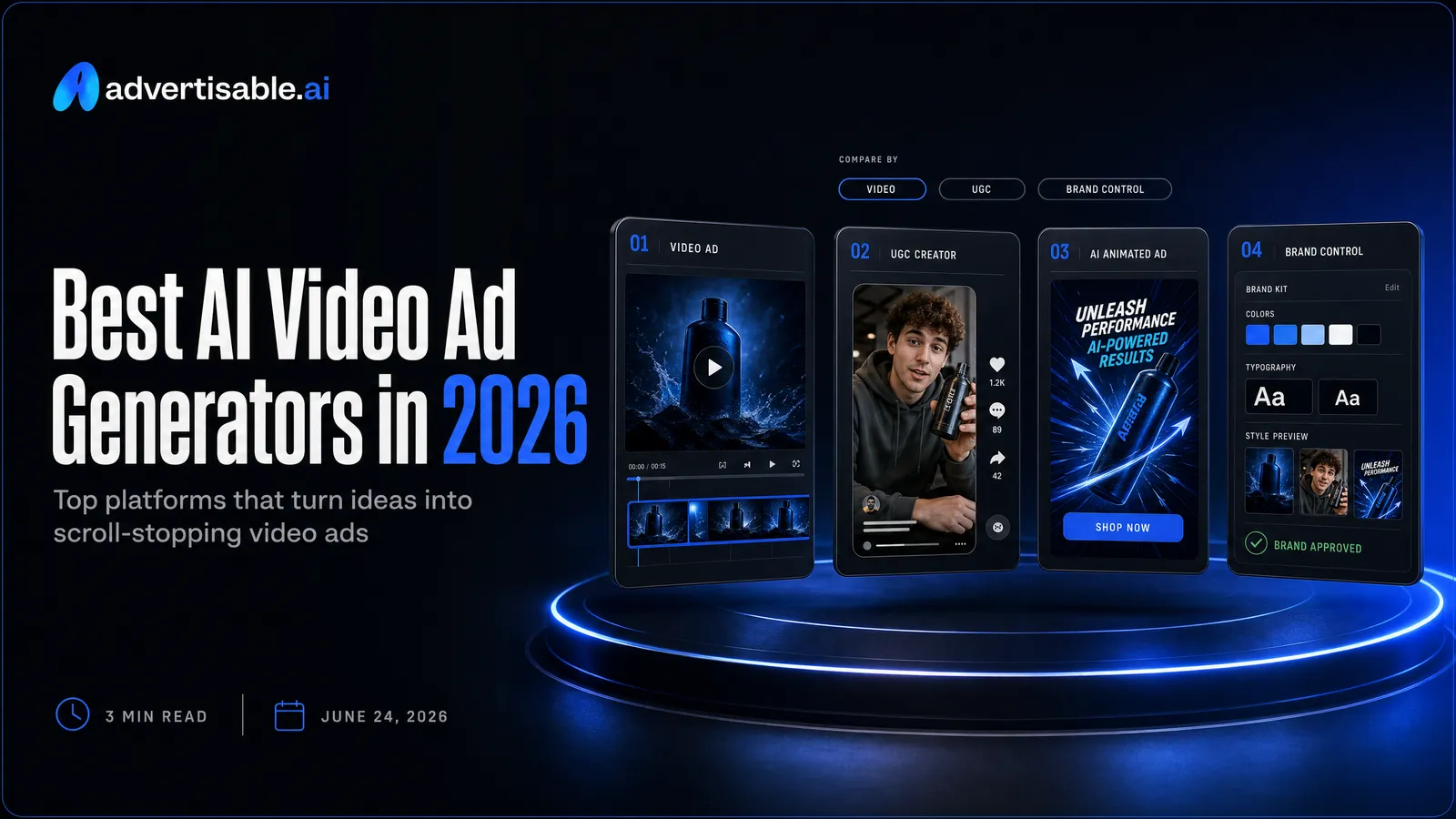
The best AI video ad generators for on-brand, testable paid social ads are the ones that keep your brand consistent and let you iterate at the scene level without restarting the whole video.
Here’s what matters most when you are choosing a tool for paid social:
- “Best” means lowest cost per shippable variation, including QA and revision time.
- Scene-level control lets you fix one miss without rebuilding the entire ad.
- Brand-consistency guardrails reduce product inaccuracies and off-brand drift at scale.
- A Storyboard approval step prevents wasted credits before you generate full videos.
- Your real bottleneck is usually volume, realism, control, or price, not “features.”
We built Advertisable AI after watching performance teams lose days to slow creative cycles, full re-renders, and unusable outputs that needed heavy QA rework. Our workflow is built around Brand DNA + ICP analysis, a Storyboard editor, and scene-level regeneration so you can ship controlled variations on the timelines paid social actually demands.
Start by picking your bottleneck lane, because that single decision determines which tools will feel fast and which will feel expensive.
How to read this list: pick your bottleneck lane
A “best” AI video ad generator only exists relative to what is slowing you down right now. This list is organized by bottleneck, so you can pick the tool that removes friction in your specific workflow.
Why no single tool wins
No single AI video ad generator wins because paid social teams are not optimizing for the same outcome. One team needs speed and volume, another needs realism, another needs tight brand control, and another needs the lowest possible cost to generate lots of formats.
In our experience, tool choice is less about “who has the coolest demo” and more about where quality breaks inside your pipeline. You might get great-looking outputs that still do not ship because QA catches product inaccuracies, brand elements drift between scenes, or editing requires starting over.
That is why we treat selection as context-dependent tool selection: the right pick is the one you can configure to match your operating requirements, not the one with the best out-of-the-box defaults.
- The same output can be “good enough” for one ad account and unusable for another depending on claim sensitivity, visual brand strictness, and review cycles.
- Two tools can have similar headline features but very different time-to-ship because of how they handle storyboarding, revision loops, and per-scene fixes.
- Your real cost is credits plus human time spent correcting, regenerating, and getting approvals, not the subscription price.
The four lanes most teams fall into
Most teams evaluating these tools cluster into four lanes. Pick the lane that matches your current bottleneck, then compare tools inside that lane instead of bouncing between unrelated feature sets.
- Avatar-driven UGC volume: You need lots of creator-style ads fast, usually to feed continuous Meta and TikTok testing.
- Realistic AI actors: You need UGC-style delivery that looks closer to real human footage, often for higher-trust brands or more scrutinized offers.
- Brand-controlled iteration: You need consistency across variations and the ability to change a single scene or element without redoing the whole ad.
- Cheap multi-format output: You need acceptable creatives across many sizes and placements with minimal setup, typically for broad coverage and speed.
If you can name your lane in one sentence, you can ignore most “best tool” claims that are optimized for a different workflow than yours.
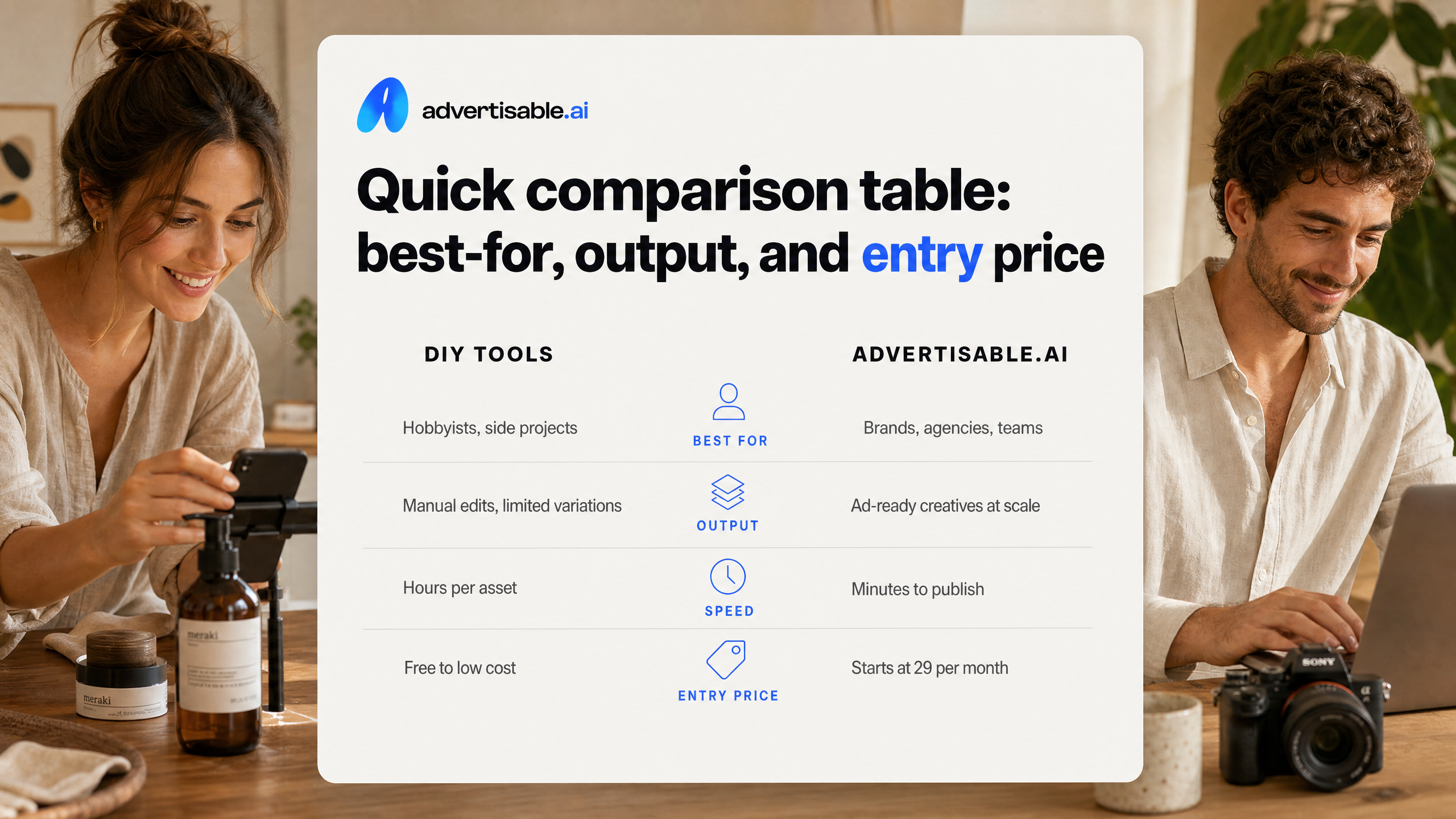
Quick comparison table: best-for, output, and entry price
What the table is good for (and what it is not)
A quick comparison table is a fast filter, not a verdict. It helps you eliminate tools that clearly do not match your bottleneck, but it cannot predict whether you will get launchable ads without a lot of QA and rework.
What it can tell you reliably: which lane a tool is built to win (avatar-driven UGC volume, realistic AI actors, brand-controlled iteration, or cheap multi-format output), what kind of output you are actually buying (UGC-style, recreated structures, b-roll style, static plus motion), and the lowest realistic entry price you can start at today.
What it cannot tell you: your cost per shippable variation. Two tools can look similar on “entry price” while producing very different amounts of off-brand drift, product inaccuracies, or scene drift that force you to spend time regenerating or rebuilding. That is where teams lose days inside a 48 to 72 hour testing loop, because the hidden work happens before you can spend a single dollar in-platform.
Use the table to shortlist 2 to 3 candidates, then assume you still need a controlled trial inside your workflow. The cleanest evaluation is: run one product through each tool, hold the script structure constant, and measure how many outputs you can actually publish without manual fixes.
- Good for: narrowing by “best-for” lane and confirming the output type matches your ad format needs
- Good for: sanity-checking pricing model differences (subscription vs credit-based vs per-video) and the minimum paid tier
- Not good for: estimating time you will spend on QA, revisions, and approvals before an ad is campaign-ready
- Not good for: judging editability, especially whether you can regenerate one weak scene instead of restarting the entire video
- Not good for: forecasting performance, since distribution, offer, and hook quality still dominate results
The tools, organised by what each one wins
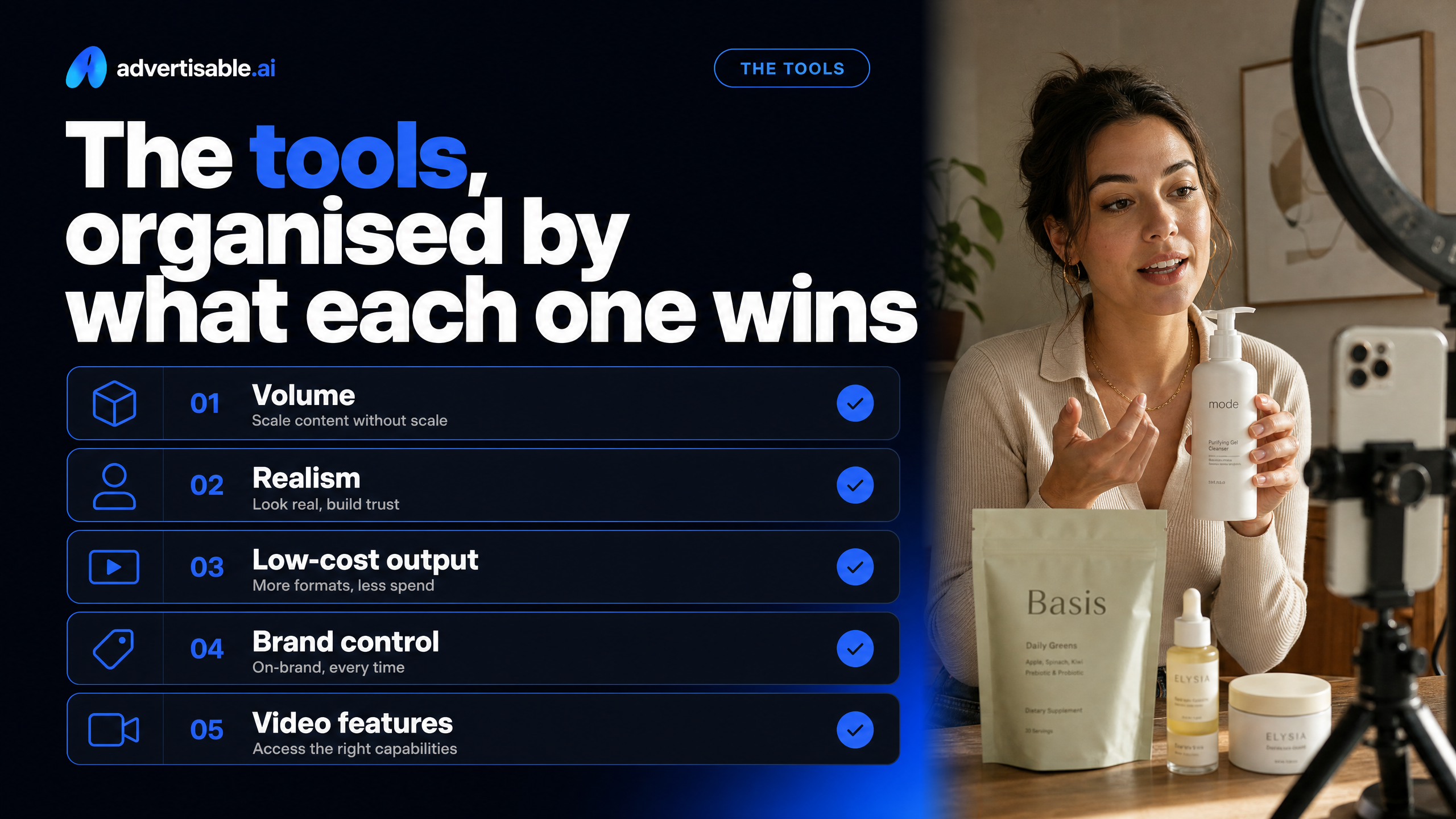
You will pick faster when you stop looking for a single “best” option. These tools win in different lanes, so match the tool to your bottleneck: volume, realism, low-cost multi-format output, brand control, or access to video features.
Creatify: avatar-driven UGC volume
Creatify is the pick when your bottleneck is raw output volume of AI UGC-style ads from a product page. It is built for URL-to-video speed and batch generation, not perfection on the first pass.
You are buying a credit-based factory: you feed it product URLs, then iterate across presenters, scripts, and tones quickly. That aligns with workflow-based tool selection when you need breadth for testing, not a single hero asset.
- Pricing starts from $39/month; free plan includes 10 monthly credits (roughly 2 video ads)
- 1,500+ AI avatars, 140+ voices, and 75+ languages for fast localization
- Videos cost 2 to 20 credits depending on quality, and batch mode supports multiple variations in one session
Arcads: realistic AI actors
Arcads wins when you care most about the actor looking like a real person on camera. The library is built from real human video footage, which tends to read as more authentic than fully synthetic presenters.
The trade-off is economics and evaluation friction. There is no free trial, and pricing appears after account creation, so you usually commit before you learn whether the actor range fits your brand.
- Starter $110/month for 10 videos; Creator $220/month for 20 videos (about $11 per video)
- 1,000+ AI actors
- Speech-to-speech option to map your voice onto an AI actor
Canva and Quickads: cheap multi-format output
Canva and Quickads are the value plays when you need lots of placements and sizes without a specialized video-ad workflow. They are better for “good enough, shipped everywhere” than for controlled creative experimentation.
Canva is the all-rounder inside a design suite. Quickads leans into speed across formats plus an ad inspiration library, which can help you generate variations across channels quickly.
- Canva: Free plan; Pro $14.99/month (or ~$10/month ($119.99/year)); video lives inside the wider design workflow
- Quickads: Starter $9/month; free plan with a 10-download cap; supports 15+ ad formats in 120+ designs
- Quickads includes a 20M+ ad inspiration library with AI analysis
Advertisable.ai: scene-by-scene brand control
Advertisable.ai is the lane for performance teams who cannot afford off-brand drift and rework. You generate from a product link, lock Brand DNA (colors, fonts, product facts, voice), and then regenerate only the scene or element that missed.
In our experience, this scene-level workflow is where “AI video” stops being a novelty and becomes an operating system for 48 to 72 hour test loops. You preserve what is working, swap what is not, and build controlled variations instead of rolling the dice on full re-renders.
- Brand DNA Extractor to reduce product inaccuracies and brand inconsistency across variations
- Storyboard Generator so you approve structure before you spend credits generating the full asset
- Scene-Level Editor and frame-level timeline so fixes stay local to the problem area
AdCreative.ai: when you need video tier access
AdCreative.ai is a fit when your organization already uses it for static creative and you are ready to unlock video inside the same platform. The key is understanding that video is not on the entry plan.
Starter is image-only. To access AI UGC videos and product videos, you are looking at the Professional plan at $249/month, so you should justify it on throughput and your internal approval process, not on “trying video once.”
- Starter $39/month (10 credits) is image-only; higher tiers add more credits
- Professional $249/month is required for AI UGC videos and product videos
- Unlimited generations; credits are consumed only on download; includes Creative Scoring AI
How to choose: match your workflow bottleneck
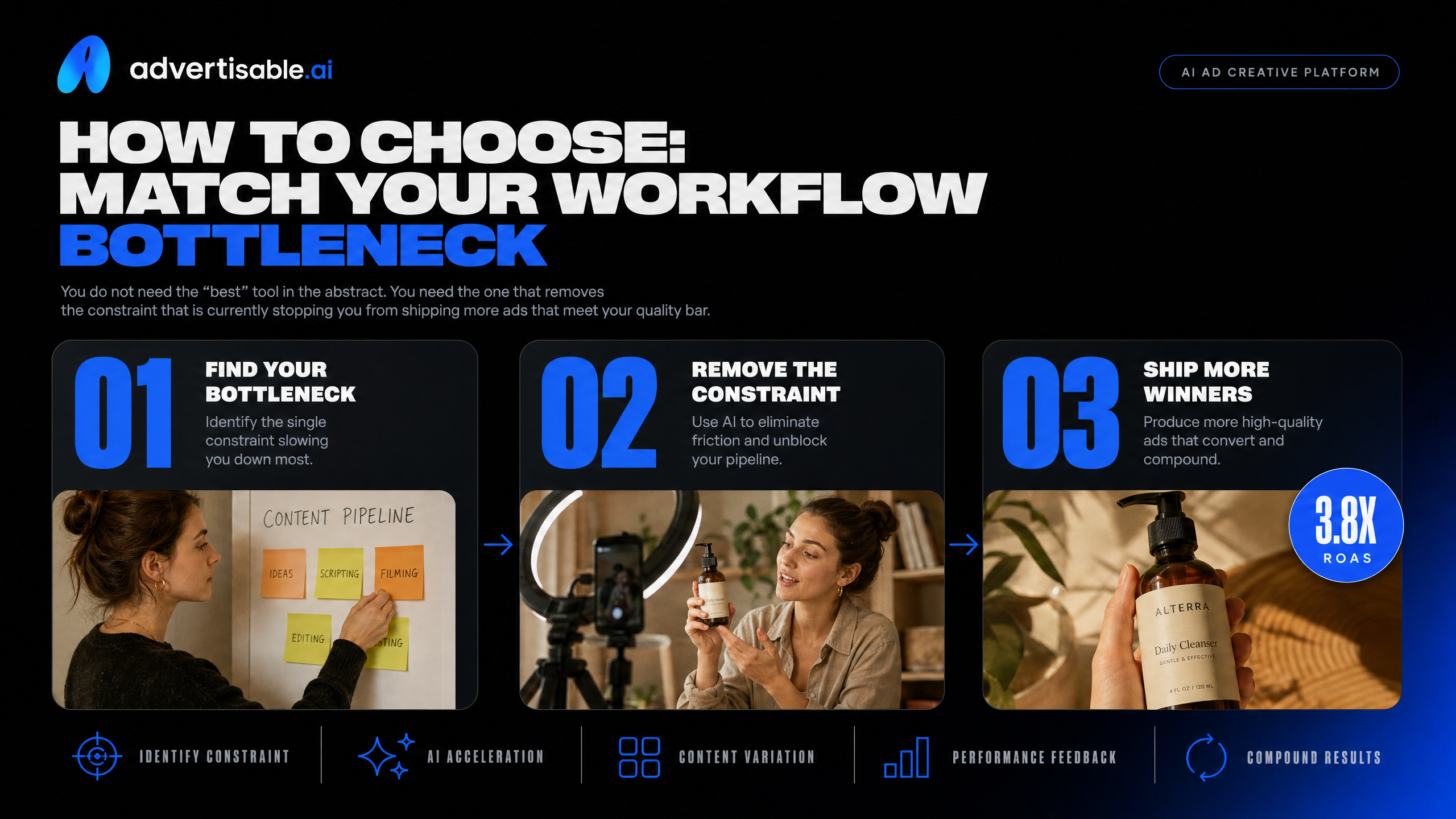
You do not need the “best” tool in the abstract. You need the one that removes the constraint that is currently stopping you from shipping more ads that meet your quality bar.
Pick the lane: volume, realism, control, or price
Most teams choose an AI video ad generator based on a demo clip, then get surprised by the day-two reality: either you cannot scale output, it looks synthetic, you cannot fix a single bad scene, or the “cheap” plan becomes expensive once you factor in rework.
Use your bottleneck as the decision filter. The right choice is the one that improves your throughput without lowering your standards for brand accuracy and launchable output.
- You need volume: choose a tool optimized for URL-to-ad speed, batch creation, and lots of avatar options so you can produce many variations quickly (Creatify is built for this lane).
- You need realism: choose the tool that prioritizes believable AI actors and natural delivery, even if it costs more per finished video (Arcads sits here, with pricing that effectively lands around $11 per video).
- You need control: choose scene-level editing and guardrails so you can regenerate only what is wrong (a hook line, a product shot, a caption), rather than restarting the full video. This is where systems like our Brand DNA plus a Scene-Level Editor workflow are designed to reduce off-brand drift and QA churn.
- You need price: choose the platform that gets you acceptable creative across formats at the lowest subscription cost, and accept that you may trade off actor realism or granular iteration (Quickads and Canva are commonly used in this lane, and AdCreative.ai’s video capability is gated to higher tiers).
A practical rule we use in performance teams: decide what you are unwilling to compromise on (believability, brand accuracy, or weekly output), then buy for the constraint you actually feel every test cycle.
How we evaluated: what predicts shippable ads
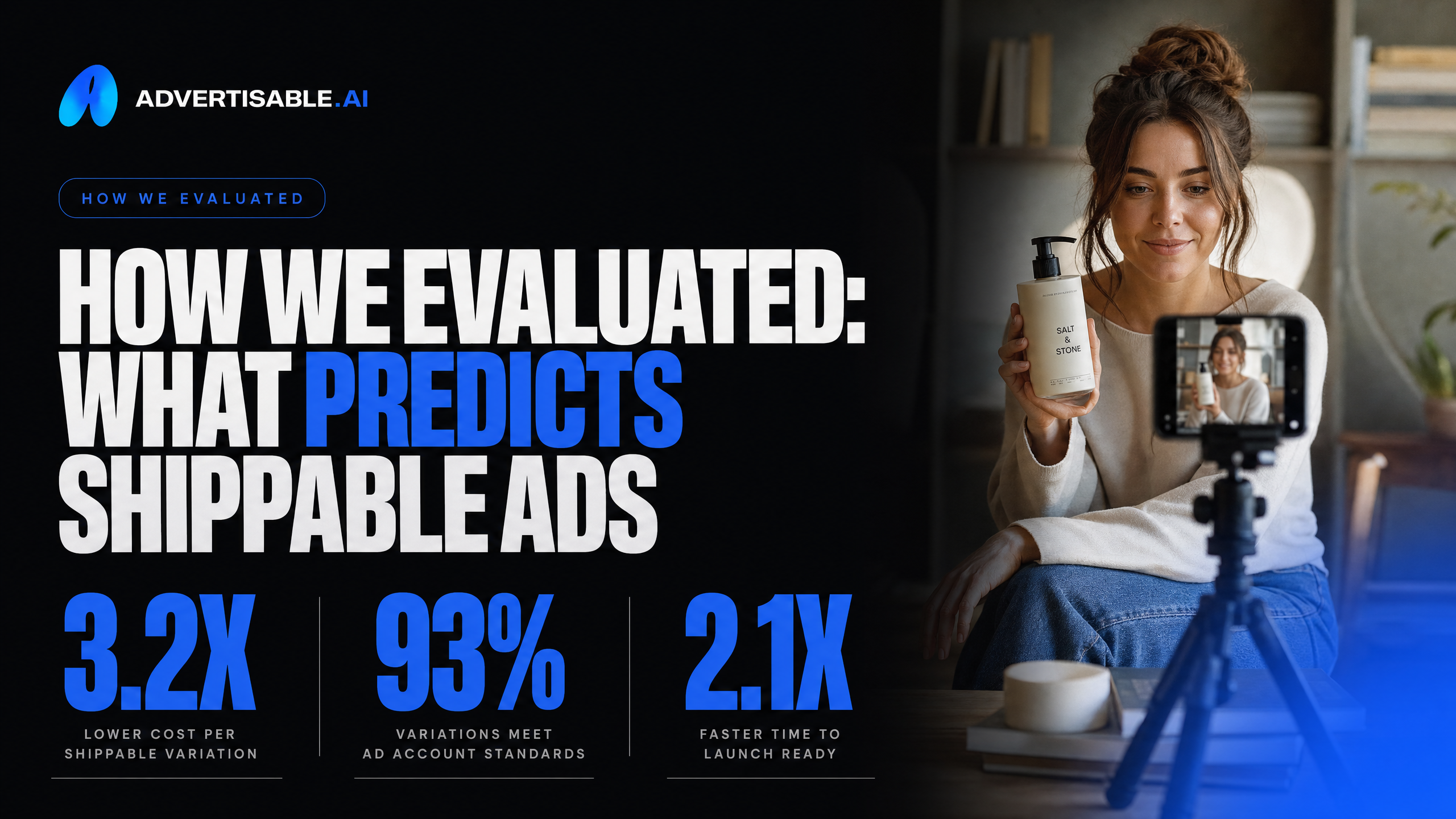
We judged these tools on five things that predict whether an output actually ships: output quality and realism, brand-control depth, the iteration model (whole-rebuild vs scene-level fixes), platform-export coverage, and the metric that ties them together in a real ad account — cost per shippable variation. No single tool tops all five, which is why the lanes above exist; the cost metric below is where those differences show up in your budget.
Cost per shippable variation
Cost per shippable variation is your total cost to produce one launchable ad variation, including credits and the human time it takes to make it accurate, on-brand, and approved.
This matters because your ad account does not benefit from outputs that look fine in a gallery but fail QA, drift off-brand, or need a full rebuild to fix one scene. The pricing page rarely captures that reality. The real cost shows up in rework cycles and delays, which can break your 48 to 72 hour testing cadence.
We calculate it the same way we see strong performance teams operate: treat creative production like a pipeline with measurable leakage. You count what you pay the tool, then you count what you pay in time to get to “campaign-ready,” then you divide by the number of variations that clear your bar.
This is also why the best AI video ad generators for 2026 separate quickly in practice. A tool can be cheap per output, but expensive per shippable variation if you constantly redo whole videos to fix one wrong product detail or one weak scene.
- Credits or subscription cost consumed per variation you attempt
- QA time: checking product facts, claims, brand elements, and obvious artifacts
- Revision time: iterations needed to correct failures (including time lost to full restarts when only one scene is wrong)
- Approval cycle time: internal reviews, stakeholder feedback, and re-exports
- Shippable count: only variations you would run on Meta or TikTok without extra editing
If a platform gives you storyboard approval before generation and scene-level control after, you typically reduce wasted credits and labor because you fix the single miss instead of paying to recreate what already works.
If your bottleneck is brand-consistent iteration, use scene-level control
If you are tired of burning credits and time on full re-dos, you do not need more one-click volume. You need a workflow that keeps what works and only fixes what does not.
That is what we built Advertisable AI for. You import your product link and brand assets, lock Brand DNA, approve a storyboard, then generate. When one scene drifts or underperforms, you adjust it in the Scene-Level Editor instead of restarting the whole video.
Your variations stay consistent, and your testing stays clean.
If you are optimizing for cost per shippable variation, start with one UGC Style ad or a Recreate Video and iterate scene by scene until you have launchable options for Meta and TikTok.
Frequently Asked Questions
Q: What's the difference between 'Recreate Video' and generic video generation?
A: Recreate Video starts from proven ad structure. You map hook, beats, pacing, and payoff into a storyboard, then rebuild it with your product and a new script so you are learning from what worked without copying footage.
Q: Why does 'Brand DNA' matter more than just adding my logo?
A: A logo is decoration. Brand DNA is your rules and product facts enforced across every scene, so your colors, fonts, voice, and claims stay consistent and you spend less time on QA and rework.
Q: How is cost different from other video tools?
A: The number that matters is cost per shippable variation, not the lowest subscription price. Add tool usage plus QA time and revision time, then divide by the ads you can actually launch, and scene-level regeneration usually reduces that total.