Creatify vs Advertisable AI: Avatar Volume vs Brand-Controlled Video
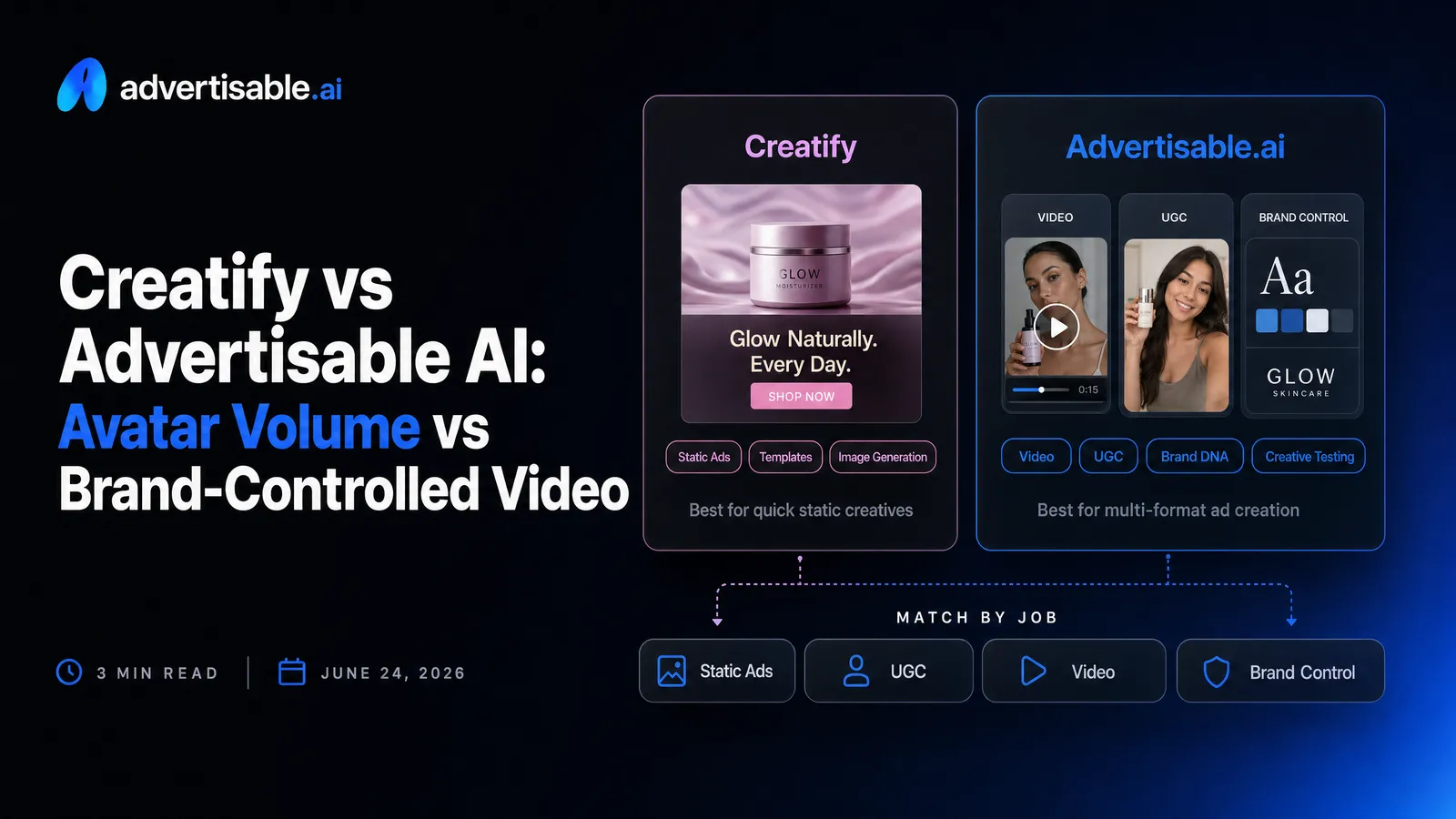
Choose Creatify if your bottleneck is avatar volume and you can tolerate more off-brand drift and rework. Choose Advertisable AI if you need scalable paid-social testing with brand control, because you can lock Brand DNA and regenerate only the hook or scene instead of rebuilding the whole ad.
Here’s what matters most when you are scaling paid-social testing:
- Creatify wins when you need fast throughput from a large AI creator/avatar pool.
- Advertisable wins when you need Brand DNA locked to prevent off-brand visuals and claims.
- Scene regeneration beats full rerenders because you fix one scene and keep the rest.
- Hook variations let you test multiple openings against one consistent video body.
- The real cost is rework time, not the plan price or the credits headline.
- Platform-ready export matters when you ship weekly across Meta and TikTok placements.
We built Advertisable AI after watching performance teams burn hours and credits on full rerenders, then still ship ads that drift off-brand. Our workflow starts with Brand DNA, moves through a Storyboard, and uses scene regeneration for controlled hook A/B testing, so you can scale creative rotation without sacrificing consistency.
Next, we will make the decision fast with a quick verdict on who each tool is for, based on your workflow and your tolerance for rebuilds versus scene-level fixes.
Quick verdict: who each tool is for
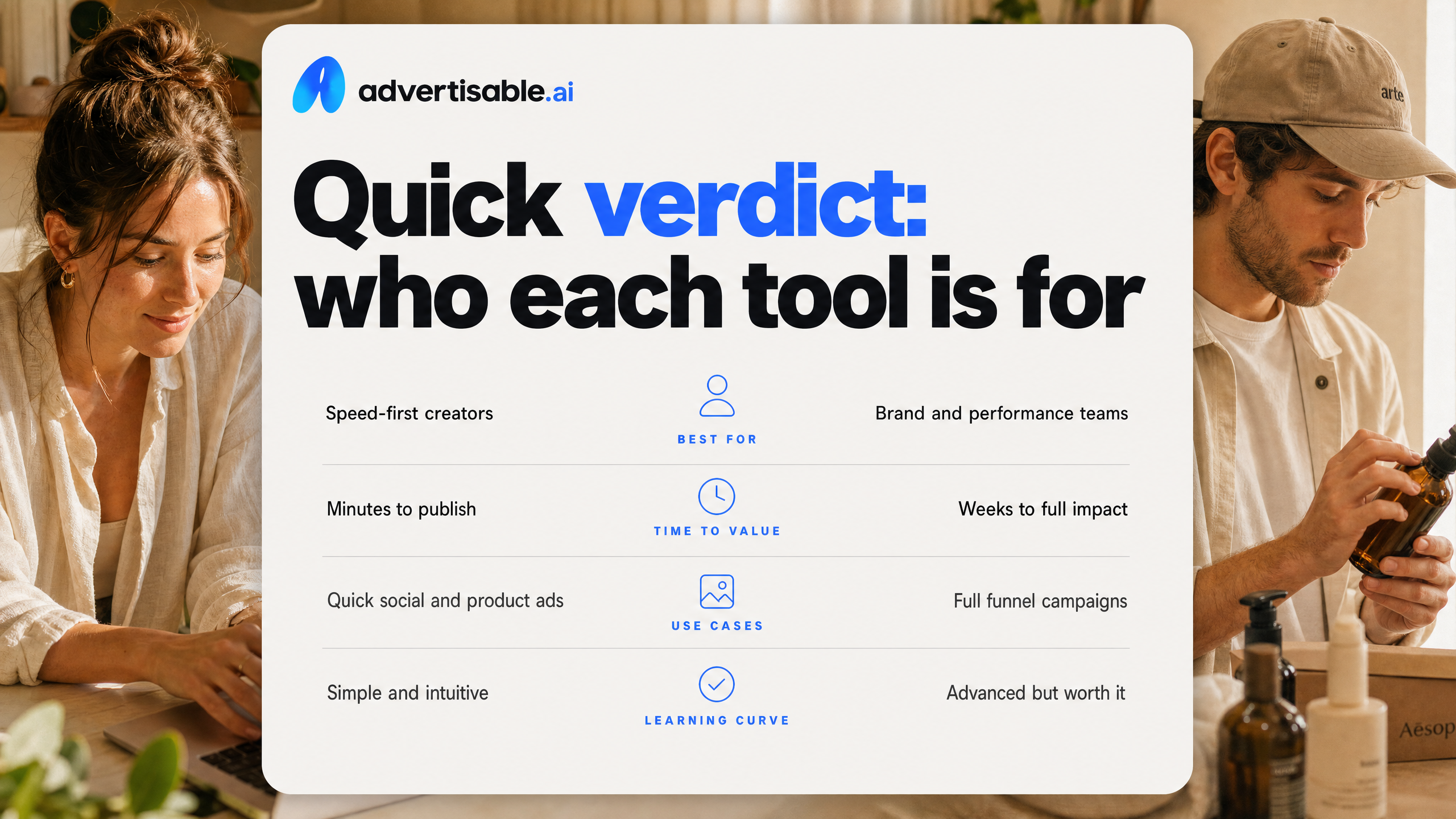
Choose Creatify for avatar speed
Choose Creatify when your priority is generating lots of avatar-led ad variations fast, with minimal setup friction. It is built for rapid URL-to-video output and high-volume UGC-style ads.
In practice, this fit is strongest when you care more about throughput than tight creative governance. Creatify also supports Batch Mode for producing multiple variations at once, and its plan structure is credit-based, so you can dial volume up or down based on how many renders you need that week.
- You need many avatar options to rotate frequently (Creatify lists 300+ avatars on Starter and 1,500+ on Pro).
- You are comfortable iterating by generating more outputs, even if some require cleanup or don’t land perfectly on brand.
- You want an entry point with low commitment (free plan includes 10 credits with watermarked exports).
Choose Advertisable for brand control
Choose Advertisable AI when your bottleneck is not making a video, but making a usable ad that stays consistent at scale. This is the better fit when off-brand drift, incorrect product facts, or re-rendering entire ads is what slows your testing loop down.
We built our workflow around locking Brand DNA (colors, fonts, voice, product specs and claims) and then iterating at the storyboard and scene level. That matters when you want controlled variations, like changing only the hook while keeping the body identical for clean reads in paid social.
If you run multiple products, multiple offers, or multiple stakeholders, control beats raw output volume. The goal is fewer “almost right” exports and more production-ready creative you can ship without babysitting every frame.
- You need Brand DNA consistency across many variations, not just a one-off video.
- You want scene regeneration so you can swap the hook, proof, or offer without rebuilding the full ad.
- You care about repeatable iteration for Meta and TikTok testing, not just content generation.
One question that decides fast
Ask yourself this: do you want to create more ads, or do you want to control one ad and systematically vary it?
If your answer is “more ads,” Creatify’s avatar speed and batch output usually wins. If your answer is “control and isolate variables,” Advertisable AI is the safer choice because it is designed for brand-locked, scene-by-scene iteration where you can change one thing without breaking everything else.
- More ads = faster volume, broader exploration, more tolerance for inconsistency.
- Controlled variations = tighter brand consistency, cleaner A/B tests, less rework.
Head to head table: the capabilities that matter
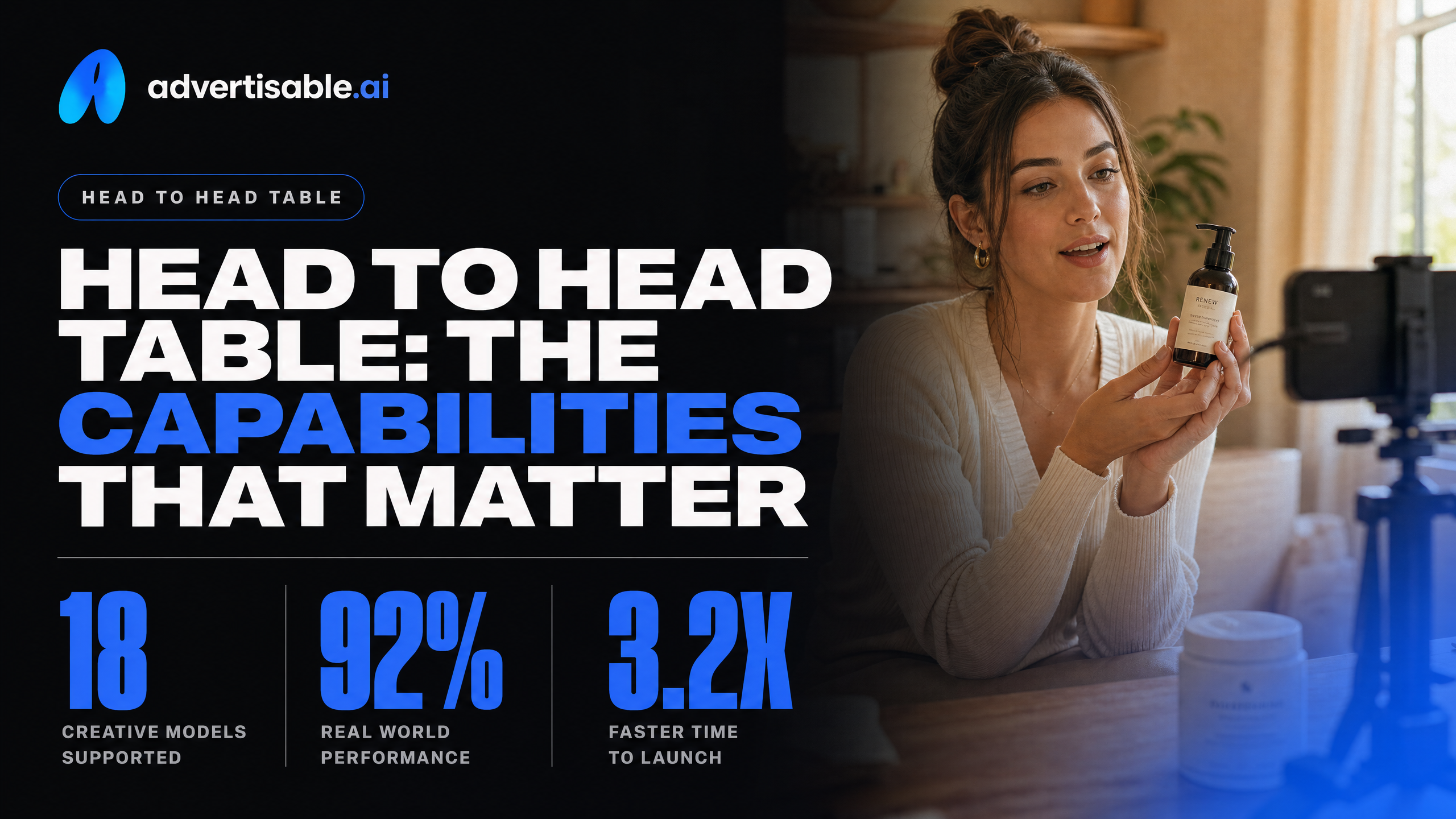
Capability comparison (what changes your weekly output)
For paid-social testing, the deciding factor is not “can it generate a video.” It is whether the tool keeps you on-brand while you produce controlled variants without redoing work.
- Primary strength: Creatify = avatar volume and fast URL-to-video. Advertisable AI = brand-controlled outputs built for test loops
- Brand guardrails: Creatify = less explicit brand locking described. Advertisable AI = Brand DNA locks colors, fonts, logos, voice, product specs and claims
- Iteration granularity: Creatify = Batch Mode for many variations at once.
Advertisable AI = scene regeneration so you can swap only the hook (or any scene) and preserve the rest
- Workflow structure: Creatify = rapid generation from a link. Advertisable AI = storyboard-first, then render, then regenerate specific scenes
- Language and avatar depth: Creatify = 75+ languages and 300+ to 1,500+ avatars by plan. Advertisable AI = hundreds of AI creators/avatars (filterable) with reuse across campaigns
If you care about clean A/B reads, scene-level control matters because you can isolate one variable (the hook) without changing the body.
Pricing notes (verify before you commit)
Creatify is verified as credit-based pricing, which means your real cost depends on how often you need re-renders and which features you use. Advertisable AI is positioned mid-range to premium and emphasizes cost per production-ready variation, plus a $5 trial is advertised.
Creatify's pricing is credit-based, so your real cost depends on how often you re-render and which features you use. Its free plan includes 10 monthly credits with watermarked exports (credits expire after two months). Paid plans start around $33–39/month for Starter (roughly 100 credits, lower on annual billing) and scale up through Pro and higher tiers to about $299/month. A single video can consume anywhere from 2 to 20 credits depending on length and features, so headline credit counts don't map one-to-one to finished ads. Check Creatify's live pricing page before you buy, since credit-to-video math is where real cost hides.
Exports and who each platform fits best
Both tools are aimed at shipping ads to the platforms you actually buy media on, but the fit depends on whether your bottleneck is volume or controlled iteration.
- Advertisable AI exports: 9:16, 1:1, 16:9 for Meta, TikTok, and YouTube; best fit for performance teams and agencies that need repeatable Brand DNA and hook variations without full rebuilds
- Creatify fit (verified): ecommerce brands, dropshipping stores, agencies, and marketers who want high-volume UGC-style variations quickly and can manage credits and rework
Where Creatify genuinely leads
Fast URL-to-avatar throughput
Creatify’s clearest edge is speed from product URL to a usable avatar-style ad draft. When your goal is high-volume concept testing, that URL-to-video workflow removes a lot of prep work and gets you to “something you can ship” quickly.
From a performance operator’s standpoint, throughput matters most early in a testing cycle when you are trying to find working hooks and angles before you invest time refining anything. Creatify is positioned for exactly that use case: its URL-to-video workflow is among the fastest in the category for turning a product page into a first-pass social ad you can test.
- Best fit: rapid first-pass ad creation off a product page when you do not want to build inputs from scratch
- Workflow upside: faster iteration on angle exploration because the URL provides enough context to generate drafts
- Practical constraint: credit-based generation means “throughput” is also a budgeting decision, not just a time decision
Avatar library depth and variety
Creatify also leads on sheer avatar library size, which is a real advantage when you need different faces, ages, and styles for new creative without sourcing creators. More avatar choice makes it easier to match the tone of a specific product category or audience segment.
- 300+ AI avatars on the Starter plan
- 1,500+ avatars on the Pro plan
- 75+ languages supported for video creation
Lower-friction entry for testing
Creatify is easier to try without commitment than most tools in this category. You can validate the workflow quickly, see if the avatar output is usable for your niche, and learn how far your credits go before moving up a tier.
That low-friction entry is especially useful if you are comparing platforms side-by-side and need a fast, realistic trial run with your own product page.
- Free plan includes 10 credits per month with watermarked exports
- Paid plans start from $39 per month, with 100 credits on the Creator plan
Where Advertisable leads
Brand DNA plus ICP alignment
Your biggest advantage with Advertisable is control before you generate volume: Brand DNA locks the rules, and ICP analysis keeps the message aimed at the buyer who will actually convert.
Brand DNA is not a mood board. It is enforced constraints like colors, fonts, logo usage, brand voice, plus product specs and allowed claims pulled from a product URL or entered manually. That matters because paid social punishes inconsistency: one off-brand batch can dilute learnings and force rework across your whole test set.
On the ICP side, we push you to define the audience and promise before you spin variations. You can then generate angle packs that stay consistent in brand and facts while changing only the hypothesis you are testing.
- Brand DNA inputs we see drive the biggest quality jump: approved claim language, forbidden claims, offer rules, and voice tone examples
- ICP details that stop generic outputs: primary pain, primary proof, and the one objection you must disarm in the first 2 seconds
Storyboard editing and scene regeneration
Advertisable is strongest when you want to iterate like a performance team: approve a storyboard, then regenerate only the scene that missed.
You build an ad as scenes (hook, problem, proof, offer). If hook #1 underperforms or the proof scene is unclear, you do not rebuild the full video. You regenerate that scene and keep everything else intact, which preserves your test design.
This is also how you keep clean A/B reads. You can run 3 to 5 hook variations against the same body, instead of accidentally changing multiple variables at once.
- Hook-only refreshes to fight creative fatigue without redoing the entire concept
- Scene swaps when one line, visual, or claim needs correction
- Frame-by-frame control when only an overlay or product shot is the issue
A fair limitation vs Creatify
Creatify leads when your priority is avatar volume and quick URL-to-video output across many languages and variations, and you can tolerate more trial-and-error to get a fully on-brand result.
Our limitation is that Brand DNA and storyboard discipline asks more from you upfront. You will get better consistency and more controlled iteration, but you still need to supply accurate product facts and decide what you are testing.
If your workflow is “generate 50 and pick the best,” Creatify can feel faster. If your workflow is “test one variable at a time and scale winners,” Advertisable’s scene regeneration is the advantage.
Creative control and iteration: whole rebuild vs scene fixes
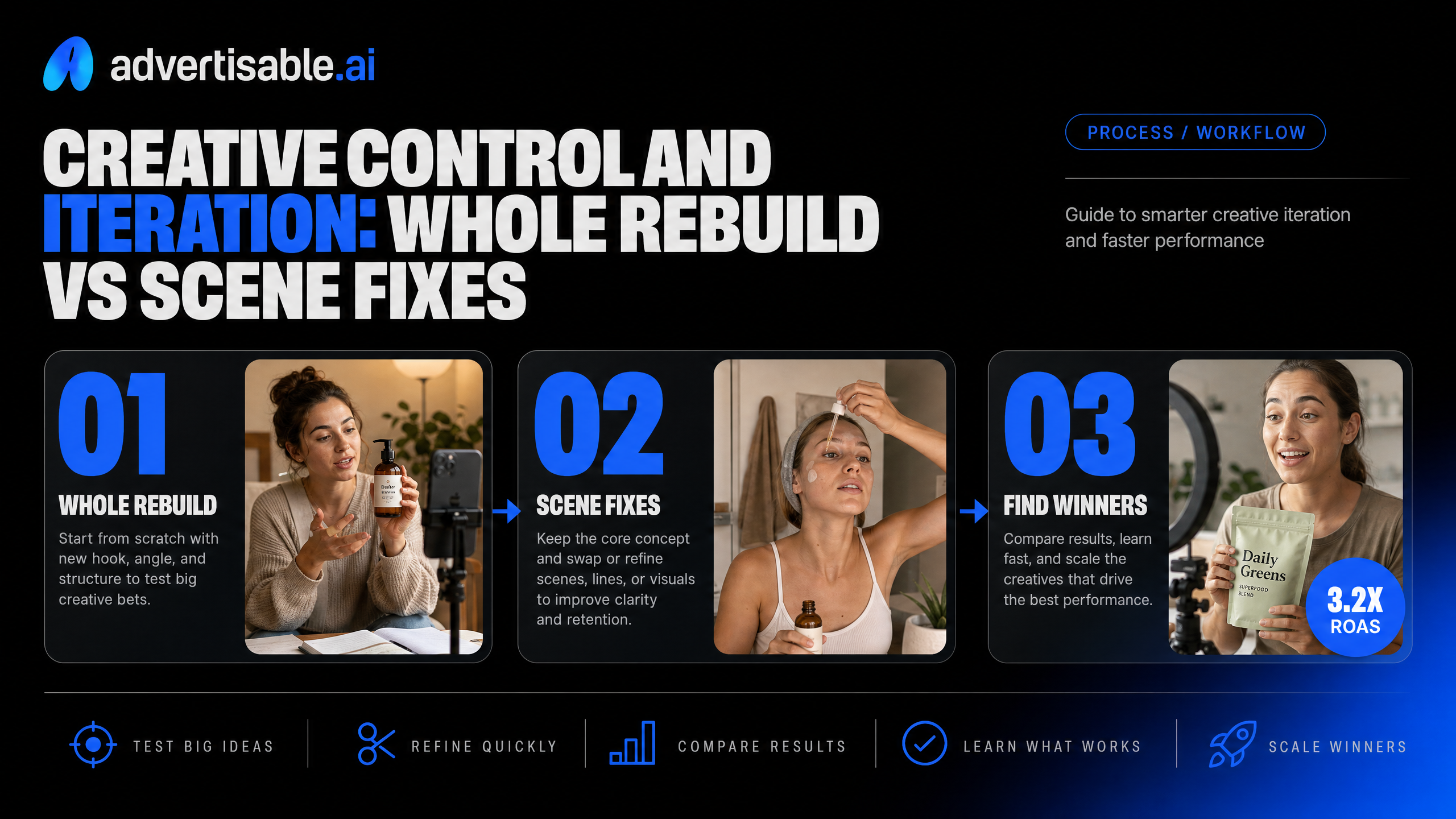
The 60-minute benchmark workflow
To compare iteration control fairly, you need a timed test that forces the same constraints in both tools. Sixty minutes is enough to expose whether you can make targeted improvements or you keep restarting the whole ad.
Run the benchmark on one product and one offer. Your goal is not a perfect ad. Your goal is 10 testable variations where you can isolate a single variable (the hook) without breaking everything else.
- Minutes 0-10: Paste a product link, confirm key product facts, set brand rules you expect to stay consistent
- Minutes 10-20: Build a storyboard and approve the sequence (hook, problem, proof, offer) before rendering
- Minutes 20-35: Generate 1 full baseline ad
- Minutes 35-50: Create 3-5 hook variations that keep the body identical; note whether this is a scene-only regeneration or a full rebuild
- Minutes 50-60: Export 9:16, 1:1, 16:9 and log what broke (text safe areas, cropped logos, audio timing)
Production-ready output checklist
“Looks good” is not a shipping standard. Production-ready means you can upload it to Meta or TikTok with zero emergency fixes and no claim risk.
Storyboard sign-off matters because it reduces downstream revisions: approving the sequence before you render means fewer surprises and fewer rework cycles later.
- Brand consistency: colors, fonts, logo placement, and voice stay stable across variations
- Product accuracy: specs and claims match your approved fact set; no invented features
- Hook clarity: first 2 seconds communicate the angle without cluttered overlays
- Audio quality: intelligible voice, no abrupt cutoffs, consistent loudness across variants
- Platform fit: safe margins, readable captions, no critical elements cropped in 9:16 or 1:1
- Export usability: clean file output with no watermarking in the version you intend to run
Cost per usable ad formula
Subscription price is not your real cost. Your real cost is what you pay to get one ad you can actually run after failures and rework.
Use this simple equation across Creatify and Advertisable AI, then compare results over a week of testing.
- Cost per usable ad = (Tool cost for the period + credits consumed + your labor cost for fixes) / number of production-ready ads exported
- Labor cost = (minutes spent fixing or rebuilding / 60) x your loaded hourly rate
- Usable count rule: only count ads that pass your checklist and can ship without manual patching
Tools that support scene fixes usually win this math because partial regeneration preserves what already works and avoids paying twice for the same approved seconds.
Choose Creatify if, choose Advertisable if
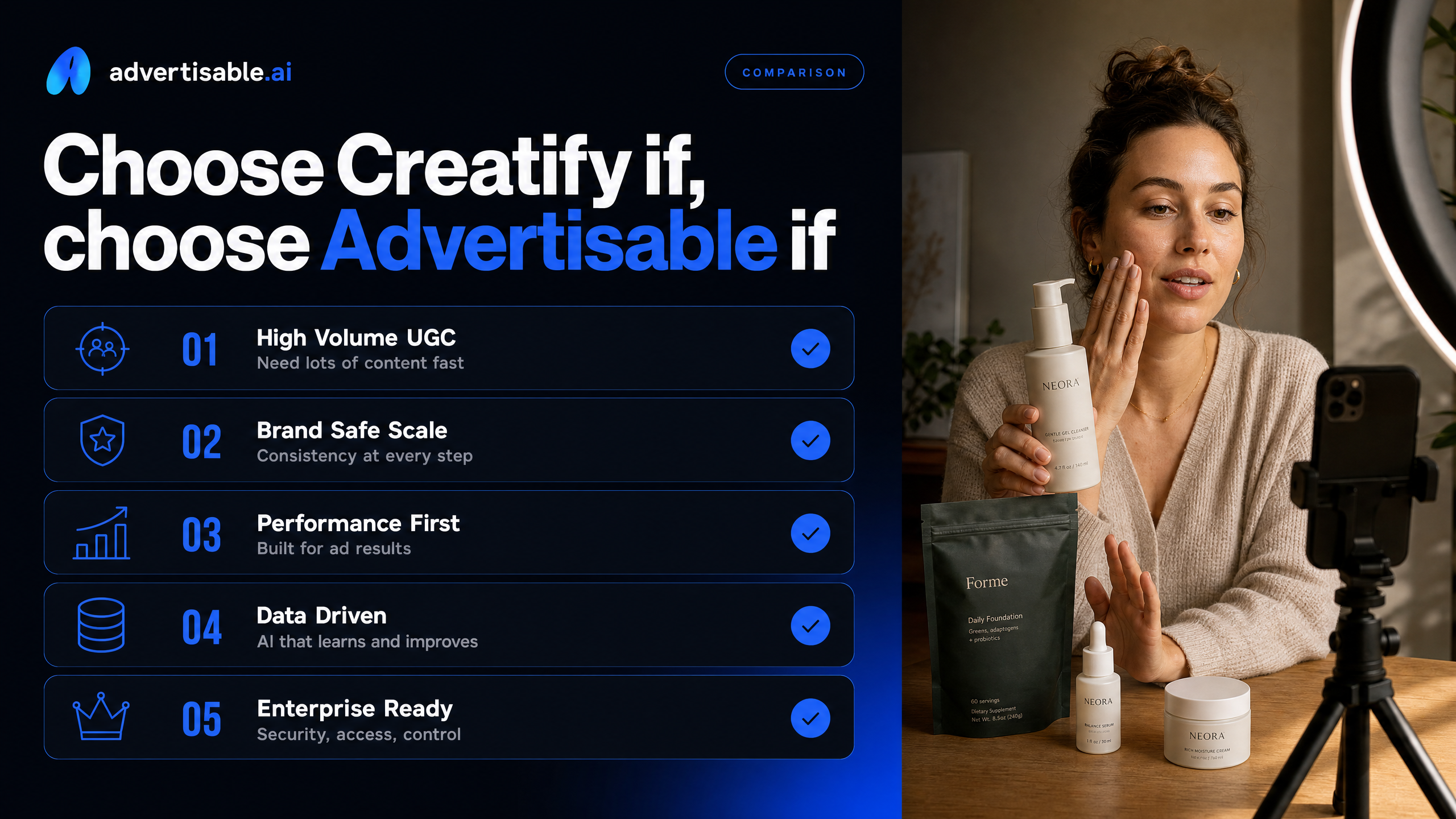
Choose Creatify for raw output volume
Pick Creatify when your bottleneck is simply getting a lot of new ads rendered fast, even if a portion will be “close but not quite” and need reruns.
It is built for high-throughput UGC-style output: URL-to-video speed, Batch Mode for multiple variations at once, and a large avatar library (300+ on Starter, 1,500+ on Pro). If your workflow is “generate big, then only ship the winners,” that bias toward volume can be a fit.
Creatify also offers a low-friction entry point with a free plan (10 credits, watermarked exports) and paid plans from $39/month.
- You are running broad creative exploration and can tolerate more regeneration cycles
- You want lots of avatar options quickly without heavy brand governance
- Your team has time to filter, trim, and re-render to reach production-ready quality
Choose Advertisable when control drives performance
Pick Advertisable AI when your constraint is not “more videos,” but “more usable variations you can trust.” Control is what keeps testing clean and scaling safe.
In our experience, the hidden cost in AI creative is rework: fixing off-brand drift, correcting product facts, and rebuilding entire ads to change one variable. Our workflow is designed to prevent that by locking Brand DNA (colors, fonts, logos, voice, specs and claims) and letting you regenerate only the hook or a single scene while keeping the rest constant.
That matters when you are running paid-social experiments where one change per batch is the difference between learning and noise.
- You need consistent on-brand outputs across dozens of variations
- You care about isolated hook A/B tests against the same video body
- You want scene-level fixes instead of full re-renders
Common failure modes to watch
Most disappointments in this category come from workflow mistakes, not the idea of AI creative itself. Watch for these predictable failure modes before you blame the tool.
The fastest way to waste budget is shipping “mostly right” ads that introduce uncontrolled variables or brand risk.
- Off-brand drift: colors, fonts, logo usage, or tone shifting across variations
- Claim and spec errors: the ad states something your PDP does not support, creating compliance and refund risk
- Full-rebuild iteration: needing to rerender the entire ad to change a hook, offer, or single scene
- Multi-variable testing: changing hook and body at the same time, so you cannot attribute performance movement
- Unshippable exports: outputs that look fine in a preview but break in real placements or need manual cleanup
Your safest decision framework is simple: optimize for the constraint that actually limits how many production-ready tests you can ship per week.
Ready to test without rebuilding your ads
If your bottleneck is speed alone, avatar volume tools can help. But if you are scaling paid social, the real constraint is usable output that stays on-brand and stays editable when you need to iterate fast.
That is exactly why we built Advertisable AI. You paste a product link, lock Brand DNA once, then generate controlled variations you can actually ship. When a hook misses, you regenerate only the hook scene instead of redoing the full video, so your tests stay clean and your workflow stays fast.
Start the Advertisable AI $5 trial. Paste your product link, lock Brand DNA, and generate 20 controlled variations today, including 3 to 5 hook-only A/B versions, exported ready for Meta and TikTok.
Frequently Asked Questions
Q: Is Creatify worth it?
A: It can be worth it if your priority is getting lots of avatar videos quickly and you can accept more rework when outputs drift off-brand. If you care most about predictable, production-ready variations and fast hook iteration without full rebuilds, you will usually get better throughput from Advertisable AI.
Q: What's the best AI ad maker?
A: The best tool is the one that lowers your cost per usable ad in your workflow. If you need brand control at scale, hook-only A/B testing, and platform-ready exports, Advertisable AI is built for that performance testing loop.
Q: Can I change just the hook without rebuilding the entire video?
A: Yes. In Advertisable AI, your ad is structured in a storyboard, so you can regenerate only the hook scene while keeping the rest of the video unchanged for a clean test.
Q: What platforms are the videos ready for?
A: We export platform-ready formats for Meta, TikTok, and YouTube in 9:16, 1:1, and 16:9 so you can deploy the same creative across placements without manual resizing.