Make UGC ads without creators using scene control
Yes, you can create UGC-style ads without hiring creators or filming, by using an AI-powered UGC platform that turns your product URL into a storyboard and then lets you edit the ad scene by scene.
If you are stuck between expensive creator cycles and AI outputs you cannot steer, the fix is treating UGC as a repeatable structure, not a specific person on camera. In this guide, you will learn how to:
- Pull real product details from your product URL, then confirm the name, benefits, and allowed claims before generation.
- Lock your Brand DNA upfront so your tone, visuals, and boundaries stay consistent across every variation.
- Approve the storyboard before rendering so the hook, product moment, pacing, and CTA are right before you spend credits.
- Generate 10 to 20 variations by changing one variable per batch, then repair weak scenes without redoing the entire video.
- Measure results in a 48 to 72 hour loop so you scale winners without flooding the same audience with noise.
We built Advertisable AI for performance creative teams who need creative velocity without losing control. Our Product URL Parser, Brand Identity Locking System, Storyboard Editor, and Scene-Level Control Dashboard are designed to keep your ads brand-safe and testable, and our ROI Tracking Dashboard helps you decide what to scale based on results, not guesses.
Before you pick tools or workflows, you need the right definition of what you are actually trying to produce, because UGC without creators is not a shortcut, it is a paid ads structure with specific authenticity cues that still convert. Let’s break down what that means in real campaign terms.
What UGC without creators means in paid ads
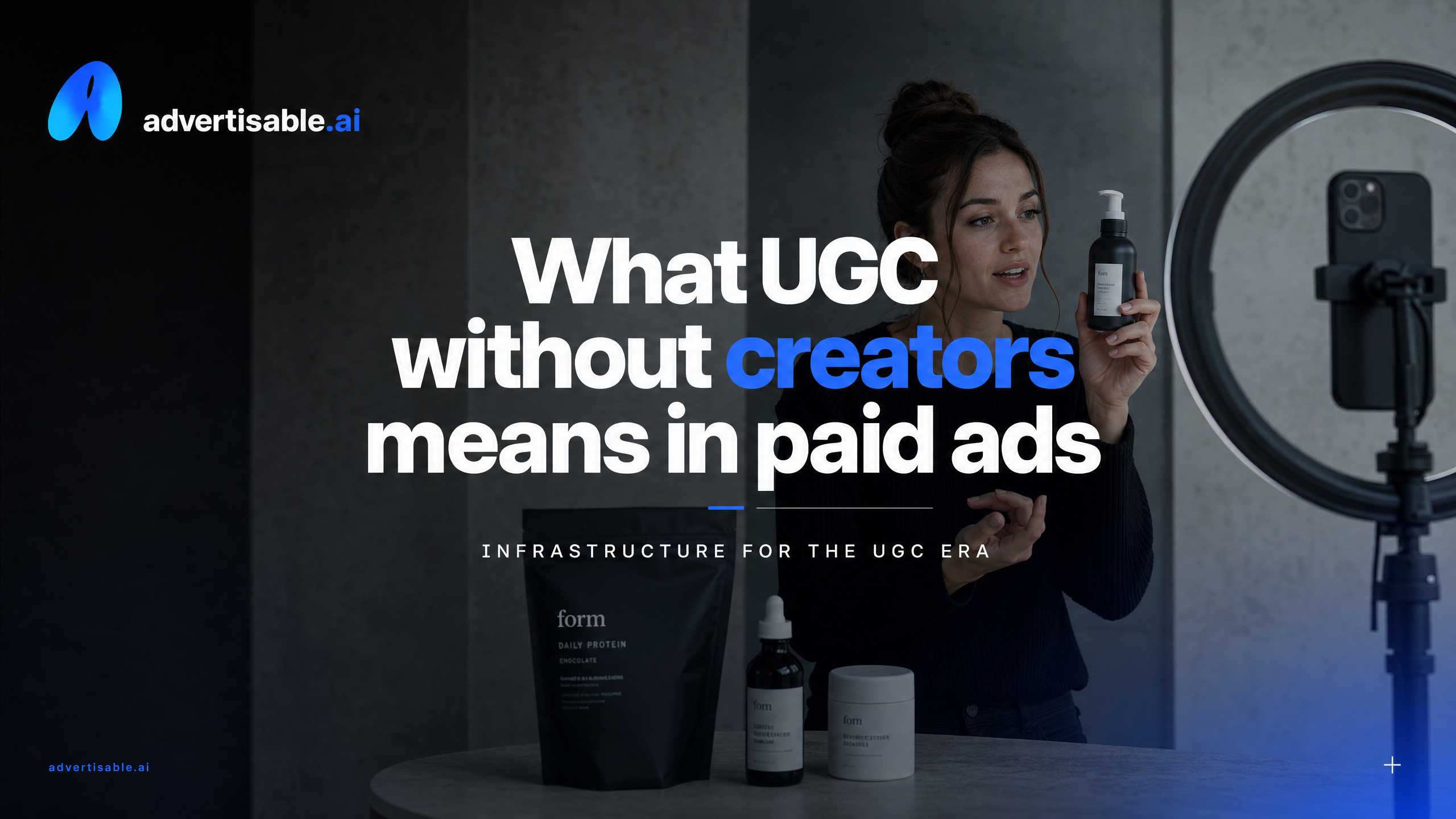
UGC is a structure, not a person
UGC without creators means you keep the UGC ad format people respond to, but you remove the human creator from the production bottleneck. You are producing UGC-style paid ads with a controlled, repeatable system instead of sourcing someone to film “their” experience.
In practice, the big changes are operational: production becomes a pipeline, not a booking calendar. You go from waiting on briefs, revisions, and reshoots to generating and adjusting specific scenes on demand, without redoing the whole asset.
The rights piece also changes. Traditional UGC is often tied to a person’s likeness and usage terms, which forces negotiation and creates risk if teams get sloppy and repurpose content they do not actually have permission to use. In a creator-free model, you are not borrowing someone else’s video, so you are not gambling on whether that clip was cleared for paid usage in the first place.
- What changes: speed (same-day iteration), control (scene-by-scene edits), and fewer usage-rights dependencies on third parties
- What must stay the same: the UGC structure (hook, problem, proof, offer, CTA) and a clear through-line that feels like a real person’s point of view
Authenticity cues you can produce without a creator
Authenticity is not “a random person on camera.” It is a set of cues that signal a real use-case, real friction, and real proof, and you can engineer those cues without impersonating a specific individual.
The standard you are aiming for is believability under scroll. That means your ad still needs specificity, product truth, and proof elements that withstand scrutiny, even when the production is AI-driven.
- A tight first-person script that names a concrete situation: where the problem shows up, what changed after using the product, and what you would do differently
- Natural pacing: short clauses, imperfect rhythm, and pauses where a human would think, not read
- “Hands and product” moments: clear product handling, setup, unboxing, application, and result shots that match the claim you are making
- On-screen receipts of proof: ratings, FAQs, key specs, guarantee terms, or test results, shown as visuals instead of asserted as hype
- Disclosure and claim discipline: do not imply you pulled a real customer’s video or testimonial unless you have explicit permission and documentation for paid usage
When you build these cues into the creative, you preserve the UGC feel while staying in control of production, claims, and risk.
The same-day workflow from product URL to storyboard
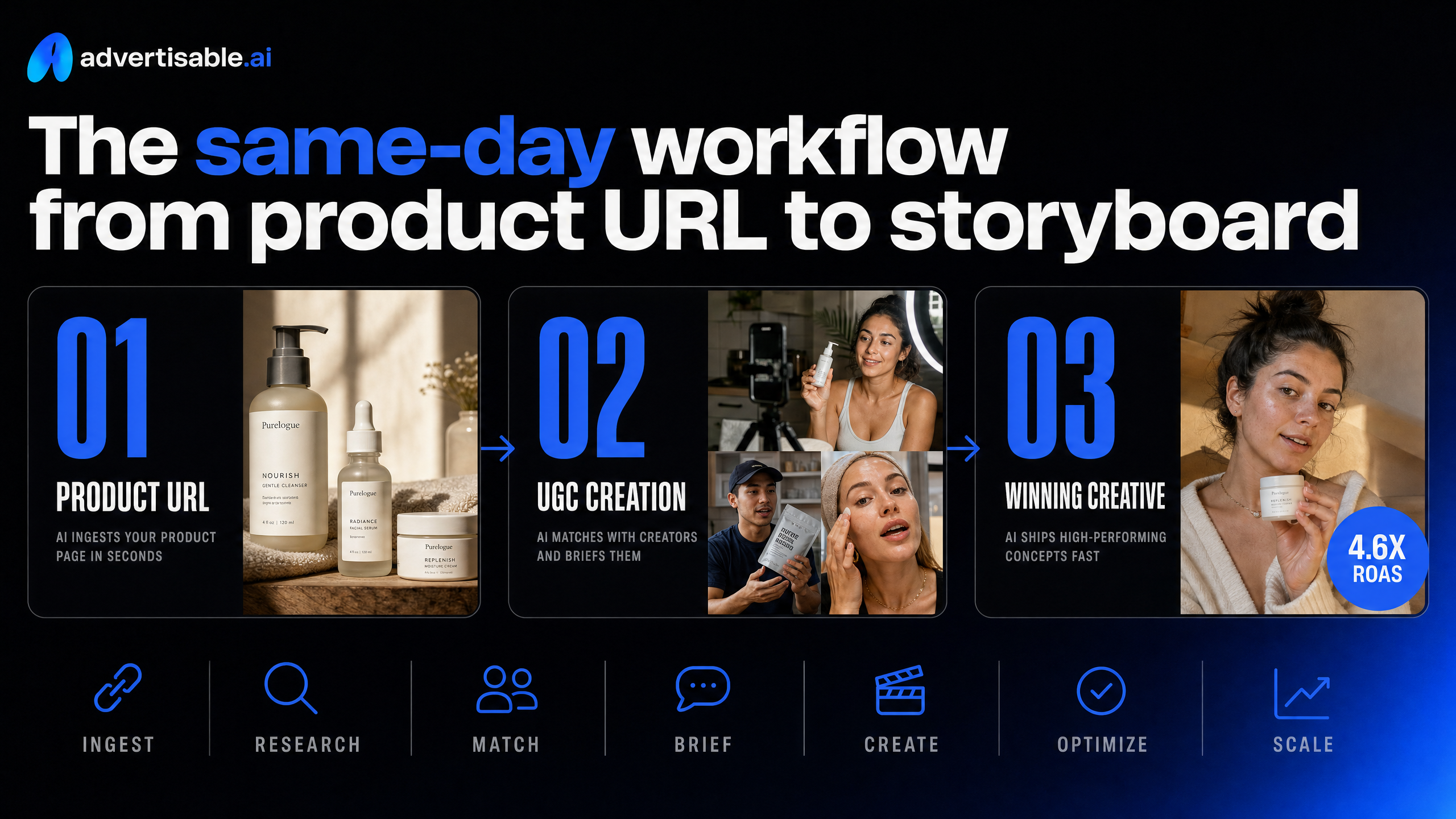
The fastest way to produce UGC-style ads without creators is to treat generation like a controlled production pipeline, not a one-shot prompt. In practice, that means you pull product facts from the URL, verify what you are allowed to claim, lock your brand rules, then approve a storyboard before you spend compute rendering full videos.
Verify claims pulled from your URL
Your product URL is a starting point, not a source of truth. Parsing a page can pull the product name, key benefits, ingredients or materials, variants, and positioning, but you still need a quick human pass to prevent accidental claim inflation.
What we see most often is the model turning soft language into hard promises. “Supports” becomes “cures,” a feature turns into an outcome, or shipping and warranty details get blurred. That is where off-brand hallucinations start, and once you render video, those mistakes get expensive to fix.
Do a two-minute verification pass by comparing extracted facts against the exact on-page copy and your internal approved claims list. If a claim is not explicitly supported by your page, your packaging, or your compliance team, mark it as disallowed before you touch creative.
- Confirm the exact product name, variant names, and what is actually included in the box
- Separate features from outcomes (what it is vs what it does), and only keep outcomes you can substantiate
- Flag any regulated areas for your category (health, financial, before-after, guarantees) as “needs approval” instead of “approved”
- Lock the offer details that impact trust: price, discount rules, shipping window, returns and warranty language
- Identify the proof you can honestly use: reviews on the page, certifications shown, test results shown, or “no proof available”
Lock Brand DNA before generation
Brand DNA is your guardrail system. You lock it before generation so every variation stays inside the same visual and verbal boundaries, even when you are producing at high creative velocity.
This step is where you prevent the two failures that kill performance: ads that look like they came from a different brand, and ads that drift into a tone your audience does not recognize. When you lock Brand DNA upfront, you stop wasting iterations on “almost right.”
In Advertisable AI, we do this with the Brand Identity Locking System so the platform has a clear rule set before it creates any frames. The goal is not to make everything uniform. The goal is to keep the parts that must be consistent actually consistent.
- Visual rules: colors, fonts, logo treatment, packshot requirements, on-screen text style
- Voice rules: pacing, formality, vocabulary to prefer or avoid, how direct the CTA can be
- Claim rules: allowed claims, disallowed claims, and phrases that must include qualifiers
- Compliance rules: required disclosures or disclaimers where applicable, plus banned formats (for example, before-after visuals if you cannot use them)
- Audience fit rules: the customer pain points you want to lean into, and the ones you do not want to touch
Once these rules are locked, you can test hooks and angles without the brand drifting every time you generate a new cut.
Approve the storyboard before rendering
Storyboard approval is where you catch bad ads while they are still cheap. You are checking the sequence and logic of the ad before you spend time rendering full scenes and producing final outputs.
Treat the storyboard like a performance checklist, not a creative writing exercise. You want to see the hook, the problem, the proof, the product moment, and the CTA in a clear order with the right pacing for your platform.
A common mistake is approving a storyboard that “sounds fine” but never shows the product clearly, or introduces proof you did not verify in step one. Another is changing multiple variables at once inside the storyboard, which makes later testing messy because you cannot tell what drove performance.
- Hook: does the first line and first visual earn attention for your specific customer?
- Product moment: do you show the product early enough, and is it shown accurately?
- Claims and proof: are all claims on the allowed list, and does any proof shown match what you actually have?
- Pacing: are you spending too long on setup before the value is clear?
- CTA: is the action explicit, and does it match the offer terms you verified?
Generate 10-20 variations without losing control
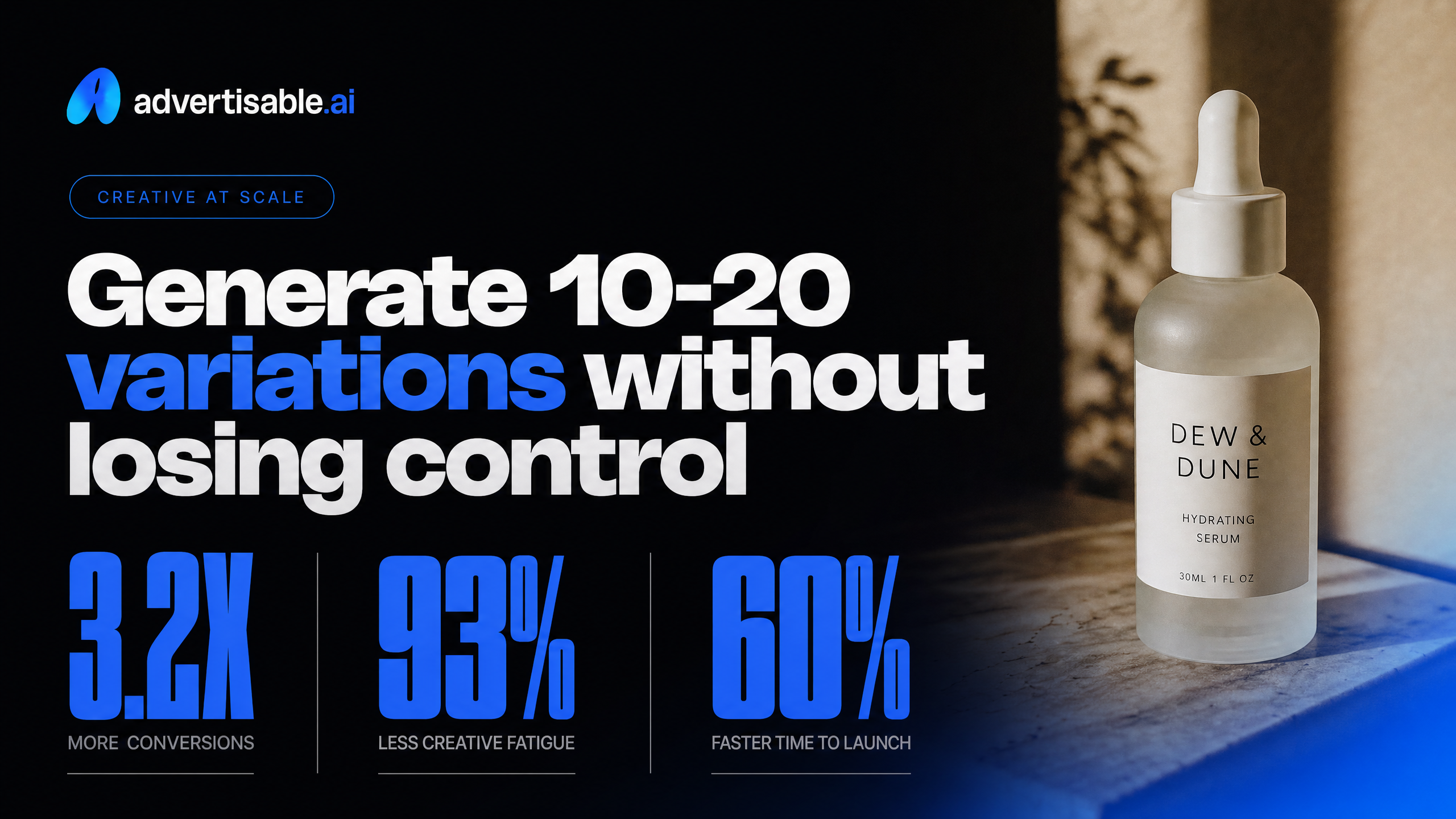
You can get to 10-20 testable UGC-style ad variations fast without burning credits or losing brand consistency, but only if you treat variation as an experiment. That means controlled batches, scene-level fixes, and a tight test loop that tells you what to scale and what to kill.
Change one variable per batch
The fastest way to waste spend is to change five things at once and then try to guess what worked. You want speed, but you also want attribution, so you change one variable per batch and keep everything else locked.
In practice, you start from one approved storyboard and produce multiple versions where only a single element shifts. That keeps your learnings clean: the winner is tied to one decision, not a messy bundle of edits.
Keep your batch structure consistent across platforms so you can compare like for like. Your goal is not “more ads”; it is clearer signals per credit and per dollar.
- Batch A (Hook test): same avatar, same offer, same scenes 2-n; change only the first 2-3 seconds (question hook vs. contrarian statement vs. outcome-first)
- Batch B (Angle test): same hook style; change only the core promise (save time vs. save money vs. reduce risk)
- Batch C (Proof test): same hook and angle; change only proof type (demo moment vs. claim-on-screen vs. before/after framing)
- Batch D (CTA test): same creative; change only the last line and on-screen CTA (shop now vs. learn more vs. limited-time offer)
- Naming convention: encode variable + version (HOOK-01 to HOOK-05) so reporting stays readable in Ads Manager
When you later scale spend, you can scale the concept with confidence because you know which creative decision earned the lift.
Fix scenes without redoing videos
When one scene is weak, regenerating the entire video is the wrong move. Scene-level edits let you keep the parts that work and only repair what is breaking retention, clarity, or brand consistency.
The usual failure points are predictable: a hook that drags, a product moment that is unclear, a line that overclaims, or pacing that feels off for the platform. You diagnose by timestamp, then replace only that segment.
In our workflow, this is where a storyboard editor and a Scene-Level Control Dashboard matter. You can swap a hook, tighten a single VO line, or re-render just the product reveal while preserving the approved sequence and your brand-consistency guardrails.
- Hook scene: shorten the first sentence, remove setup words, and show the outcome earlier
- Product moment: replace with a clearer on-screen label, a tighter crop, or a simpler “what it is” line
- Proof scene: change the format (one strong claim + qualifier) rather than stacking multiple claims
- Pacing: trim pauses, reduce text density, and keep visual changes happening every 1-2 seconds
- Compliance and brand: adjust wording to allowed claims and keep fonts, colors, and tone consistent
Run a 48-72 hour test loop
You do not need weeks to decide what to keep. A tight 48-72 hour loop is enough to get directional reads, as long as you set kill criteria upfront and resist the urge to “wait it out” on clearly weak creatives.
Launch your controlled batch, keep budgets small but consistent across variants, and judge winners at the variable level (hook vs. angle vs. proof). mobile advertising research supports running 10-15 variations simultaneously for rapid iteration testing and using 48-72 hours for directional performance reads.
Export platform-ready specs before you launch so you are not testing “format errors” instead of creative. At minimum, you want correct aspect ratios, safe margins for UI overlays, and clean audio levels per platform.
At the end of the window, you keep the top performers, pause the losers, and generate the next batch by changing one new variable while holding the winner constant.
- Hour 0: launch 10-15 variants in one campaign with consistent targeting and placement
- Hour 24: pause anything with clear early underperformance (high thumb-stop drop-off or weak click intent signals), keep budget concentrated on the best few
- Hour 48-72: pick 1-2 winners per variable, then build the next batch by changing only the next most important variable
- Weekly hygiene: keep a stable set of active variations and refresh deliberately rather than flooding the account
This loop gives you creative velocity without randomness, and it keeps your spend tied to learning instead of hope.
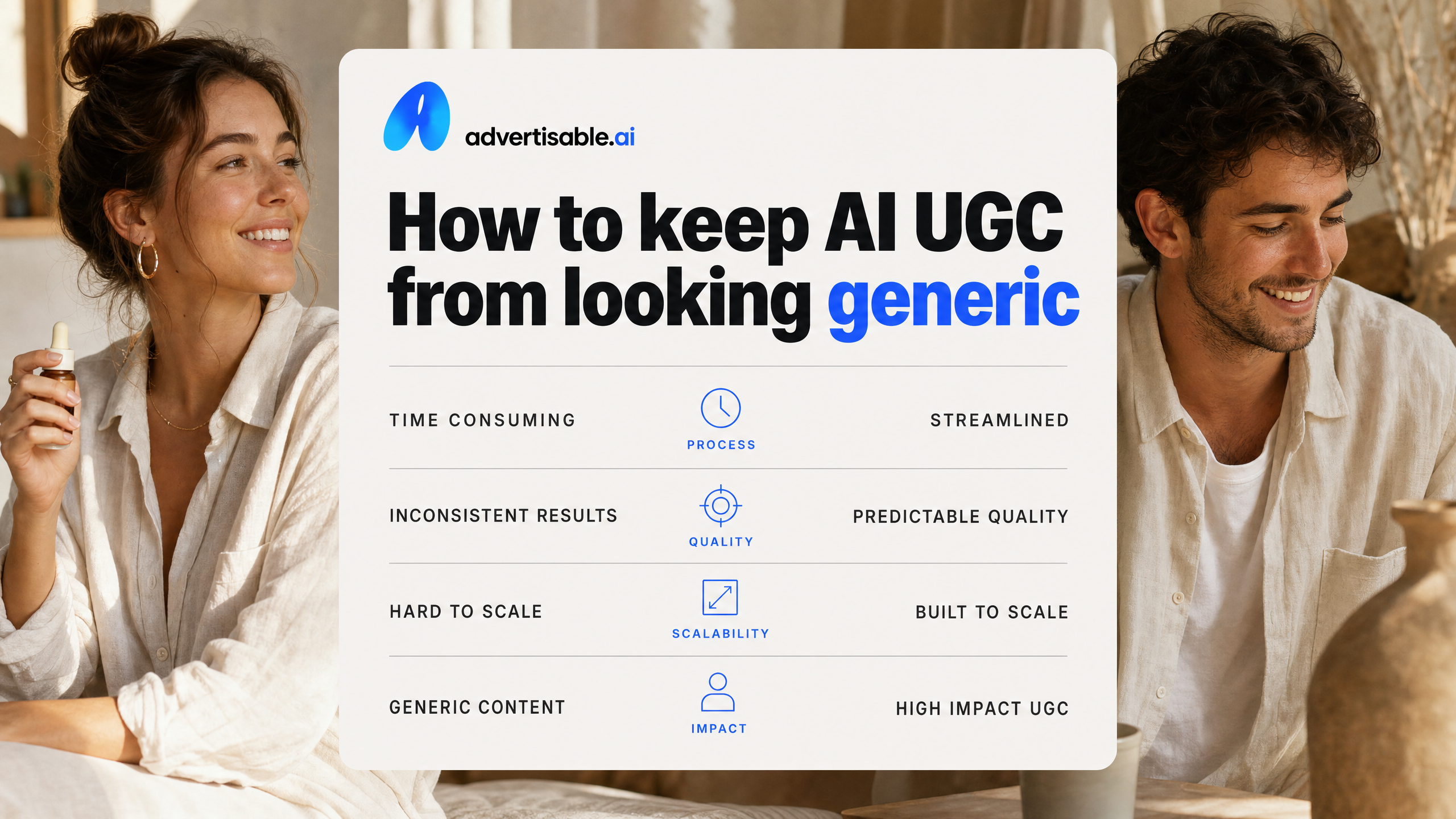
How to keep AI UGC from looking generic
Hooks that sound like customers
Your hook fails when it sounds like a brand statement instead of a lived moment. You fix that by scripting hooks from real customer language, then forcing every first line to anchor to a specific situation, not a feature list.
Use a simple five-beat script: Hook, Problem, Proof, Offer, CTA. The hook should be one sentence a buyer would text a friend after week one, with a concrete trigger (time, place, before/after, or a mistake they made).
Build a repeatable hook library by saving 20 to 30 first lines in a spreadsheet, tagged by persona and pain. Then rotate hooks while keeping the rest of the storyboard constant, so you can isolate what actually drives thumb-stop.
- Hook: “I thought I needed [alternative], but the real issue was [specific friction].”
- Problem: Name the moment it shows up (morning routine, cart checkout, first use).
- Proof: A measurable change (days to outcome, fewer steps, less time, clearer result).
- Offer: What you get and what’s included, stated plainly.
- CTA: One action, one platform-native phrase (shop, try, get yours).
- Guardrails: Lock allowed claims, banned phrases, tone, and product facts before generation so every variation stays on-brand.
Proof beats polish in UGC ads
In UGC-style ads, credibility comes from evidence and specificity, not perfect cinematography. Viewers decide fast, and MetrixLab ad recall research found 90% of total ad recall happens within the first six seconds, so your proof has to show up early.
“Proof” can be a demo moment, a side-by-side, a screen recording, or a tight sequence of what changed and when. The goal is to answer the silent objection in the first 10 seconds: “Why should I believe you?”
What we see work best is a proof-first storyboard where scene one is the hook, scene two is the proof, and everything else supports it. With Advertisable, you can enforce this in the Storyboard Editor, then use scene-level control to swap only the hook or proof shot without rebuilding the whole ad.
- Lead proof with one concrete detail: “Day 3,” “first wash,” “after two uses,” “in my first session.”
- Show the “how” in one shot: unbox, apply, set up, compare, or result check.
- Keep claims inside your brand-consistency guardrails so variations don’t drift into risky promises.
- Prefer imperfect human phrasing over polished narration, as long as the message stays accurate.
Get creator-free UGC ads you can actually control
If you are done waiting on briefs, chasing usage rights, and shipping ads you cannot iterate fast enough, build a repeatable UGC ad generation workflow instead. That means product URL in, brand rules locked, storyboard approved, then variations you can test the same day.
With Advertisable AI, we help you turn your product page into performance creative using our Product URL Parser, Brand Identity Locking System, and Storyboard Editor so you keep control over claims, tone, and pacing before you spend credits generating full videos. Then you use our Scene-Level Control Dashboard to fix the one scene that is dragging results instead of starting over.
Paste your product URL, generate 10 to 20 variations, and run a clean 48 to 72 hour test loop to find what scales.
Frequently Asked Questions
Q: How does Advertisable prevent off-brand outputs when generating UGC ads?
A: We lock your brand parameters before any frames are generated using our Brand Identity Locking System. That gives you brand-consistency guardrails around the elements you cannot afford to drift, like colors, fonts, tone, and allowed claims. After generation, you can still refine creative, but you do it with Scene-Level Control so edits stay aligned with your standards instead of introducing new inconsistencies.
Q: What's the difference between this platform and general AI video generators?
A: We are built for paid advertising and performance creative, not for open-ended content creation. You start with a structured creative pipeline from a product URL, then approve a storyboard before rendering so you control hooks, product moments, pacing, and the CTA up front. The goal is predictable iteration and faster testing, with brand-consistency guardrails and scene-level control designed for scaling ad accounts.
Q: Can I generate ads for multiple platforms at once?
A: Yes. Our Multi-Surface Output Engine generates platform-ready outputs from the same core creative, so you can deploy without rebuilding the ad from scratch each time. This is especially useful when you want to run controlled tests across placements while keeping the story and offer consistent.
You can then iterate based on results by adjusting specific scenes rather than regenerating everything.