Best AI Video Ads Cost: Predictable ROI Control
The AI video ad tools that make ads that actually perform without brand risk are ad generation platforms with scene-level control, brand-consistency guardrails, and a variation workflow built for testing, not one-shot renders.
If you are already running paid and you need 50 to 100 production-ready creative variations per week, “best cost” is not the monthly subscription. It is what you pay per shippable variation that meets the minimum quality bar for Meta, TikTok, and YouTube, in the right platform-specific specs. In this guide, you will get:
- A quick decision summary with top picks by use case, so you can shortlist fast
- A scoring rubric that predicts credit waste before you commit budget
- A simple ROI control workflow: storyboard approval, single-variable batches, 48 to 72 hour readouts, then iterate winners
- A risk checklist to reduce uncanny reactions, off-brand visuals, and compliance surprises
We built Advertisable AI for this exact problem: scaling performance creative without losing control. With our Brand DNA Extractor, Storyboard Generator, Scene-Level Editor, and Variation Engine, you can start from a product URL, lock in brand-consistency guardrails, and generate controlled ad variations for creative testing across Meta, TikTok, and YouTube.
Before you compare tools by price, you need to define “best AI video ads cost” in performance terms, starting with cost per shippable variation and the quality threshold your paid social campaigns actually require.
Define best AI video ads cost in performance terms

The “best AI video ads cost” is not what you pay per render, per minute, or per export. The number that predicts performance is what it costs you to produce a variation you can actually launch, measure, and iterate on within your normal testing cadence.
Cost per shippable variation
The cost that matters is cost per shippable variation: one ad you can publish today, with the right format, messaging, and brand accuracy, without extra work that slows testing.
In our experience, teams mis-price AI video by counting only tool credits. Your real all-in cost includes the time to QA for product distortion, fix scenes that drift off-brief, regenerate failed outputs, and get approvals. When those steps are unpredictable, your “cheap” variation becomes expensive because it misses the window when your account needs fresh creative.
A practical way to compare tools is to ask: “How many production-ready, single-variable variations can you ship per week, per buyer persona, per platform?” That aligns the tool cost with what you are buying: throughput you can reliably test.
- Include generation cost plus human QA time per variation
- Count only variations that pass brand and product accuracy checks
- Track rework rate: how often you must regenerate or manually patch scenes
- Price in speed to launch: anything that adds days increases opportunity cost
Minimum quality bar for paid social
Paid social has a minimum quality bar: the ad must look intentional, on-brand, and believable enough that viewers focus on the offer, not the production.
You do not need cinematic craft for most DTC testing, but you do need stable fundamentals: clean framing, readable on-screen text, consistent product visuals, and audio that feels native to the placement. The fastest way AI underperforms real UGC is when it introduces “tell” moments: odd motion, mismatched lighting, or a product that subtly changes from scene to scene.
Performance teams should treat this bar as a pass-fail gate. If a variation fails it, it is not a “cheaper ad.” It is wasted testing bandwidth.
- Brand consistency: colors, fonts, claims, and tone stay within your guardrails
- Product integrity: shape, packaging, and key details do not morph between cuts
- Hook clarity: the first 1-2 seconds communicate the angle without confusion
- Placement fit: pacing and overlays match how users consume that feed
Platform specs that change cost
Platform requirements change your cost because they change how many distinct exports you need and how often you have to rework a “finished” ad into a compliant one.
Specs are not just dimensions. They include aspect ratio, length limits by placement, safe zones for UI overlays, file formats, and compression behavior. Getting this wrong can cost you reach and spend, which is why platform specification requirements should be treated as part of your creative cost model.
When you evaluate AI ad tools, you are really evaluating how often the tool forces you to create separate masters for TikTok, Reels, Shorts, and in-feed versus generating platform-ready variants automatically.
- Aspect ratios (9:16 vertical vs 1:1 or 16:9) that require reframing and safe-zone checks
- Length constraints that force alternate cuts (hook-first 6-15s vs longer story versions)
- Caption and UI overlap differences that change text placement and sizing
- File format and compression outcomes that can soften text and product detail
The scoring rubric that predicts credit waste
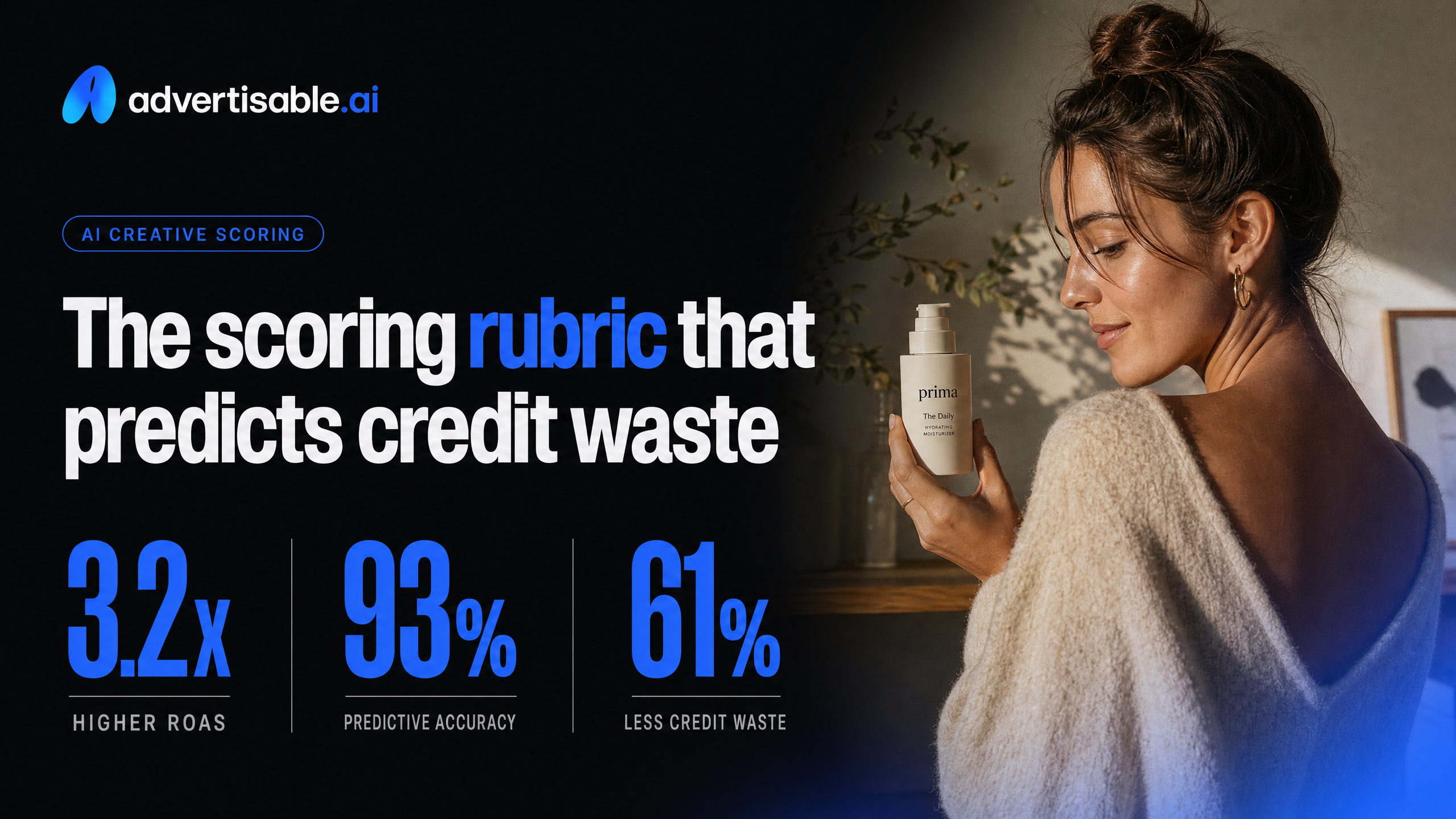
You can score AI video ad tools the same way you score ad accounts: control (can you fix what breaks), consistency (does the output stay on-brand), throughput (can you produce enough tests), and export readiness (will it ship cleanly to platforms). The weights below match ROI risk: the fastest way to burn credits is being unable to correct a single scene.
1) Scene-level control (40%): the reroll tax
Scene-level control is the biggest predictor of credit waste because it determines whether you can salvage a near-win or you are forced to reroll the whole video. In performance creative, 80% of outputs fail for one or two specific moments: the product shot, the claim line, the first-second hook, or the CTA scene.
Score this like you would scoring ad account controls: can you isolate the problem area, edit it, and keep everything else constant? Tools that only offer “regenerate” turn small fixes into repeated full-cost renders, and you pay for the model’s randomness instead of your creative judgment.
- 5/5: You can lock good scenes, edit or replace a single scene, and preserve timing, captions, and pacing across the rest of the storyboard
- 3/5: You can reorder or swap template scenes, but precise fixes (product framing, on-screen text timing) require partial rerenders
- 1/5: Any issue forces a full reroll, with no way to keep the winning parts
2) Brand guardrails (35%): protect product trust
Brand guardrails are what keep “high throughput” from becoming brand damage. You are not only judging aesthetics; you are judging whether the tool reliably respects the details that customers use to decide if you are legit: product appearance, logo use, colors, and tone.
Treat guardrails as a consistency system, not a one-time style prompt. The practical test is whether the tool can accept structured brand inputs (assets, rules, and do-not-do constraints) and apply them across many variations without drift.
- 5/5: Uses brand inputs (brand assets plus explicit rules) and keeps product rendering, colors, and typography consistent across outputs
- 3/5: Can reference brand assets, but still drifts in palette, logo placement, or product details when you scale volume
- 1/5: Results depend on repeated prompting and manual policing; brand consistency breaks as you increase output count
3) Variation workflow + export readiness (25%): real test volume
A variation workflow drives ROI because it determines how many clean tests you can run per week without creating data noise. You want single-variable ad variations: one change per batch (hook, offer line, angle, CTA), while everything else stays fixed.
Export readiness matters because even a strong concept can become unusable if formats, captions, or aspect ratios require rework. Score this as throughput-to-launch, not “time-to-generate.”
- Variation controls (15%): batch generation, single-variable controls, and a way to keep non-test elements locked
- Throughput predictability (5%): consistent time and credit behavior across batches, not a few lucky renders
- Export readiness (5%): platform-specific specs, clean captions/text placement, and outputs that do not require another tool to publish
When these are weak, you do not just waste credits, you waste learning cycles because your “tests” are changing multiple variables at once.
Mini-reviews by tool category with cost signals
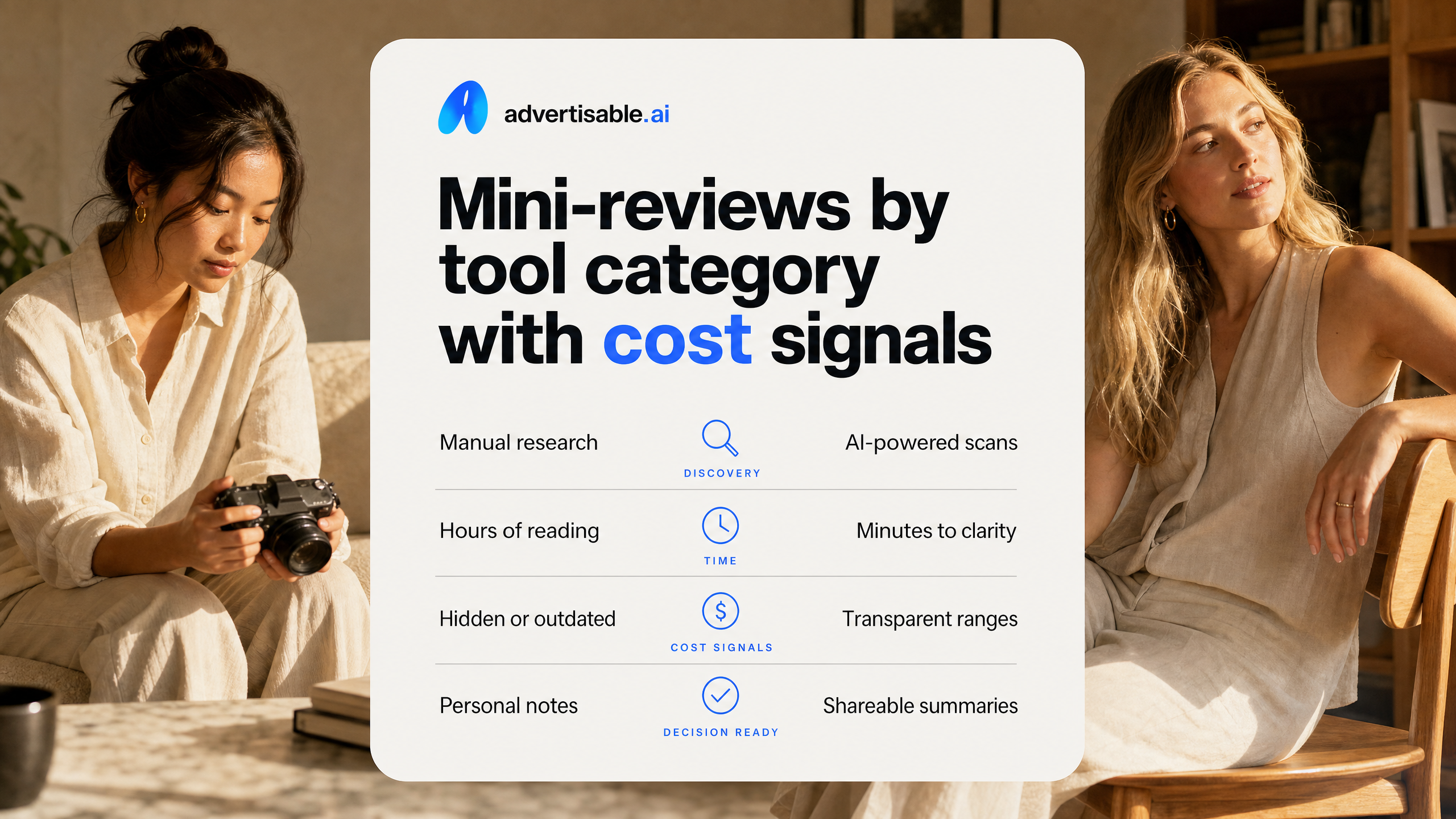
Most budget surprises in AI video ads do not come from the sticker price. They come from rework: unusable scenes, off-brand visuals, and workflows that force you to bounce between tools to get something production-ready.
Avatar-first generators for UGC
Avatar-first tools are the fastest path to UGC-style talking-head ads when you do not have a creator pipeline or you need new faces weekly. They fit direct response teams that already know their angles and just need reliable delivery in vertical formats.
Where costs hide is in “fixing” what the avatar tool cannot control. If the platform gives you a single render with limited scene control, every mispronunciation, awkward gesture, or brand mismatch turns into a full re-render, plus more credits and time. Another common cost is usage constraints: extra charges for more avatars, more languages, higher resolution, or longer runtimes.
The capabilities that reduce rework are surprisingly specific: scene-level edits (not whole-video re-renders), brand-consistency guardrails for colors and tone, and the ability to generate controlled ad variations so you can test hooks without changing everything else.
- Best fit: UGC-style testimonials, product demos, founder-style explainers, multilingual scripts
- Watch-outs: credit burn from re-renders, add-ons for voices/avatars/length, limited ability to correct one scene
- Rework reducers: scene-level control, consistent avatar performance across variations, guardrails that prevent off-brand drift
Text-to-video for concept prototyping
Text-to-video systems are strongest for prototyping concepts fast: visual metaphors, motion style, rough story beats, and “does this angle even feel right?” They fit teams doing early creative exploration, not teams trying to ship paid-social ads at volume.
The cost trap is thinking a concept render equals a shippable ad. You usually pay in extra generations to get a stable product depiction, consistent characters, and clean transitions. When outputs vary a lot between runs, you also lose predictability, which makes it hard to plan a weekly creative cadence.
Rework drops when the tool can lock key elements (product, brand look, structure) while still letting you iterate on one variable like the hook. Without that, you are effectively restarting the ad every time you test.
- Use it for: storyboards, mood tests, new angles you are not ready to brief to production yet
- Avoid it for: performance batches where you need 20 to 100 on-brand variations that match each other
- Cost signal: the more you rely on repeated prompting to “get it closer,” the more your real cost becomes time plus wasted generations
Ad workflow platforms for scale
Ad workflow platforms are built for output, not experiments. They fit DTC brands and agencies that need production-ready creative every week, with controlled variation for testing across Meta, TikTok, and YouTube.
Cost is usually more predictable here because the workflow prevents throwaway renders: you start from a storyboard, you edit at the scene level, and you generate batches with single-variable changes. The hidden cost shows up when a platform is missing one link in the chain, for example no brand guardrails, weak product rendering, or no variation engine, and you end up stitching multiple tools together.
This is the category Advertisable AI is designed for. We use Brand DNA Extractor inputs from a product URL, a Storyboard Generator plus Scene-Level Editor for control, and a Variation Engine so you can create performance-focused batches without creative chaos.
- Best fit: 50 to 100 weekly ad variations, creative fatigue mitigation, agency multi-client throughput
- Cost signal: credits map to iterations, so tools that let you fix a single scene protect your budget
- Rework reducers: storyboard-first workflow, scene-level control, brand-consistency guardrails, batch variation generation
A 48-72 hour workflow that keeps ROI predictable
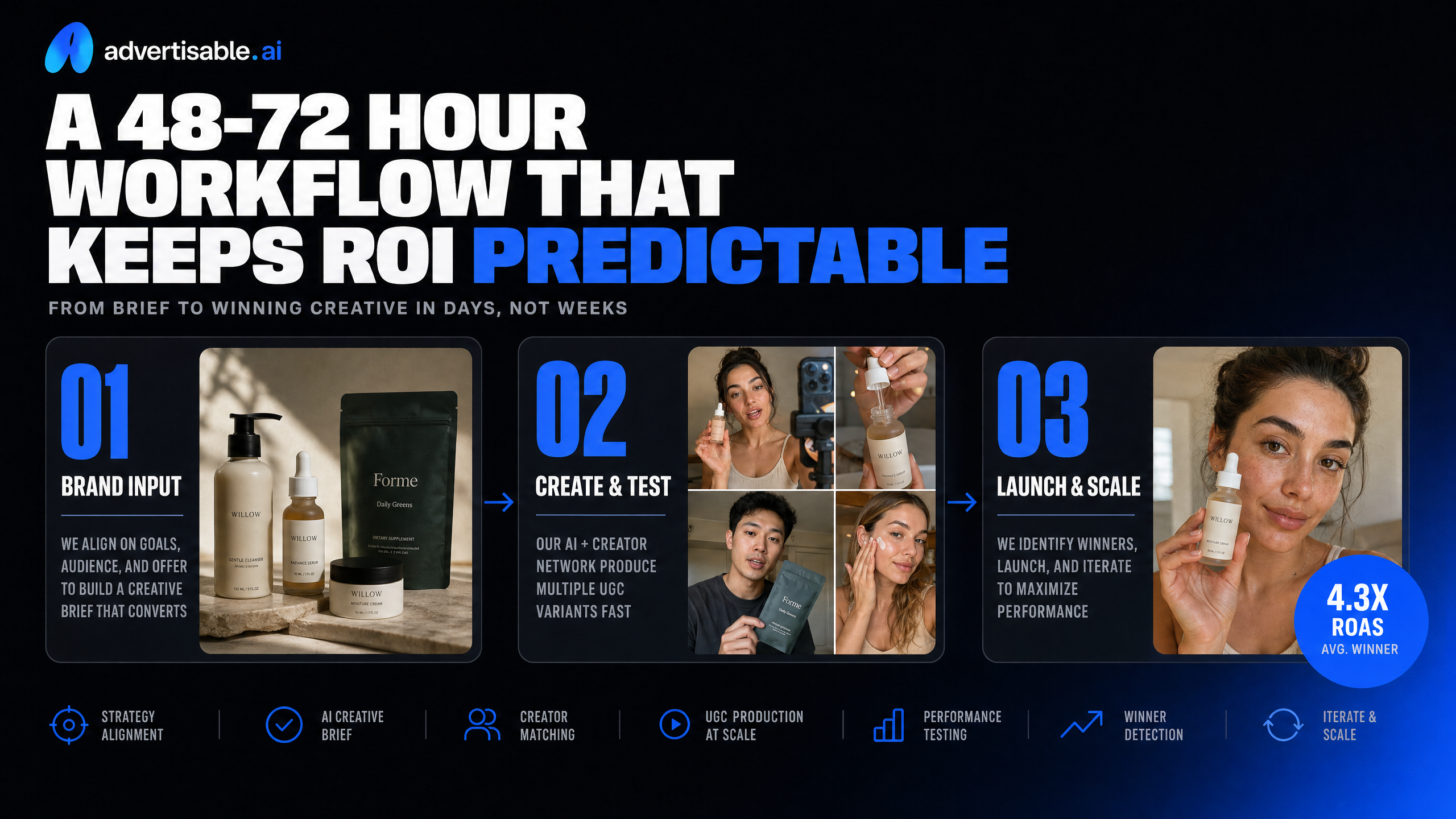
Predictable ROI in AI video ads comes from a tight loop: approve the concept before you generate, test one variable at a time, then re-invest credits only into what proves it can win.
Approve the storyboard before you generate anything
Your first cost-control move is simple: do not spend credits on full renders until the storyboard is approved.
This is where you prevent the two failures that drain budgets fastest: off-brand colors and distorted products. If the product looks wrong in scene 2, generating 20 finished variations just multiplies unusable outputs.
Treat storyboard review as a go or no-go gate. Lock the non-negotiables (logo placement, color palette, product angles, claim language, pacing) and only then generate production-ready creative.
- Pull the concept from a product URL or brief, then review the Storyboard Generator output scene-by-scene
- Fix brand elements first: color rules, typography feel, background style, and any “never do this” constraints
- Check product rendering in the scenes that matter most: open, demo moment, offer frame
- Use the Scene-Level Editor to correct issues before you scale variations
Generate 20 variations, but change only one thing
Run batches of 20 where every ad is identical except for one variable. That is how you learn what drives performance without guessing or burning credits across random combinations.
Single-variable means you are testing one dimension at a time: hook, opening visual, creator/avatar, offer framing, or CTA line. Everything else stays fixed so your readout is clean.
In our experience, teams get better results faster when they standardize a “control” storyboard and only then use a Variation Engine to spin controlled variants, instead of regenerating whole concepts every time.
- Hook test: 20 different first lines with the same scenes and offer
- Visual opener test: 20 different first shots with the same script
- Avatar test: 20 creator options delivering the same message
- CTA test: 20 end cards with identical body content
Read results at 48-72 hours, then iterate only winners
Your iteration window is 48-72 hours because that is typically enough time to see directional signal without waiting for creative fatigue or budget shifts to muddy the data.
Make the readout mechanical: compare variants on the same placement mix and objective, then promote winners and kill losers quickly. You are buying learning, not vanity metrics.
Once you have a winner, keep the winning variable fixed and test the next variable in a fresh batch of 20. That compounding approach is what keeps ROI predictable instead of swinging with every new idea.
If you want this loop to stay fast, use a platform that supports storyboard-first control and single-variable generation. In Advertisable AI, that workflow is built around the Storyboard Generator, Scene-Level Editor, and Variation Engine so you can fix what is off-brand before you scale spend.
- Pick 1-2 primary success metrics per test (for example: CTR for hook tests, CPA for offer tests)
- Pause bottom performers early once you have enough signal to avoid wasting media and credits
- Duplicate the top 10-20% and run a second batch that tests one new variable
- Archive losing variants to avoid re-testing the same idea next week
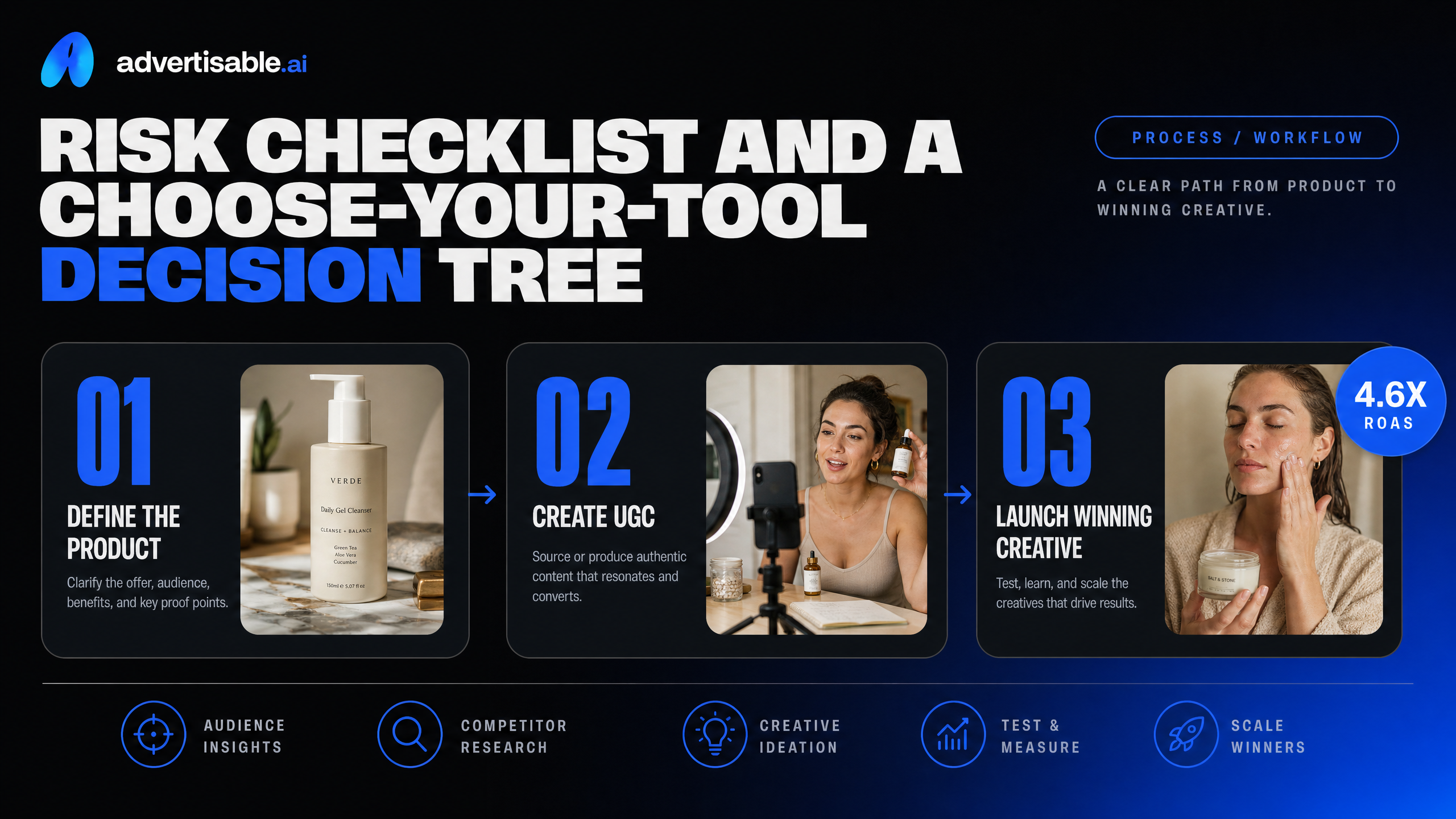
Risk checklist and a choose-your-tool decision tree
Uncanny and synthetic backlash triggers
Backlash usually comes from signals that the ad is “trying to pass” as real. You avoid most of it by designing for clarity and control, not novelty.
Watch for: too-perfect skin and lighting, lip-sync drift, overly smooth motion, mismatched eye focus, and product details that morph between shots. The fastest fix is scene-level QA before you generate variants at scale.
- Run a 10-person internal review: “Would you comment ‘AI’ in the first 2 seconds?”
- Freeze non-test variables: same product shots, same offer, same brand colors while you test hooks
- Kill any variant with product distortion, even if the hook tests well
Compliance and disclosure guardrails
Treat synthetic elements as a compliance input, not a creative afterthought. Your process should decide when disclosure is required before launch, then enforce it consistently across formats.
New York's disclosure law takes effect June 9, 2026 and requires disclosures when ads include digitally created synthetic performers in digital and social campaigns.
- Maintain a “synthetic performer” flag per asset and variant
- Pre-approve disclosure language and placement for each platform format
- Keep version history: storyboard, approvals, final exports, and who signed off
Decision tree by weekly volume
Weekly volume is the simplest proxy for tooling needs: throughput, cost predictability, and how much control you need to prevent wasted credits.
- 0-10 ads/week: lighter tool is fine if you can manually QA every scene
- 10-50 ads/week: pick an ad workflow platform with storyboarding and repeatable variations
- 50-100+ ads/week: require brand-consistency guardrails plus a Variation Engine and scene-level editor (this is where we built Advertisable AI to operate)
Turn AI video ads cost into predictable ROI control
If you want predictable AI video ads cost, you cannot rely on one-click outputs that you cannot fix. You need a workflow where you approve the direction first, then scale variations with control.
That is exactly how we built Advertisable AI. Start the $5 trial, paste a product URL, and let our Brand DNA Extractor and Storyboard Generator translate your product page into a production-ready structure. Then use the Scene-Level Editor to lock brand consistency and the Variation Engine to generate platform-specific variations for Meta, TikTok, and YouTube.
Run a 48 to 72 hour test cycle, read results, and iterate the winners. You scale volume without burning time or credits on unusable renders.
Frequently Asked Questions
How is this different from generic video generation tools?
Generic video generation tools can create a clip, but they are not built around performance creative workflows. With Advertisable AI, you start from a product URL, apply Brand DNA Extractor guardrails, and work from a storyboard so you can approve the direction before scaling. You also get scene-level control and a Variation Engine designed for single-variable ad variations, which is what you need to iterate fast without brand drift.
Can I create ads without a production team?
Yes. You can go from product URL to production-ready creative inside a repeatable workflow: storyboard approval, batch variations, launch, then a 48 to 72 hour readout and iteration cycle. This approach is designed for performance teams that need volume and speed for Meta, TikTok, and YouTube, without relying on a traditional crew.
You still keep control through the Scene-Level Editor so outputs stay on-brand and shippable.